Network troubleshooting
Fix common connectivity issues with your Umbrel
If you're having trouble connecting to your Umbrel, start with Connecting to your Umbrel for the basics. This article covers deeper network issues.
Local address changed after a restart or update
Sometimes your Umbrel's .local address can change after a restart or update. For example, umbrel.local may become umbrel-2.local. This can happen when your network still has a stale record for the old address. Restarting your Umbrel or your router can help clear it.
You can always use your Umbrel's IP address instead. See finding your IP address below.
Change your hostname
You can change your Umbrel's hostname from Settings > Advanced settings > Network. Click the hostname, enter the new name, and confirm the change.
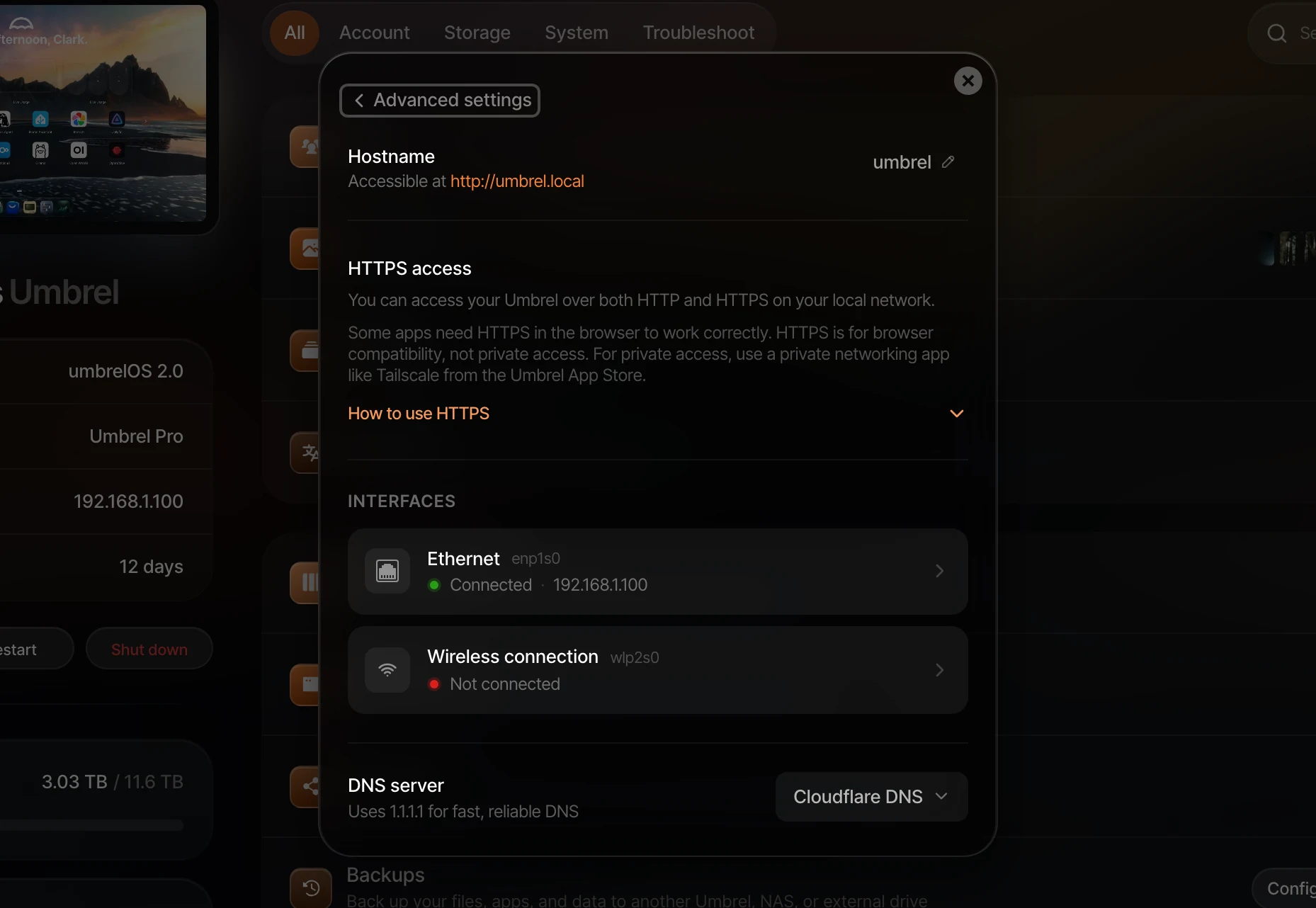
After changing it, use http://your-new-hostname.local to access your Umbrel. The old .local address will stop working, and the new one may take a moment to become available on your network.
IP address changed
Your router assigns your Umbrel an IP address using DHCP, and this address can change, for example after a router reboot or if the DHCP lease expires. This doesn't affect umbrel.local, but if you were using an IP address to access your Umbrel and it stops working, you'll need to find the new one.
If you want your Umbrel to stay on the same IP address, see Keep the same IP address.
Finding your IP address
If umbrel.local isn't working, you can connect using your Umbrel's IP address instead. Here are a few ways to find it:
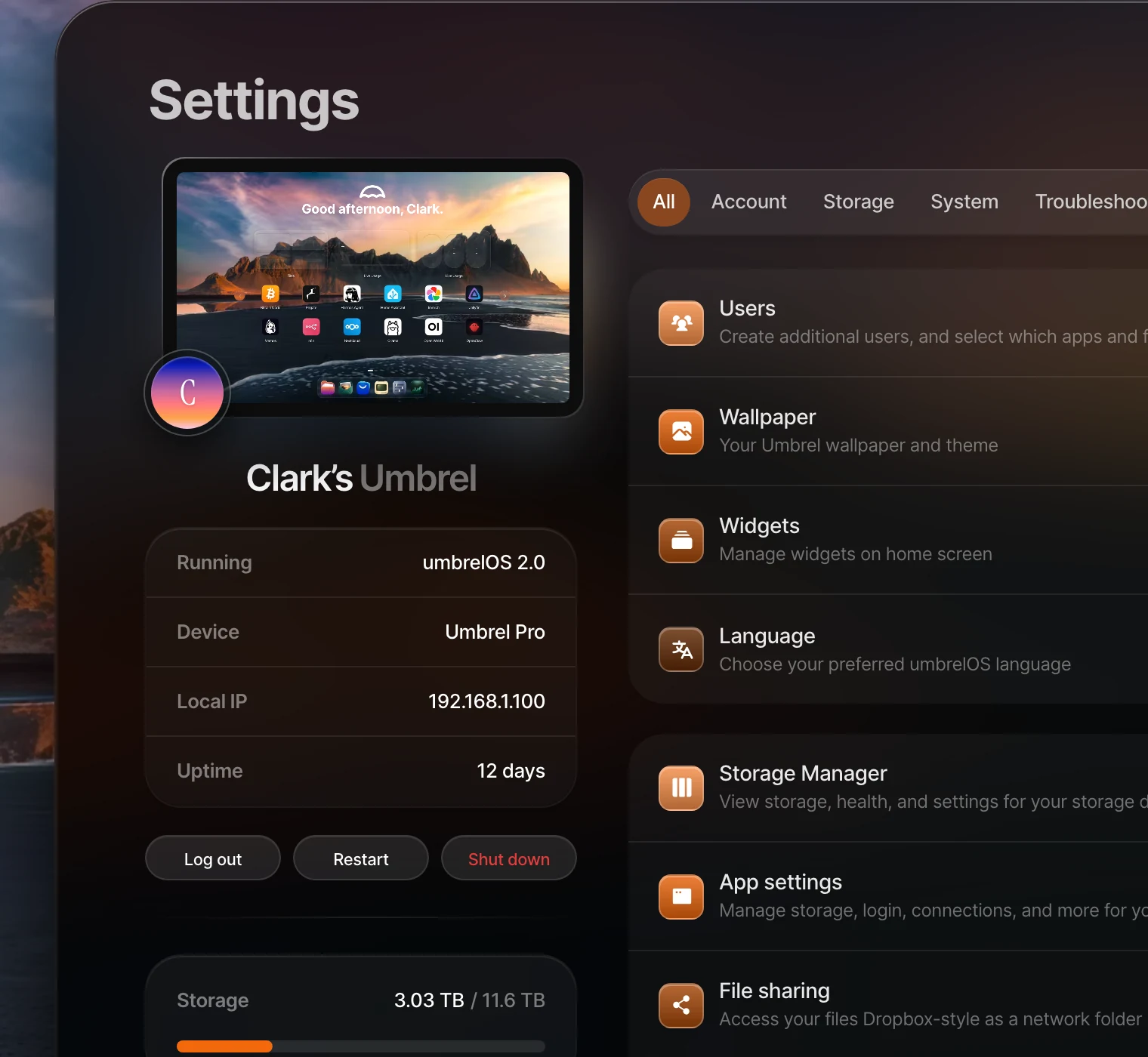
- Check Settings. If you can already access your Umbrel, your local IP address is shown in Settings.
- Check your router's app. If you have a modern router like Eero, Google Wifi, or Orbi, open its companion app and look for a device named "umbrel" in the list of connected devices.
- Use the Fing app. Fing is a free app that scans your network and shows all connected devices. Look for "umbrel" in the list.
- Check your router's admin page. Open
192.168.1.1or192.168.0.1in your browser (check your router's documentation for the exact address), log in, and look for a connected device named "umbrel".
Keep the same IP address
The recommended way to keep your Umbrel on the same IP address is to create a DHCP reservation in your router's settings. This is usually called "DHCP reservation," "address reservation," or sometimes "static IP" in your router's admin page. Router-level reservations are preferred because your router stays in charge of assigning addresses and preventing IP conflicts.
You can also set a static IP for ethernet connections from Settings > Advanced settings > Network. Use this only if you can't configure a DHCP reservation on your router, or if you specifically need the static IP configured on the Umbrel itself. Open Network, select your ethernet interface, change IPv4 from automatic to static, enter the IP address, subnet, gateway, and DNS servers, then click Apply.
umbrelOS will open a new tab at the new IP address to confirm the device is still reachable. If it cannot be confirmed, umbrelOS restores the previous settings automatically within 30 seconds.
Static IP configuration is only supported for ethernet interfaces. For Wi-Fi, set a DHCP reservation in your router instead.
DNS server settings
By default, umbrelOS uses Cloudflare DNS (1.1.1.1) for reliable and fast domain name resolution. This means your Umbrel resolves domain names through Cloudflare rather than your router's DNS.
You can change this in Settings > Advanced settings > Network. Under DNS server, choose Cloudflare DNS or Router default. Use Router default if Cloudflare is blocked on your network or if you want your router to handle DNS.
If you configure a static IP on an ethernet interface, you can enter DNS servers for that interface. Cloudflare DNS takes priority while it is selected, so switch DNS server to Router default if you want to use those DNS settings instead.
Apps can't connect to the internet
If your apps are having trouble reaching the internet:
- Check your Umbrel's internet connection. Make sure the ethernet cable is plugged in and your router has internet access.
- Try changing DNS server settings in Settings > Advanced settings > Network. If Cloudflare is blocked on your network, switch from Cloudflare DNS to Router default.
- Restart your Umbrel from Settings > Restart.