


 umbrelOS


 Browse the Umbrel App Store
Your NAS, in Files
Mount shared folders from a NAS or another Umbrel and open them right in Files.
10% off Umbrel Home & Pro until Dec 110% off Umbrel Home and Umbrel Pro until Dec 1.
umbrelOS 2.1NEW
Run your own cloud for photos, files, streaming, AI agents, a Bitcoin node, and 300+ more apps. Install it free on your own hardware, or get it ready to go on an Umbrel.


Photos knows who’s who, and keeps it to itself.umbrelOS 2.1


Search for a memory the way you remember it.umbrelOS 2.1


Your photos, right where you took them.umbrelOS 2.1


Every word in your recordings, written down and searchable.umbrelOS 2.1


Open, edit and sign documents, right in Files.umbrelOS 2.1


Choose how many hard drives can fail. FailSafe does the rest.umbrelOS 2.1


Everyone at home gets an Umbrel of their own.umbrelOS 2.0
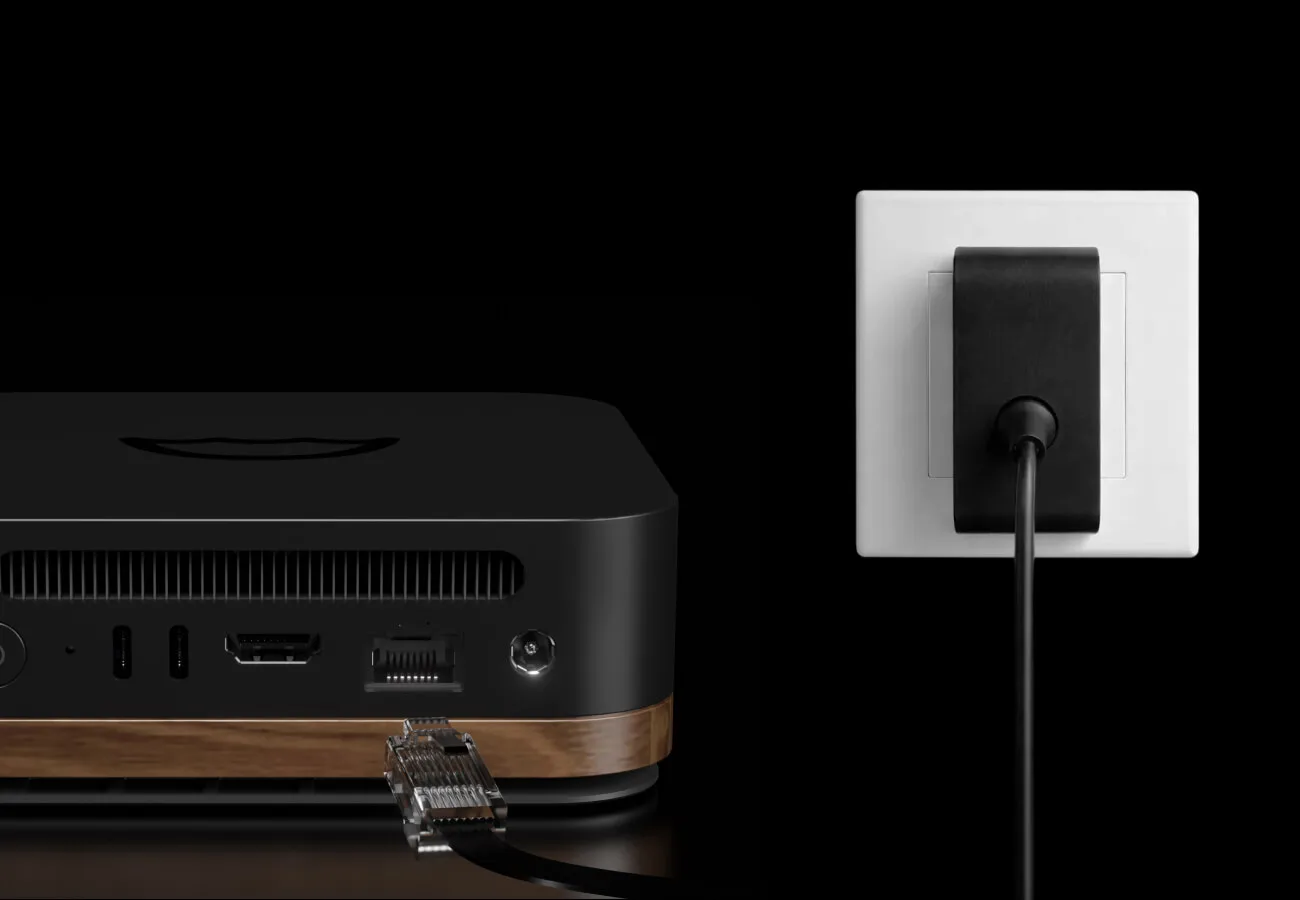
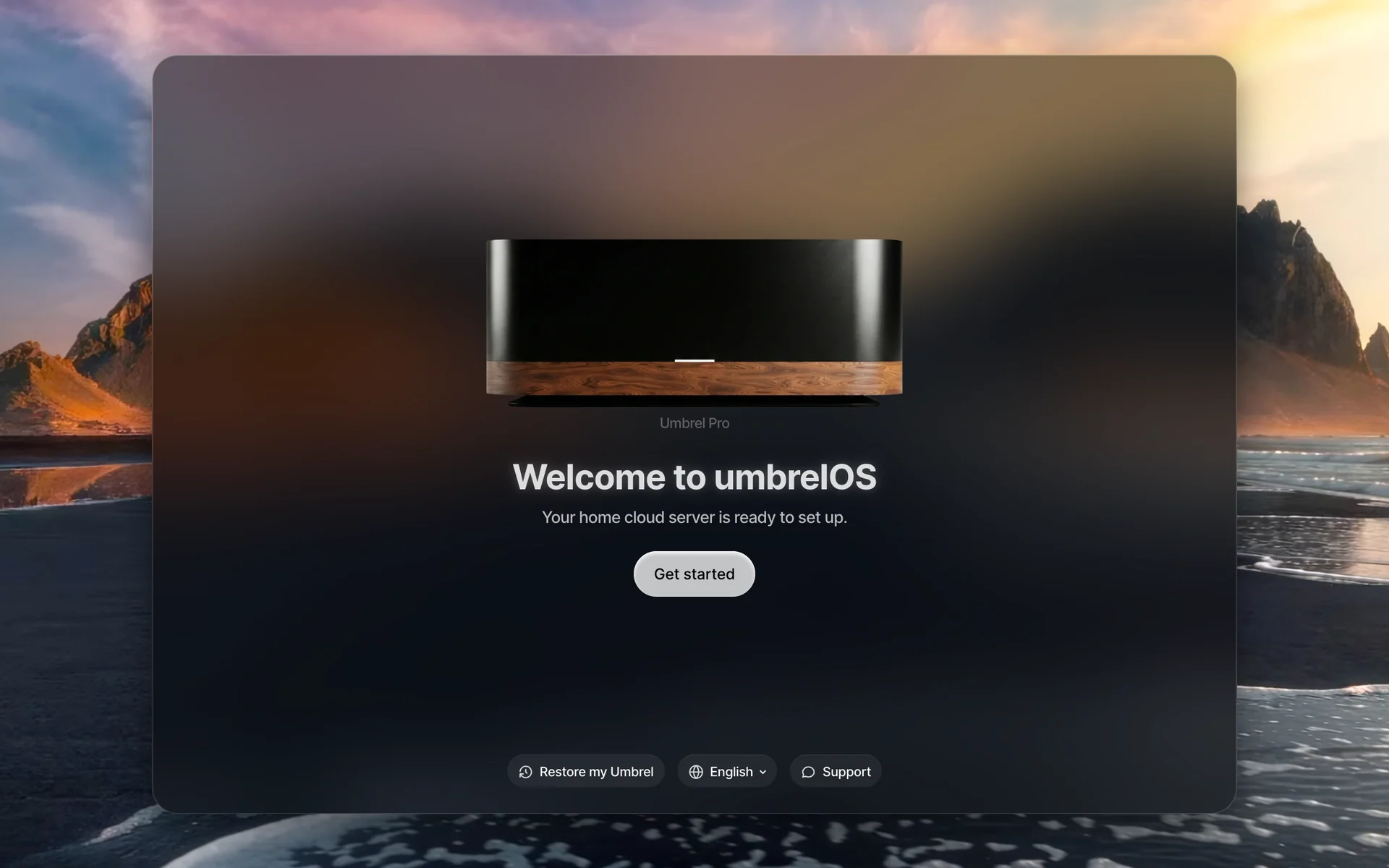
Power and an Ethernet cable to your router. No screen, no keyboard.
Type it into any browser on your network. umbrelOS is already waiting for you.
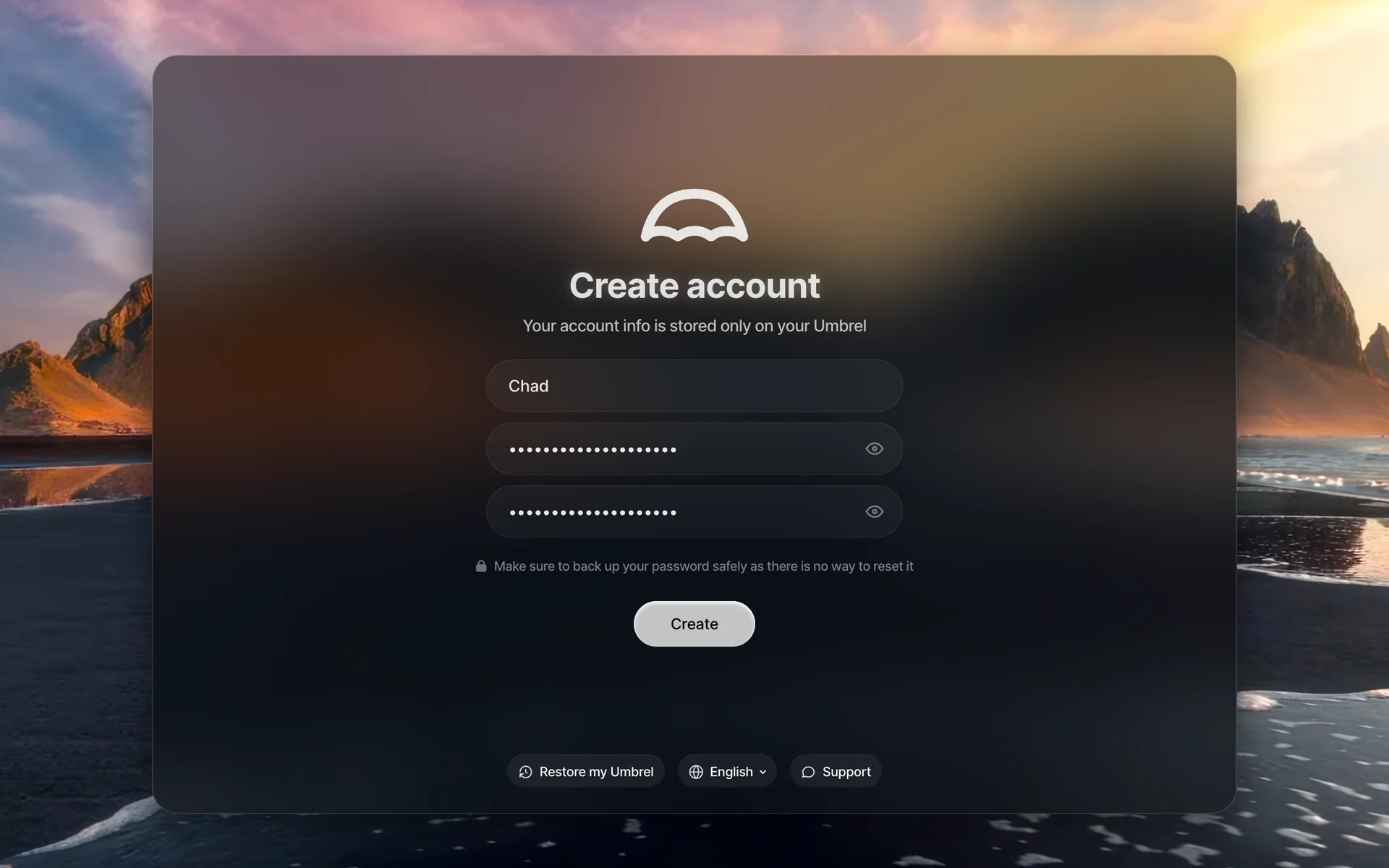
A name and a password. They are stored on your Umbrel and nowhere else.
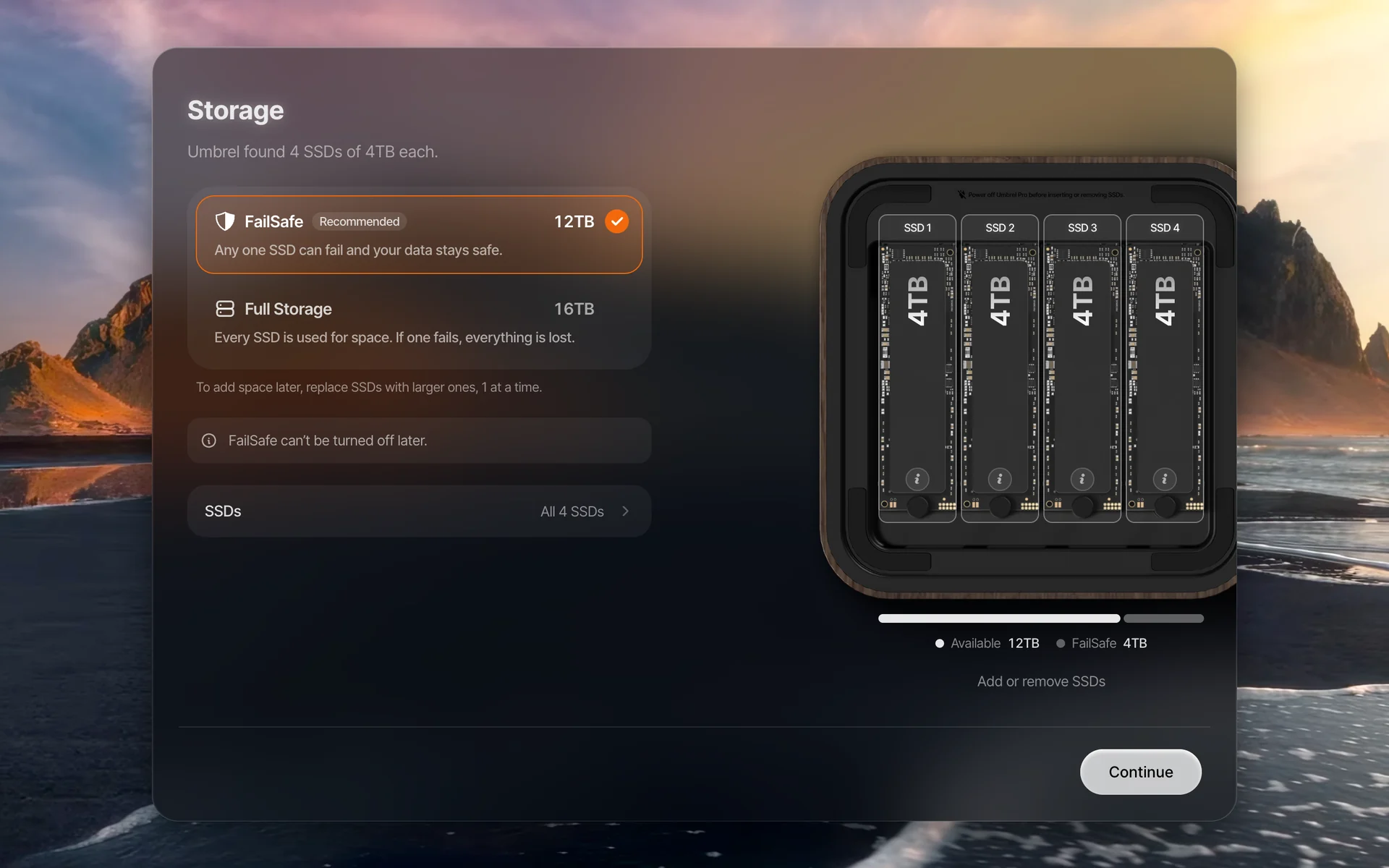
umbrelOS finds your drives. Turn on FailSafe and one of them can fail without you losing a thing.
Your home cloud is ready in any browser, in the Umbrel app on your phone, and in Finder or File Explorer.
Using your own hardware? Install umbrelOS first, then pick up at step 2.
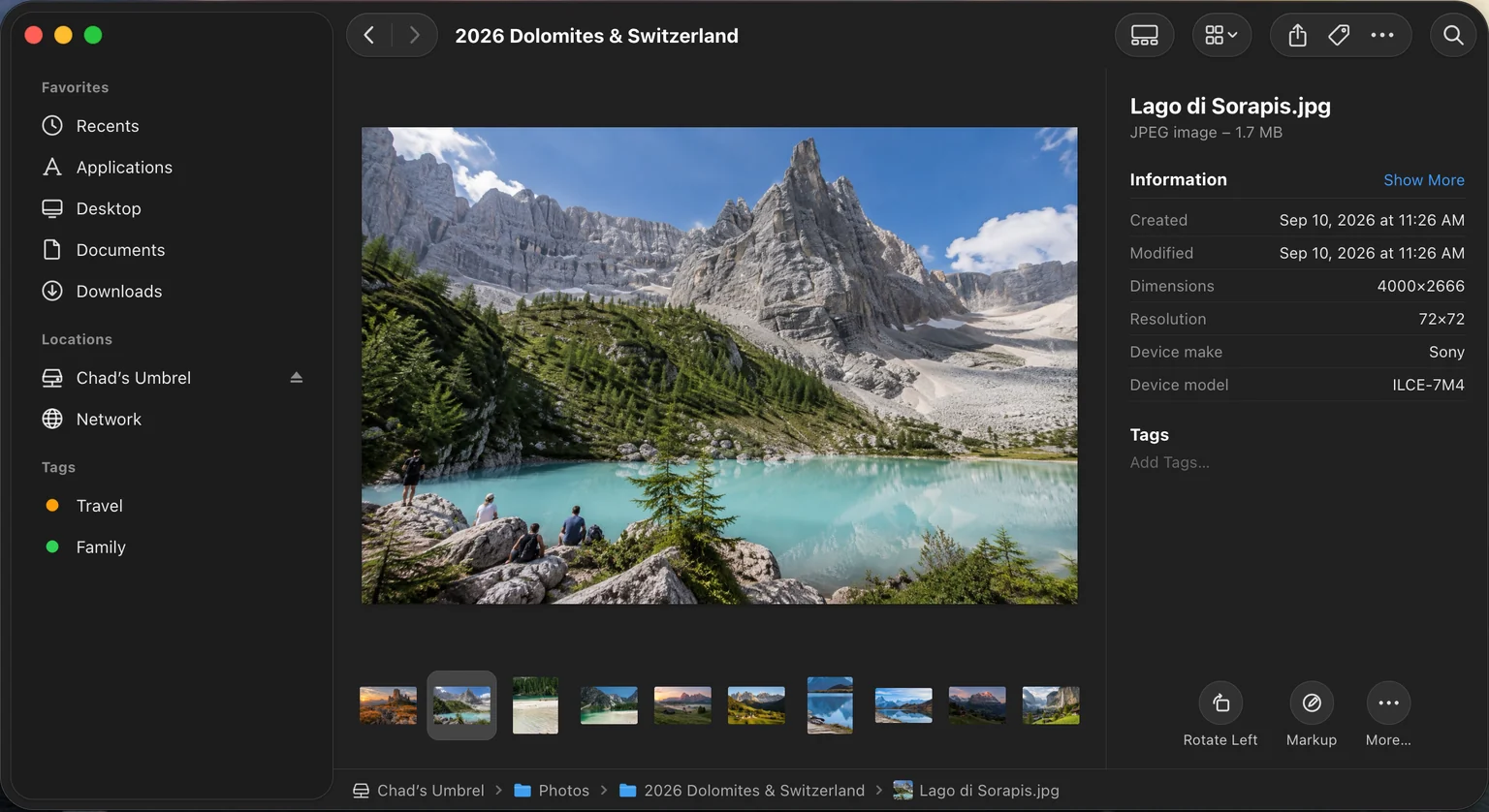
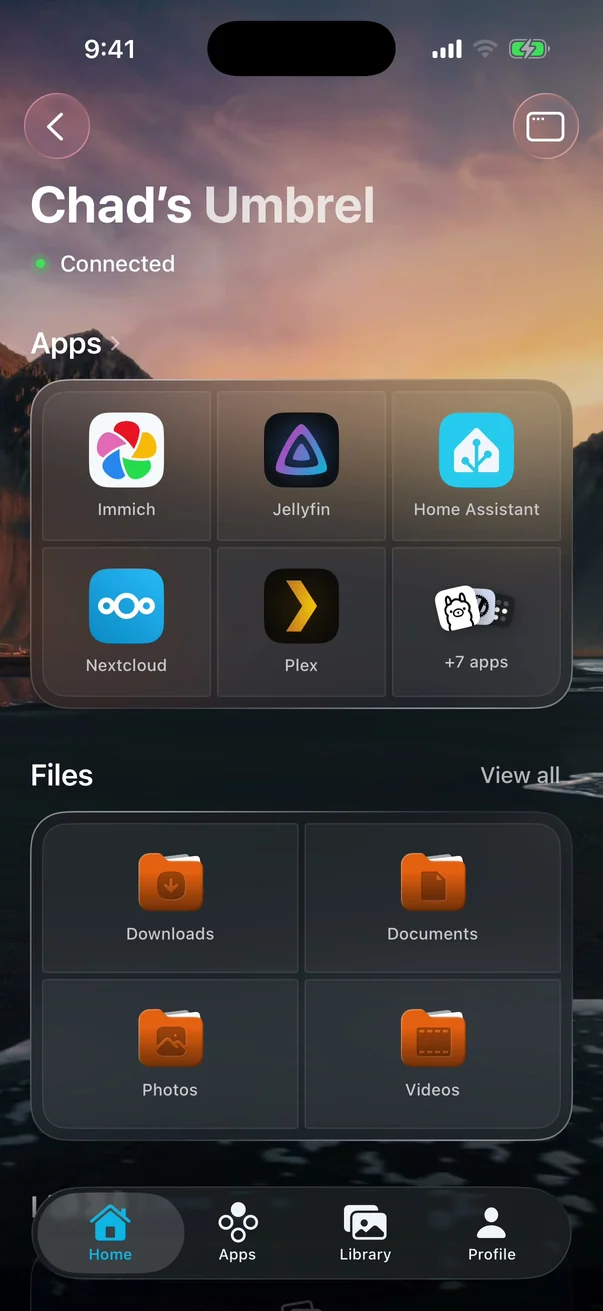


A home for everything. Photos, documents and projects live on hardware you own, in folders you can open from anywhere. Press space on a photo, a video, a PDF or a spreadsheet to see it right away.


Right in Finder and File Explorer. Share any folder over your network and your Umbrel shows up like any other drive on your Mac or PC. Open, edit and save files right where they are.


Open, edit and sign. Fix a line in a Word document and save it straight back, or draw your signature on a PDF and set it on the line, all right in Files.


Every word, as it’s said. Play a voice memo and its transcript follows along, written on your Umbrel.


Back up your phone. Open the Umbrel app once, and every photo and video you take finds its way home, even when the app is closed.


Everyone, recognized. Photos finds the people in your pictures and videos and gives each of them a page of their own, all on your Umbrel.


Albums for the moments that matter. Gather a trip or a year in one place, or start a new album from any photos you pick. Live Photos, panoramas and screenshots get collections of their own.


Every place you’ve been. Spin a globe with your photos pinned where you took them, and fly from a continent down to a single city.


Who, when and where. Type “ava birthday” and Search knows Ava is a person, then shows her party, the video first.


A person. A place. A year. “sunset in iceland”, “ava 2025”, “dad in thailand”. Search the way memories come back to you.


The words in your photos. Search “wifi password” and up comes the card on the fridge, with the words lit up right on the picture.


What was said. A line from a voice memo finds it, and it plays from that very sentence.


The moment it was said. Search for a line from a toast and the video opens right there, with captions written on your Umbrel.


A document, by what it says. Search “boiler warranty” on your phone and find the certificate that says it, even though its name doesn’t.
Run AI on your own hardware, and give agents a safe way into your apps and files.


Run AI models at home. Install Ollama in one click. It asks for your graphics card first, then runs models right on your Umbrel.


A home for your AI agents. Install OpenClaw, Hermes Agent or Murmur in a click. Your agents work together on your Umbrel, and even browse the web for you.


Agents that can use your Umbrel. Ask your agent to set up Jellyfin with a Movies folder. It installs the app, makes the folder and checks your storage, each step a card.


Connect any agent. Pick Claude Code, Codex, OpenClaw or another agent, choose what it may use, and umbrelOS shows the moment it connects.


FailSafe on SSDs. One SSD’s worth of space keeps everything safe if any one fails. Add more SSDs later, one at a time.


FailSafe on hard drives. Choose how much can fail: any one drive, any two, or one in each pair, and see the space each choice leaves you.


Replace a drive, keep your data. When a drive fails, slide in a new one and press Replace. Protection is restored while you keep using your Umbrel.


Back up anywhere. Every hour, encrypted, to a USB drive, a NAS or another Umbrel.


Rewind. Scroll back through your backups and see any folder as it was on that day. Bring back one file or a whole folder without restoring everything.


Full restore. New machine, same Umbrel. Restore from a backup during setup, and your apps, files and settings come back in minutes.
Umbrel App Store
Photos, passwords, movies, money, AI. If you rent it as a subscription today, there's probably an app here that ends that.
Files
Files, photos, calendars, and shared folders on a cloud that lives with you.
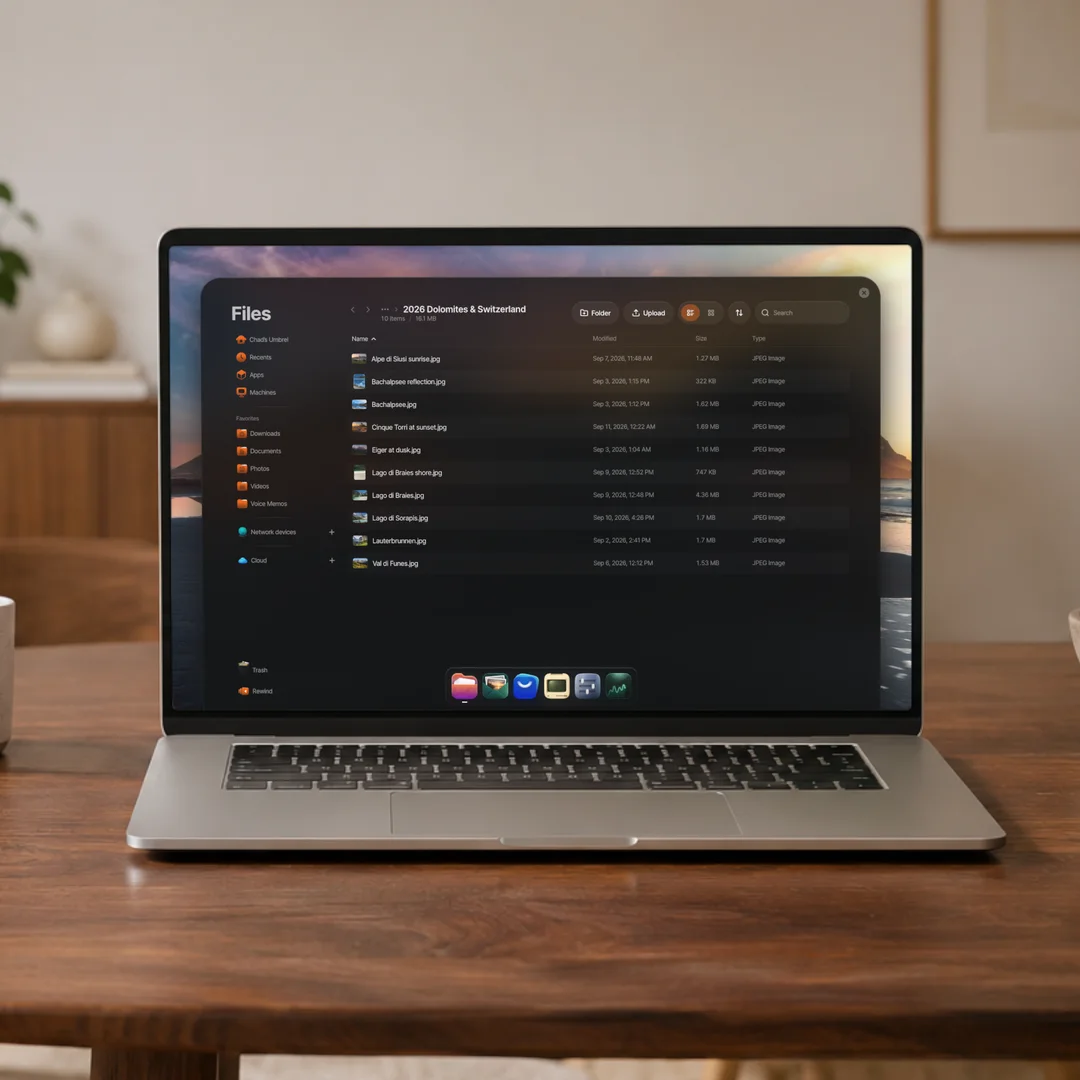
Local AI
Run models, agents, and AI tools right next to your files. Nothing gets sent away.
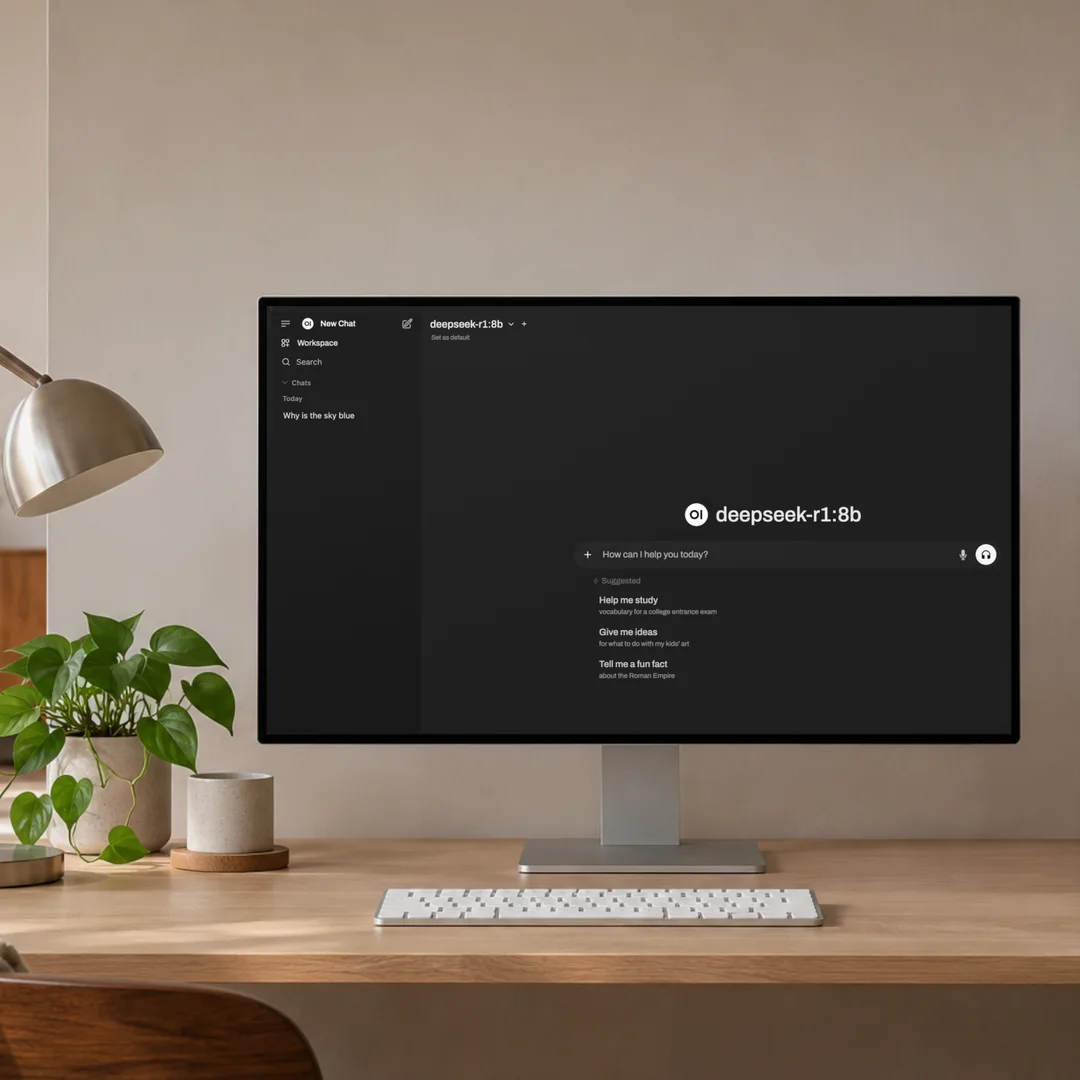
Bitcoin
Run your node, inspect blocks, connect wallets, and verify everything yourself.
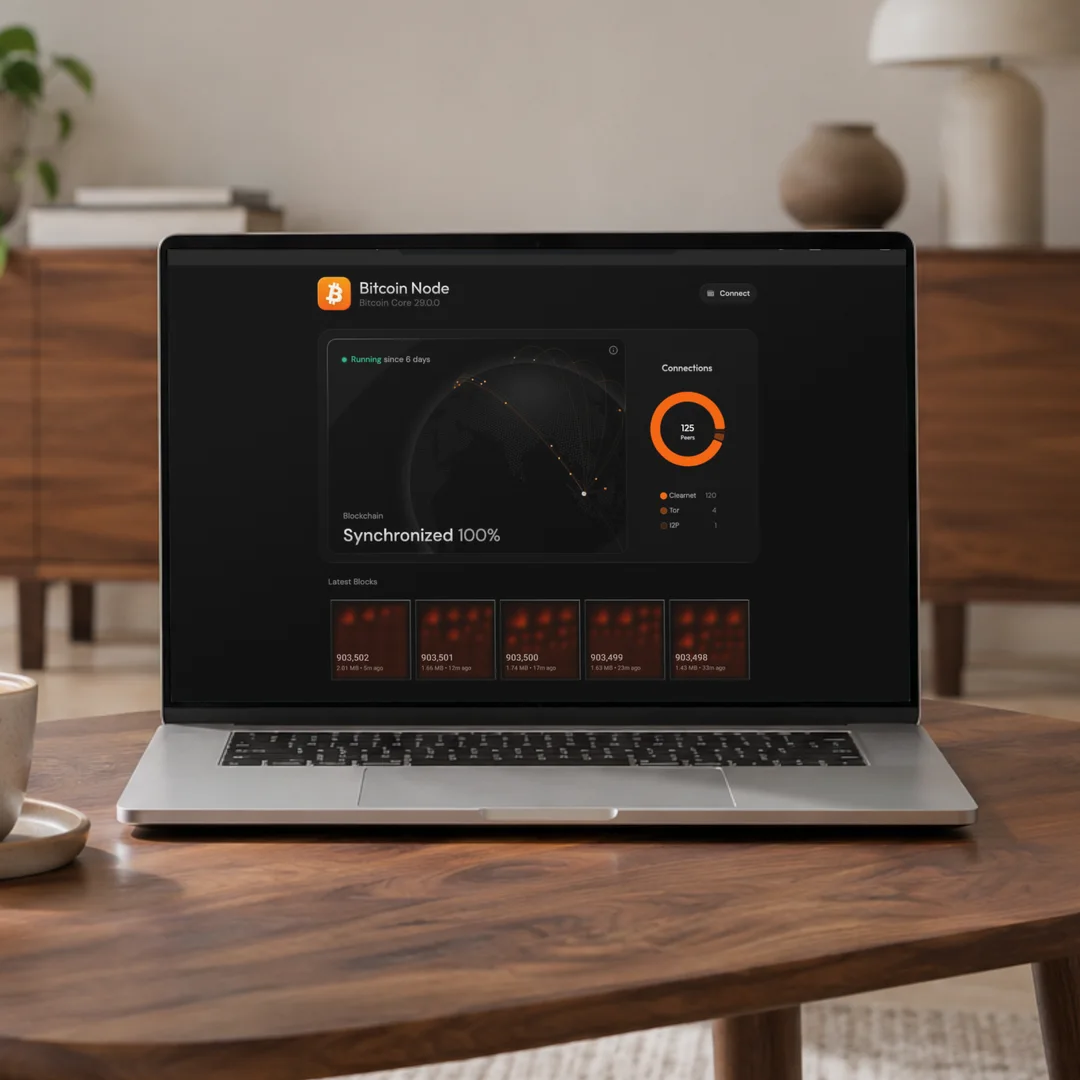
Media
Movies, shows, music, and audiobooks, streamed from your own server, forever.
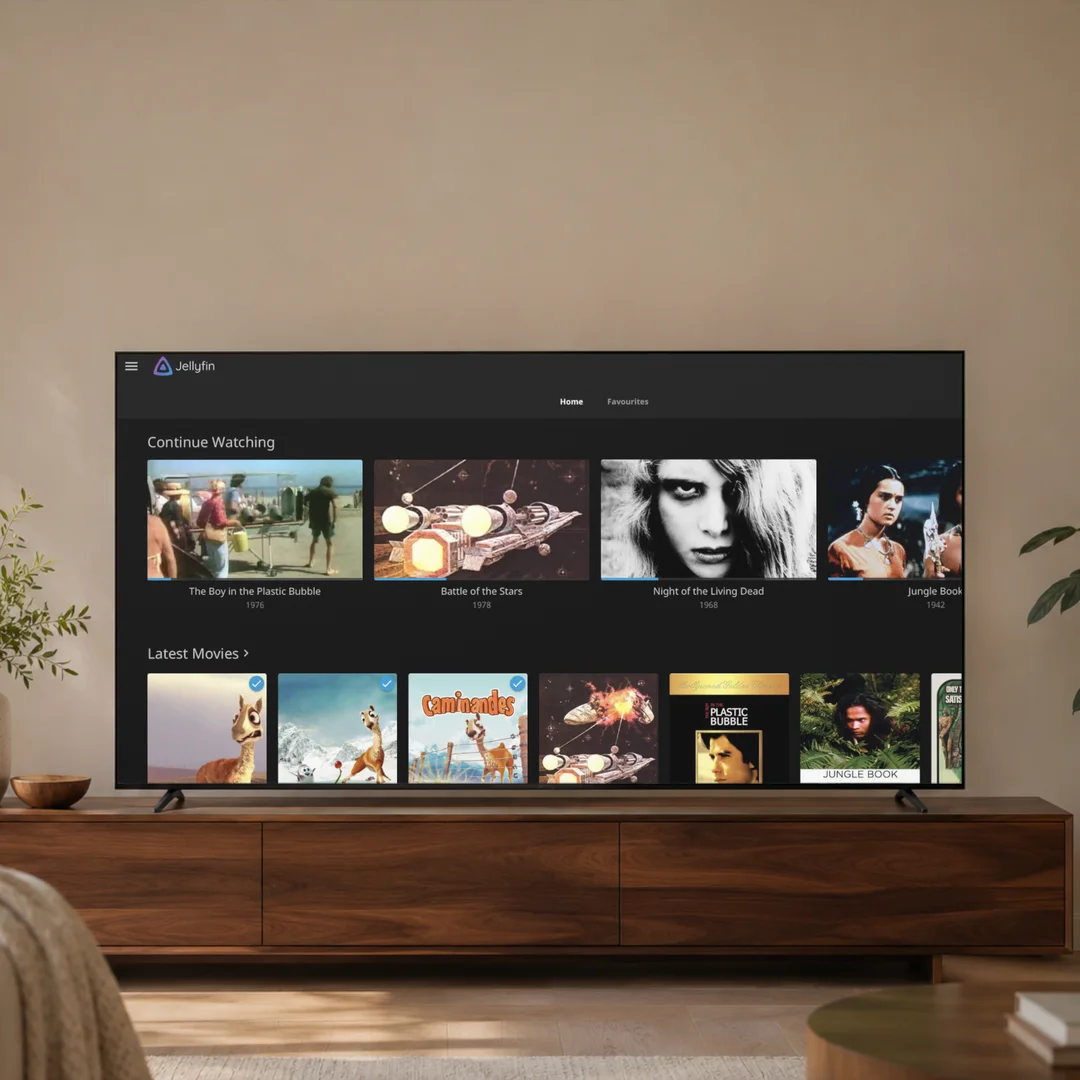
Network
Block ads on every device. Yes, the entire network, not just your browser.
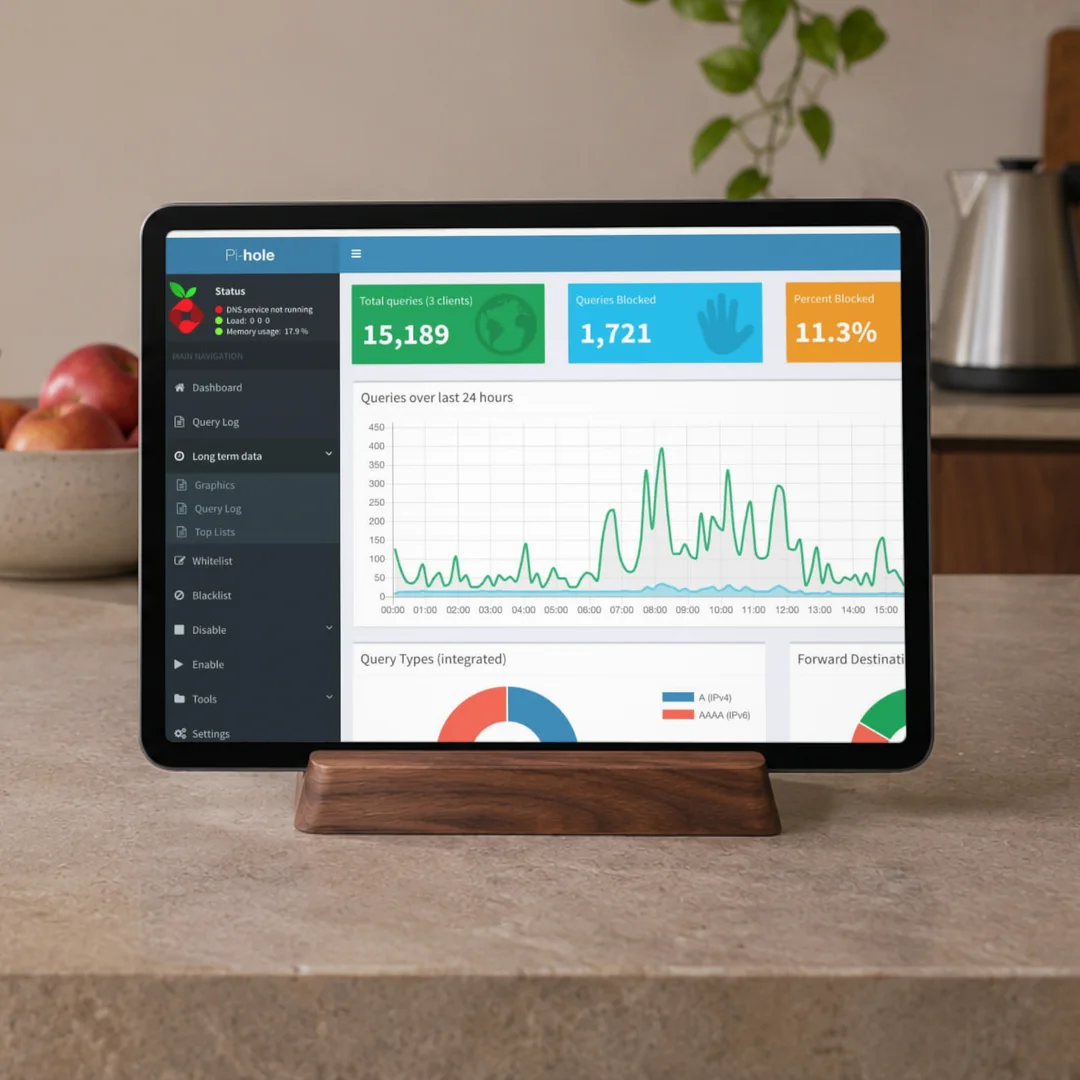
Automation
Local automations and smart-home control, no distant server required.
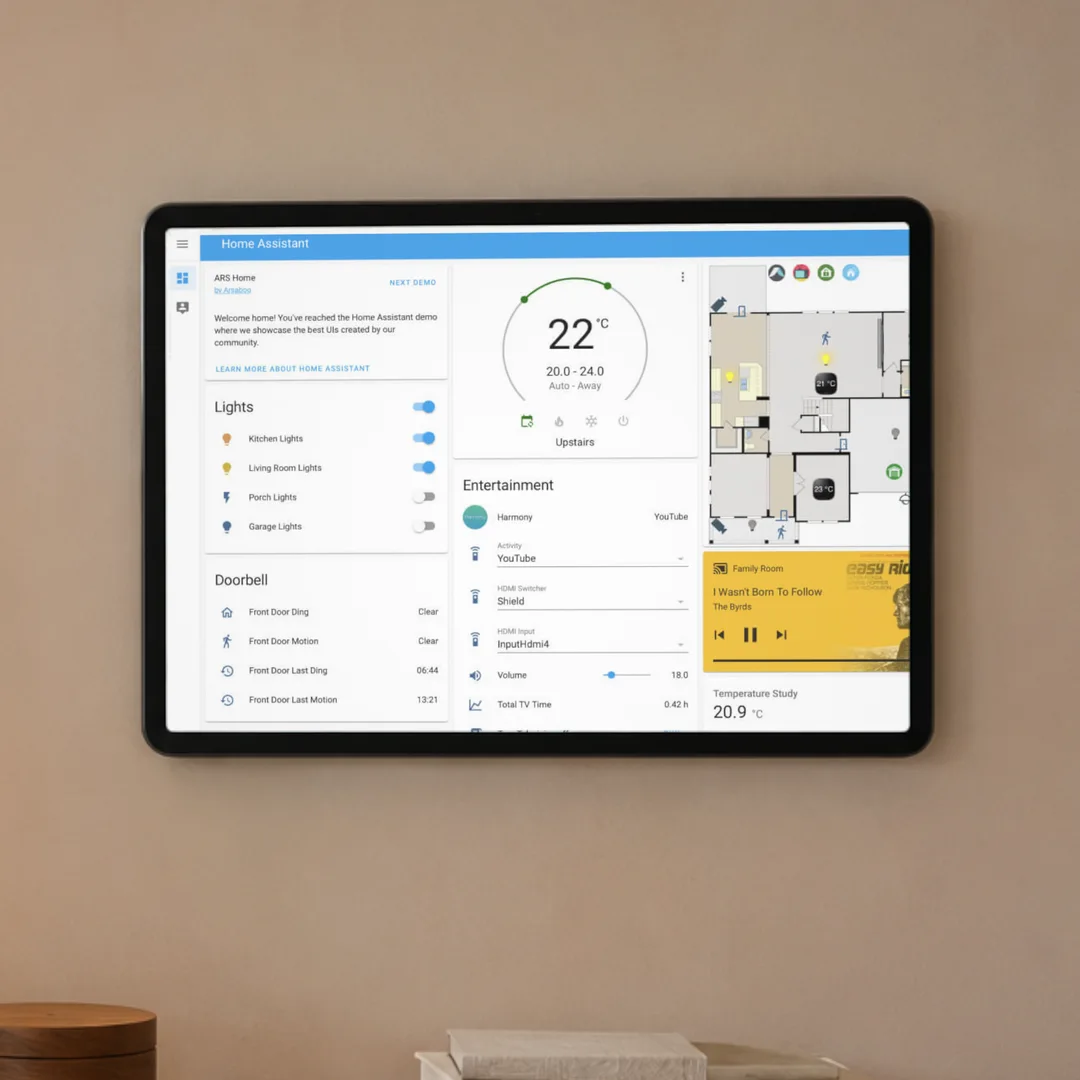
Mount shared folders from a NAS or another Umbrel and open them right in Files.
Your Mac backs up to your Umbrel over your home network.
See the CPU, memory, storage and GPU each app is using, as it happens.
Run Windows, Linux and Android in a browser tab, installed in one click.
Add a second step at sign-in, and see every device that’s signed in.
Everyone in your home can use umbrelOS in their own language.
The details you notice on day one, and still enjoy on day one hundred.
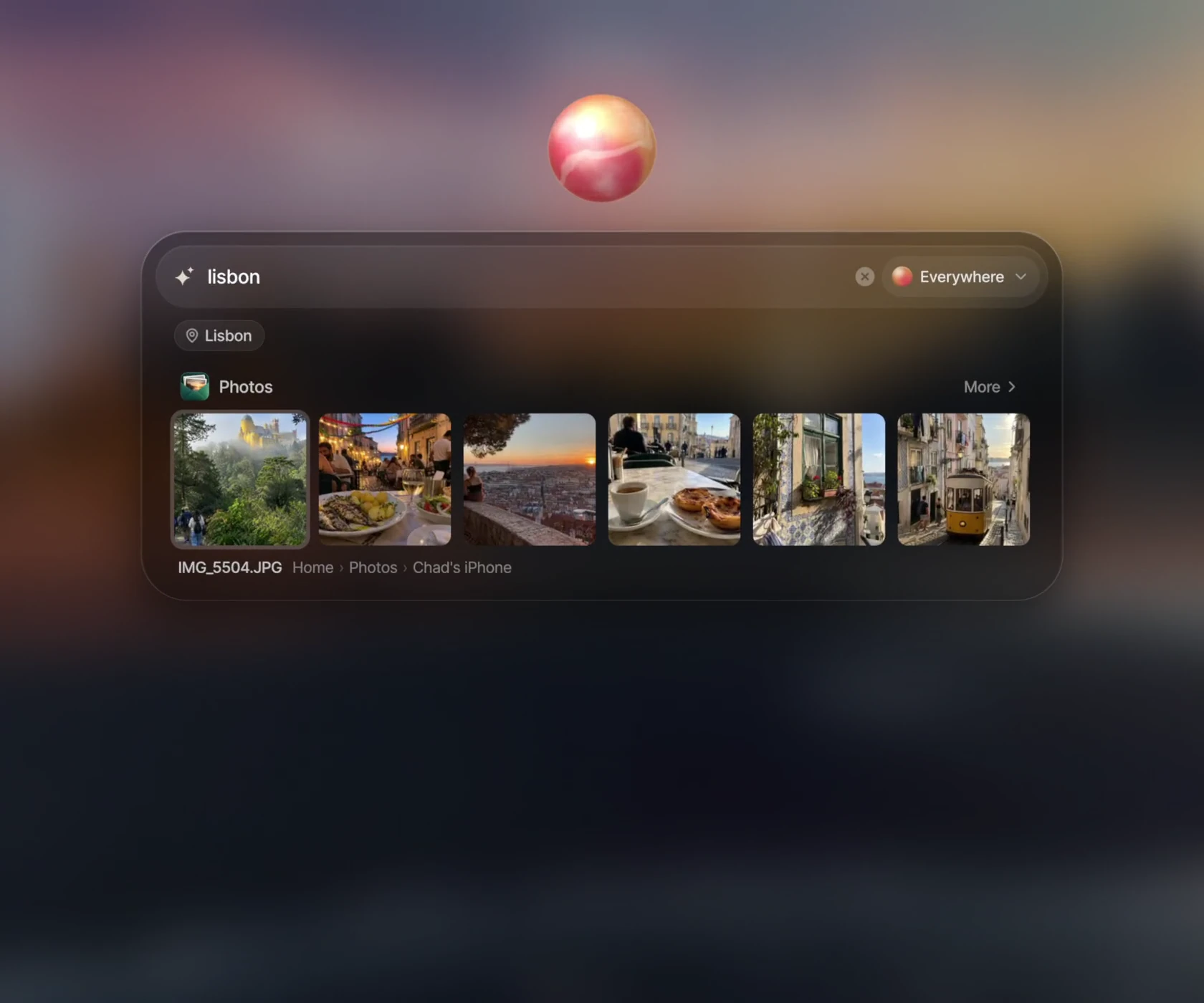
Find anything. Press ⌘K or Ctrl+K from anywhere and start typing.
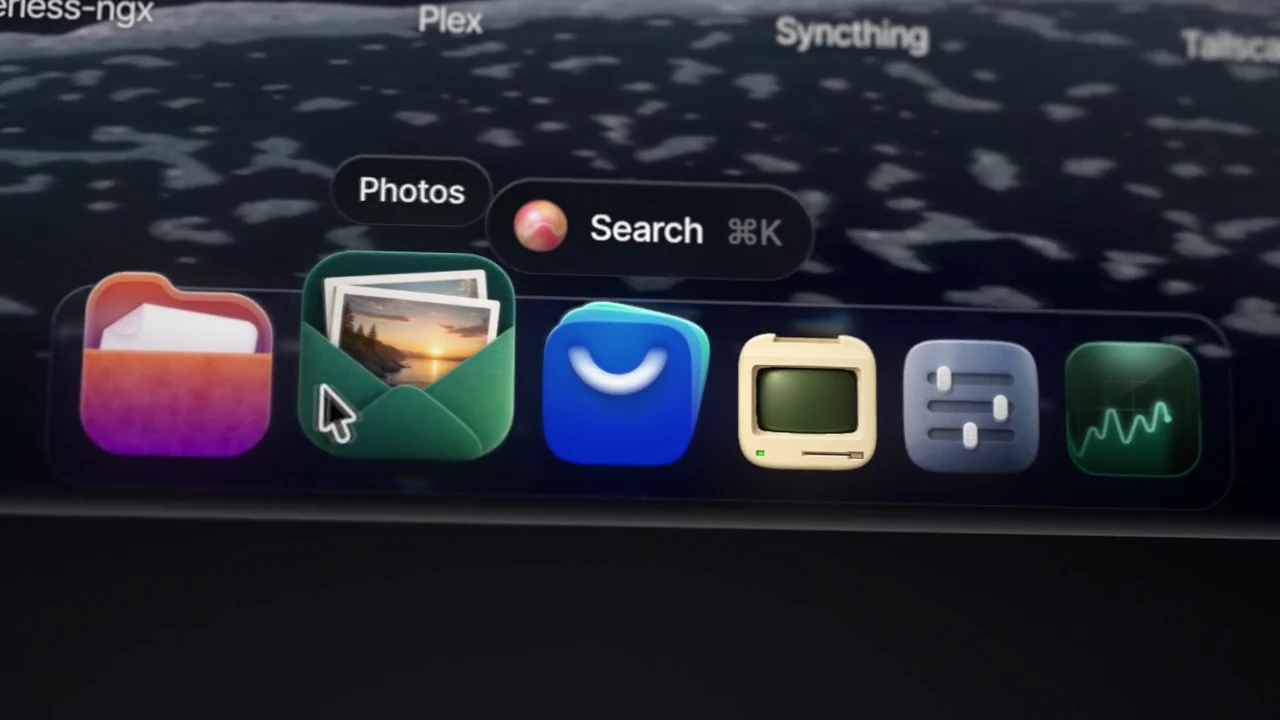
A dock that leans in. Icons swell as your pointer glides past.
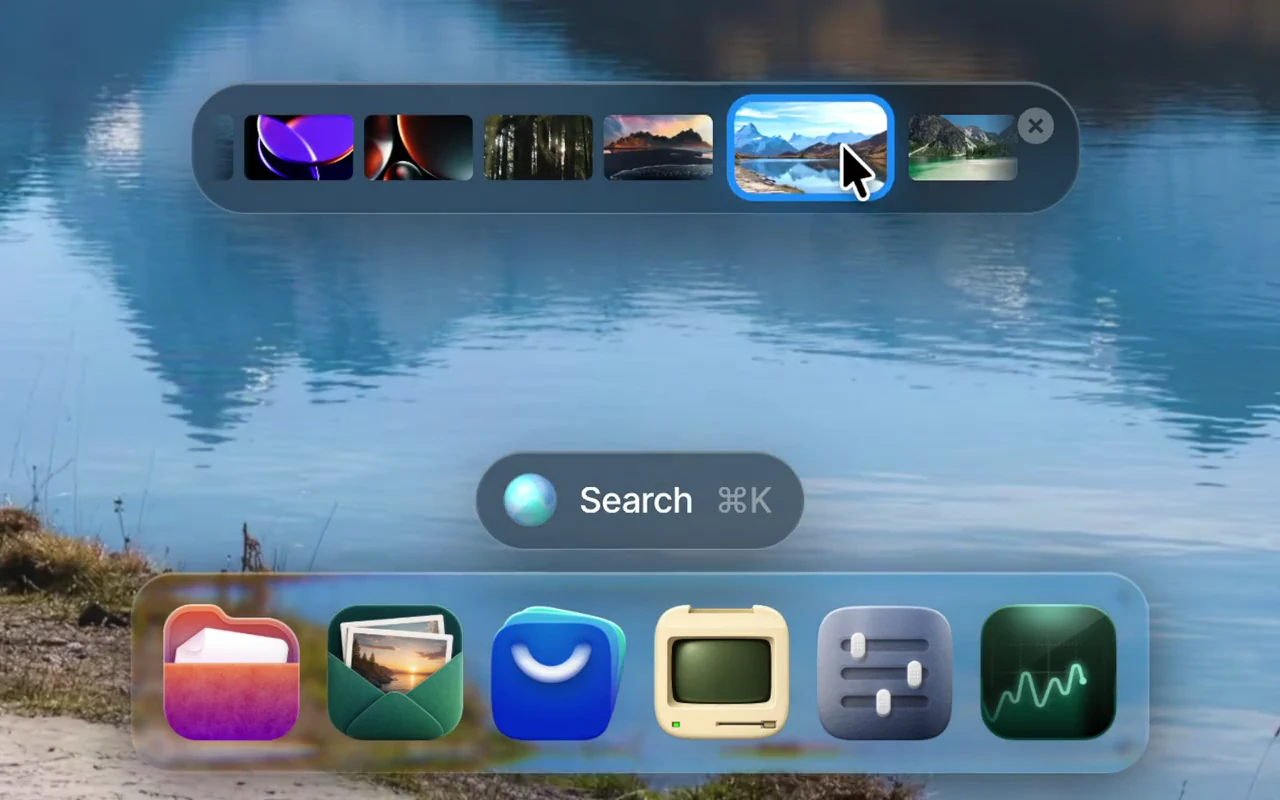
Pick a wallpaper. Icons, switches and accents take on its colors.
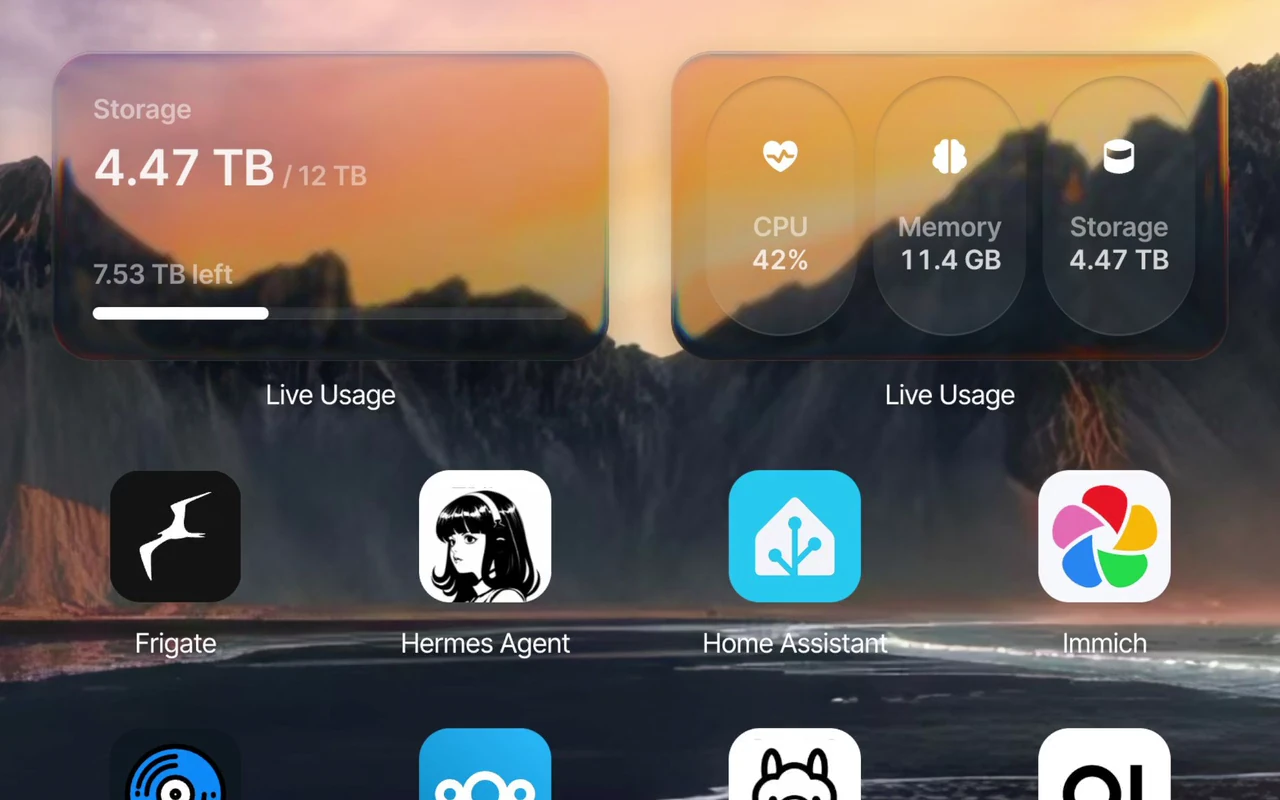
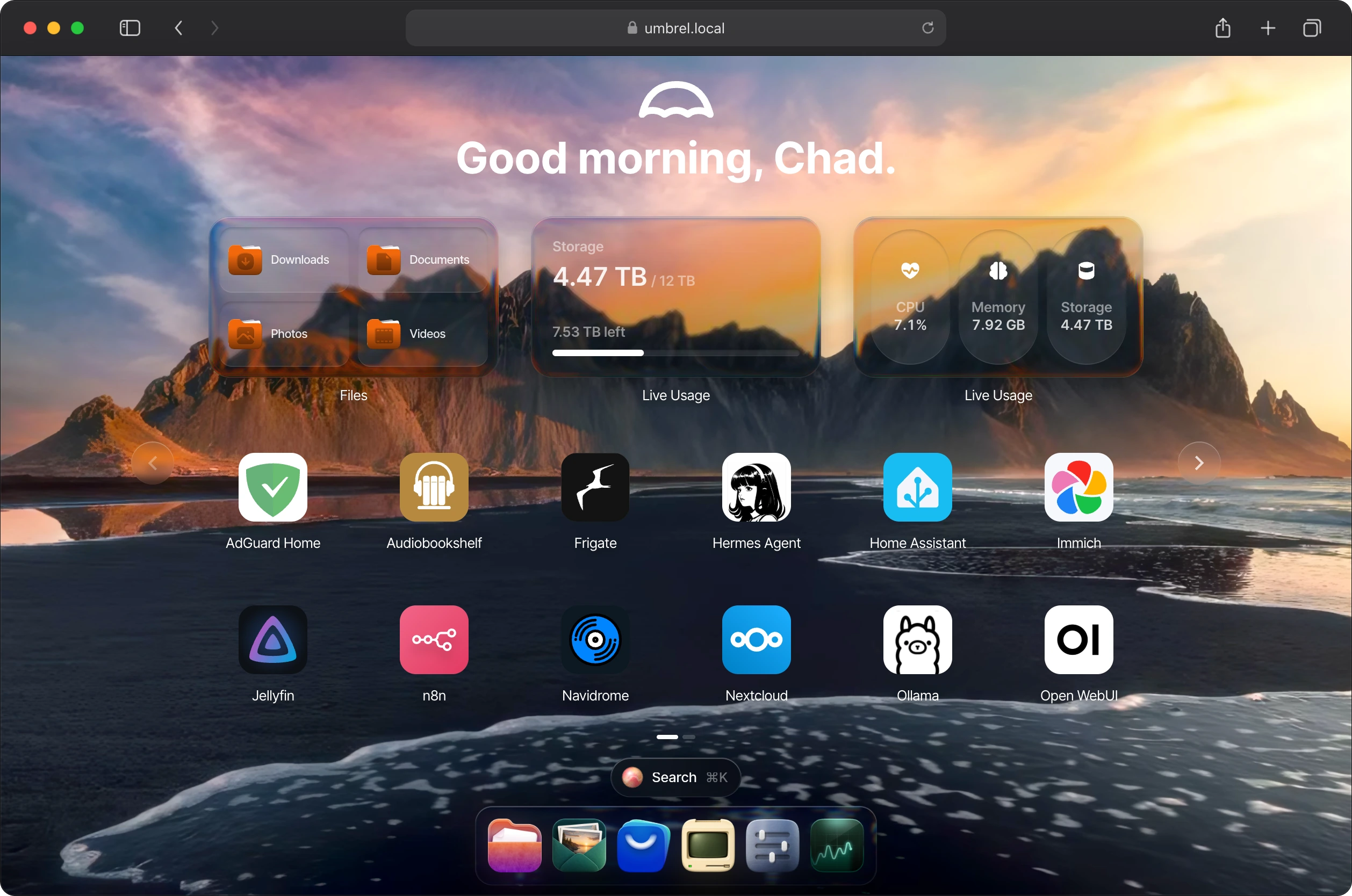
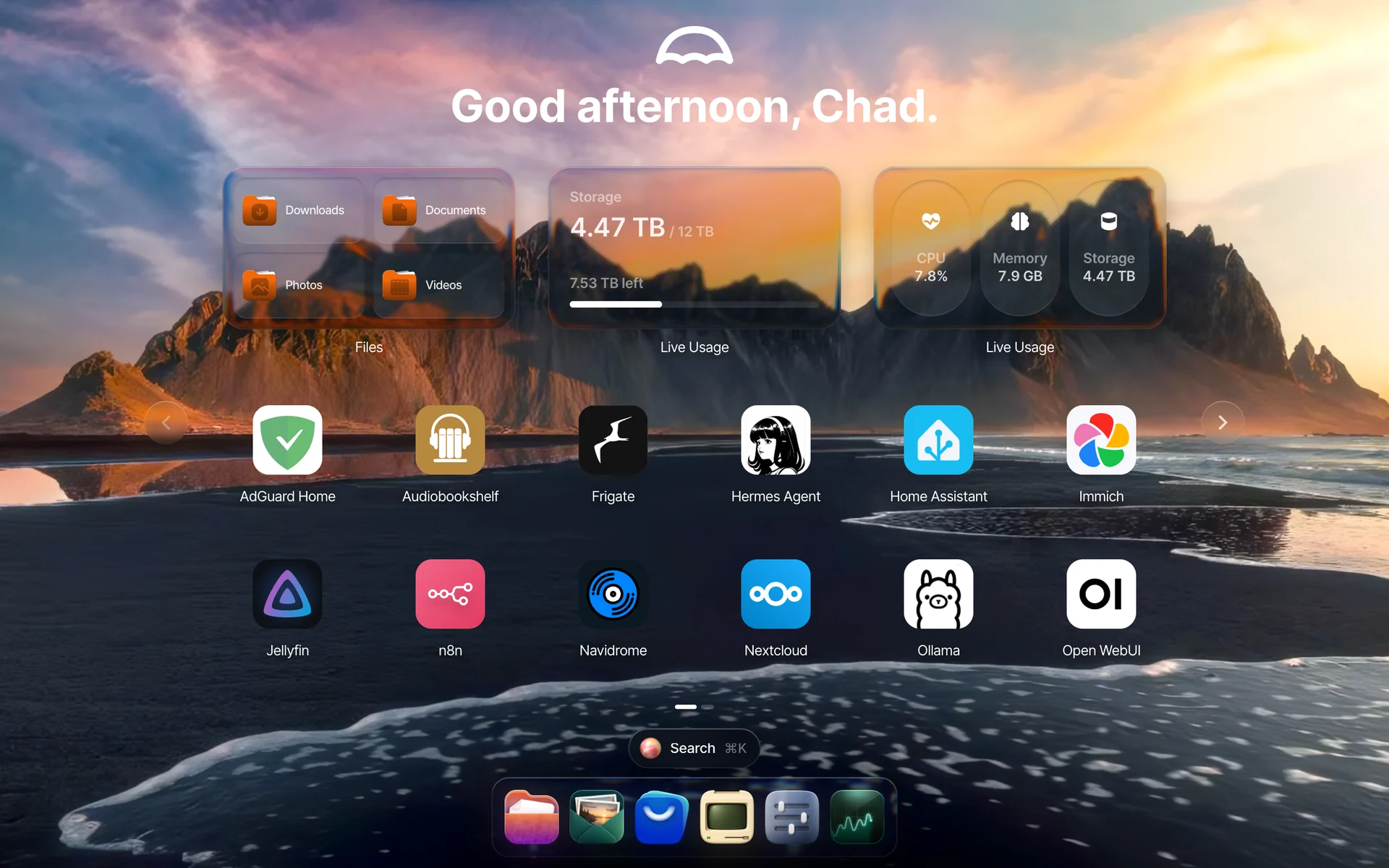
Your home screen, at a glance. Widgets keep storage, CPU and memory in view before you open a thing.
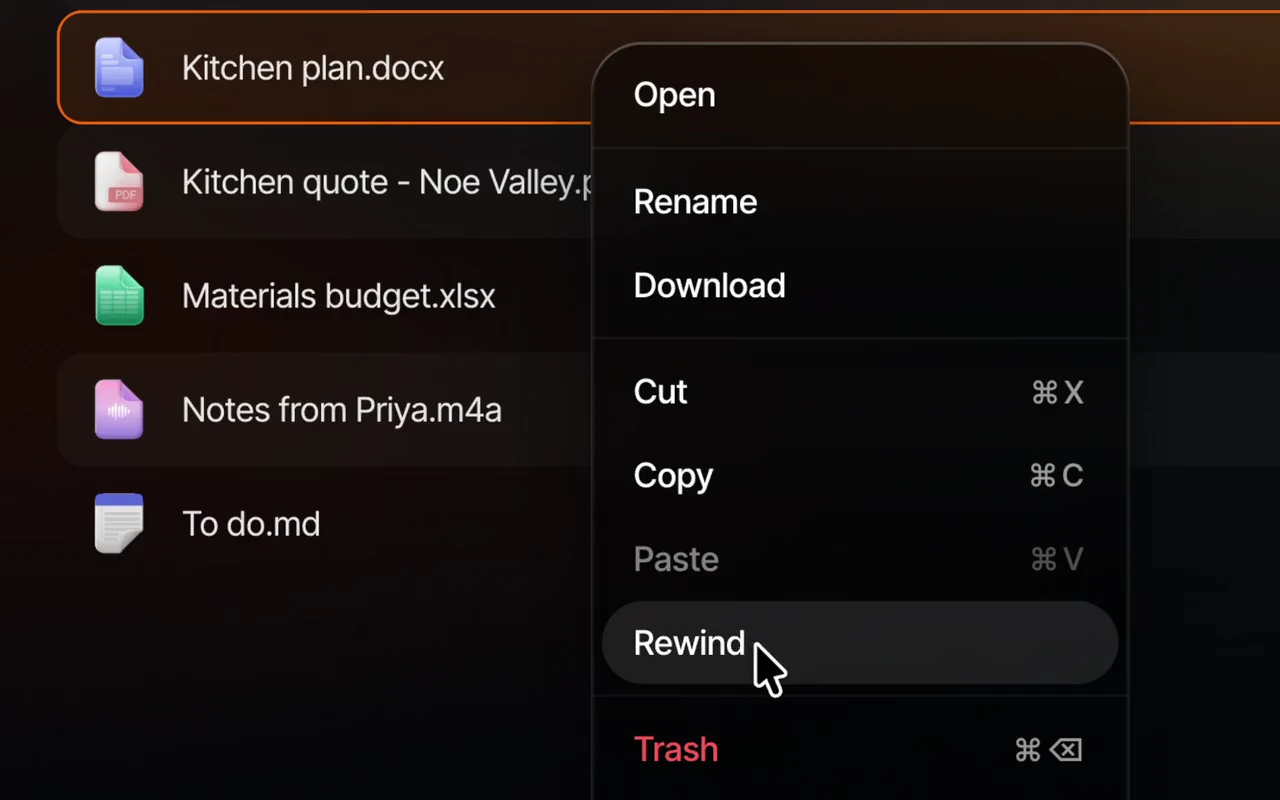
Right-click, like you’d expect. Rename, download, copy or rewind, right where you are.
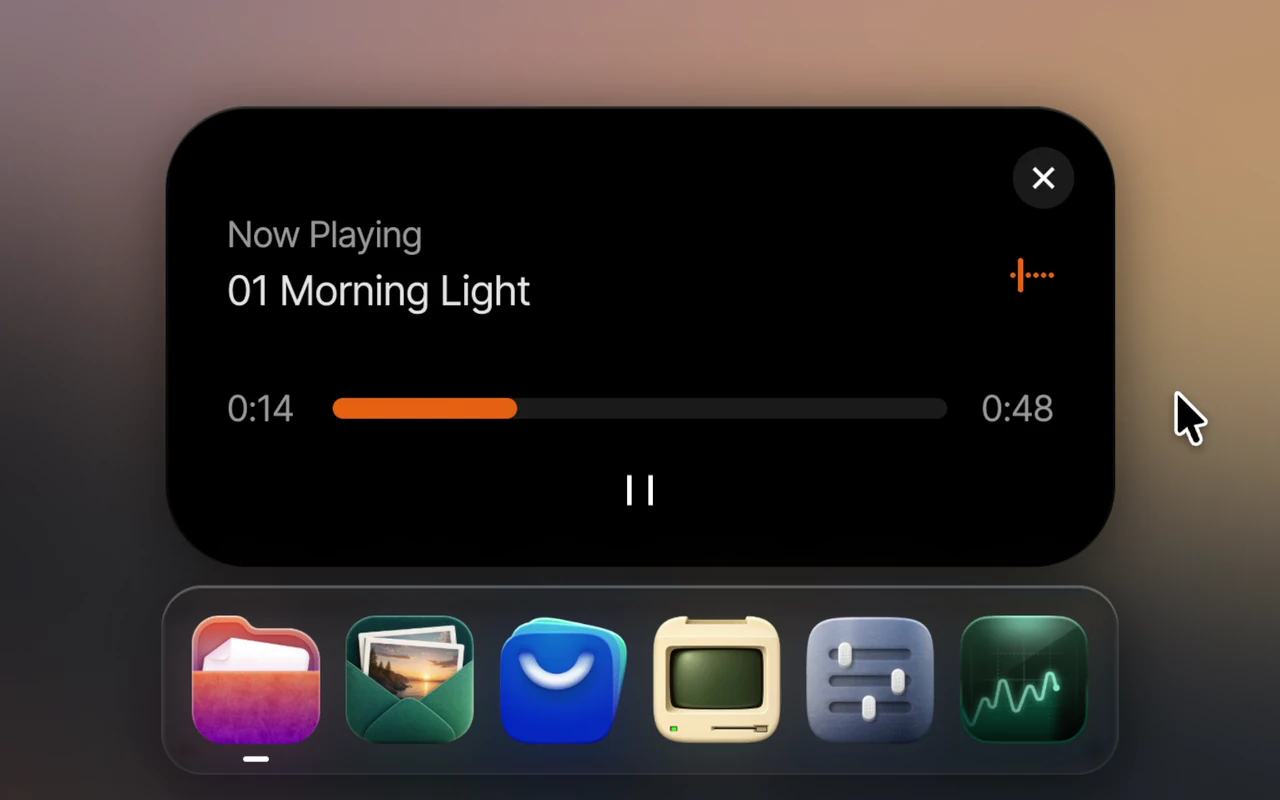
Music, right in Files. Press play and Now Playing keeps it going while you work.
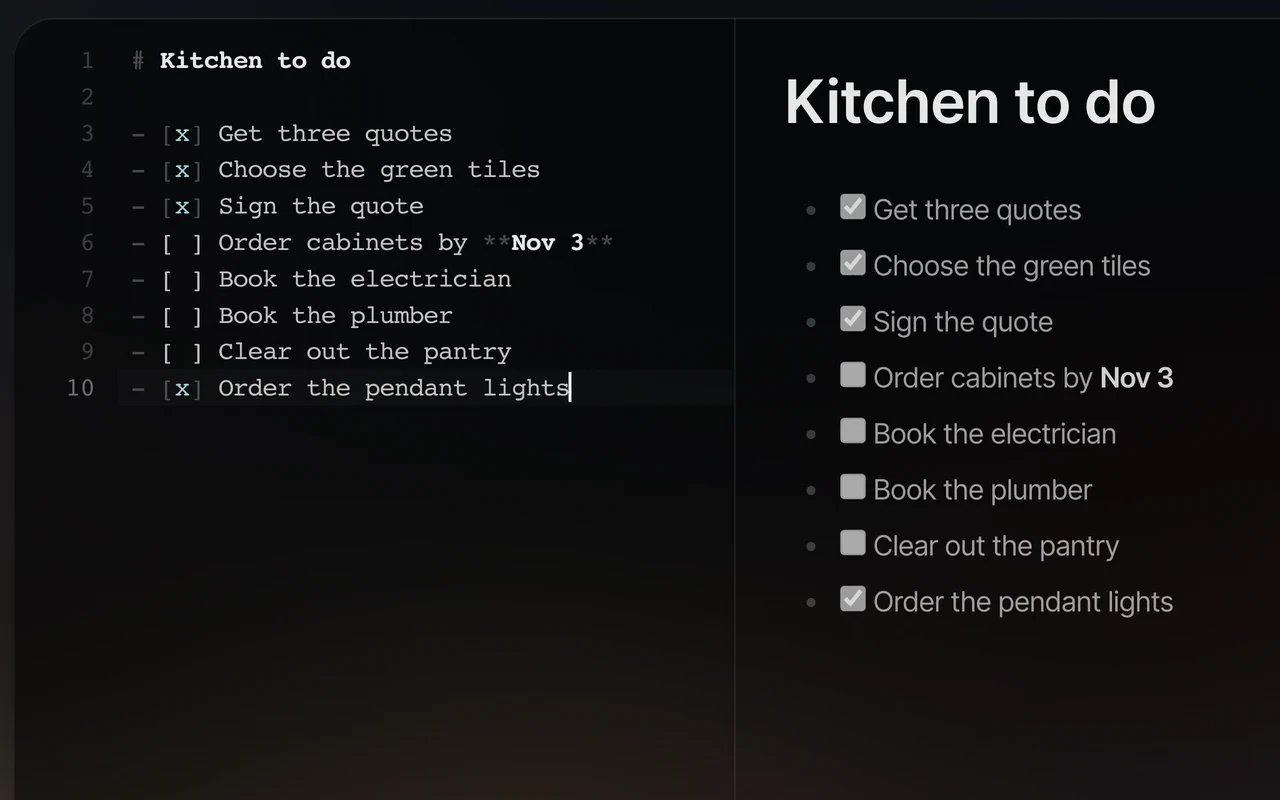
Write it down. Notes in Markdown, previewed as you type.
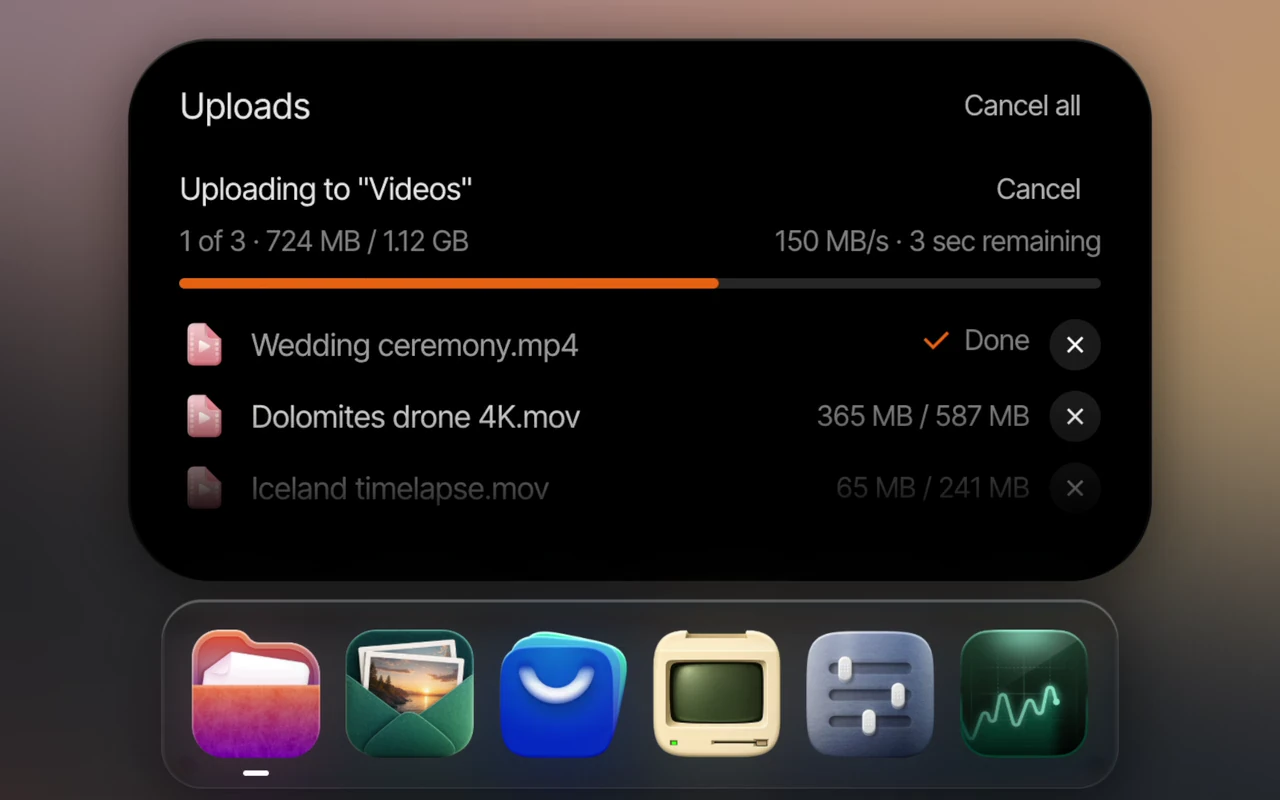
Drop it in. Big uploads count up file by file while you keep working.
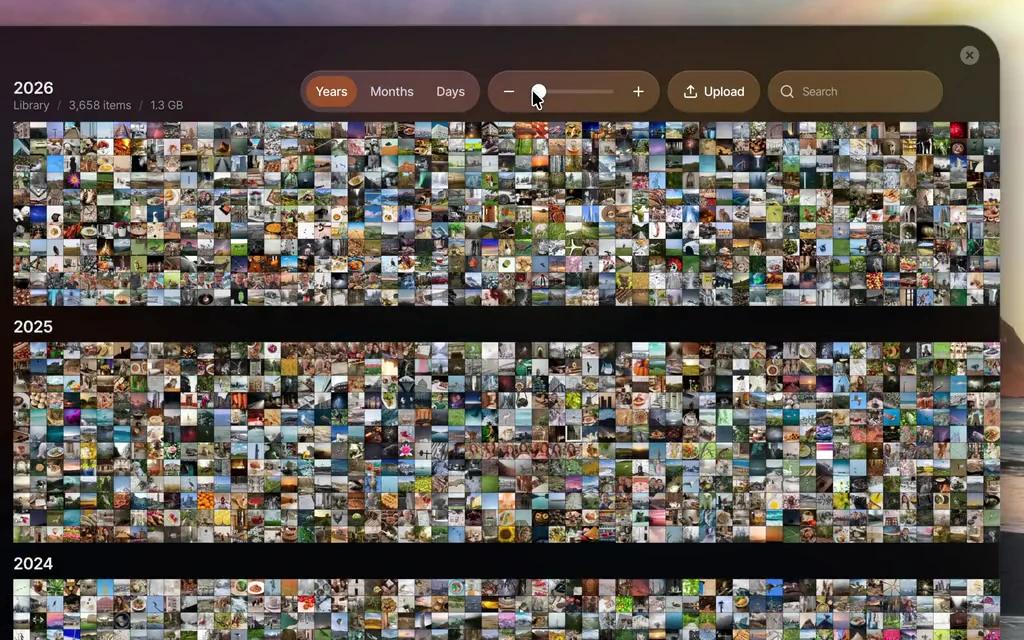
Years of photos, in one slide. Zoom out from big tiles to every shot you’ve taken.
Your photos, files and apps live on a device in your home, not on someone else's servers. Here's how umbrelOS keeps it that way.
umbrelOS source code is available publicly on GitHub. Every release can be rebuilt from it and checked byte for byte.
Your Umbrel lives on your network and answers only to you. There's no company website to sign into just to reach your own server. Open umbrel.local and you're in.

Apps run in isolated containers, each with its own data. One app can touch another's files only when you grant it permission.
Every app in the Umbrel App Store is packaged in the open and reviewed before it ships, with source code a click away. Built something worth self-hosting? Put it on thousands of Umbrels.
Real posts from people who moved their digital life home.
 Oliur@UltraLinx · Mar 3, 2026It's wild how smooth the OS is
 vryfokkenou@vryfokkenou · May 27, 2026Three weeks ago I bought an @umbrel for $500.
I plugged it in and installed OpenClaw. Connected it to Claude. And started building.
I didn't know what I was building. I just started.
I've never written a line of code in my entire life.
Three weeks later I have an AI agent
 BTC Sessions 😎@BTCsessions · May 22, 2026I just automated Hermes Agent on @umbrel. I used it to install and set up a bunch of apps, then asked it to download a movie "Batman Begins" (a classic) which automatically appears in my Jellyfin library. I can now view it and stream it from my phone with the help of tailscale.


 kitze 🛠️ tinkerer.club@thekitze · Mar 13, 2026i love pressing the "update all" button in umbrel os lol
self hosting fucking rocks

 GranLibertador@gran_libertador · Mar 19, 2024God damn, @umbrel This some serious gourmet shit...

 PurgeReady@MikeOnBTC · Apr 21, 2026Been using @umbrel forever. Its legit.Oliur@UltraLinx · Feb 20, 2026Seriously impressed with the Umbrel Pro. The OS is by far the nicest NAS OS I've used. It actually lives up to the marketing hype and website.


 Stellie 🟠@stelliogd · May 31, 2026🤝 love my @umbrel - powering my entire ai agent system…always on, always reliable.
Download umbrelOS for hardware you already have, or get an Umbrel that's ready the moment you plug it in.


