What is Umbrel?
An introduction to Umbrel, your personal home server for files, photos, media streaming, AI, Bitcoin, and more.
Umbrel is a small device that sits in your home and lets you store your files, back up your photos, stream your media, run your own AI, and much more. You get the convenience of the cloud while your data stays with you. You can use it from any phone, tablet, or computer in your browser, and there are also Umbrel apps for iPhone and Mac.
umbrelOS
umbrelOS is the operating system that powers every Umbrel. Think of it as macOS or Windows for your home server. It's simple enough to set up in minutes with no technical skills, and you manage everything from a clean interface in your browser.
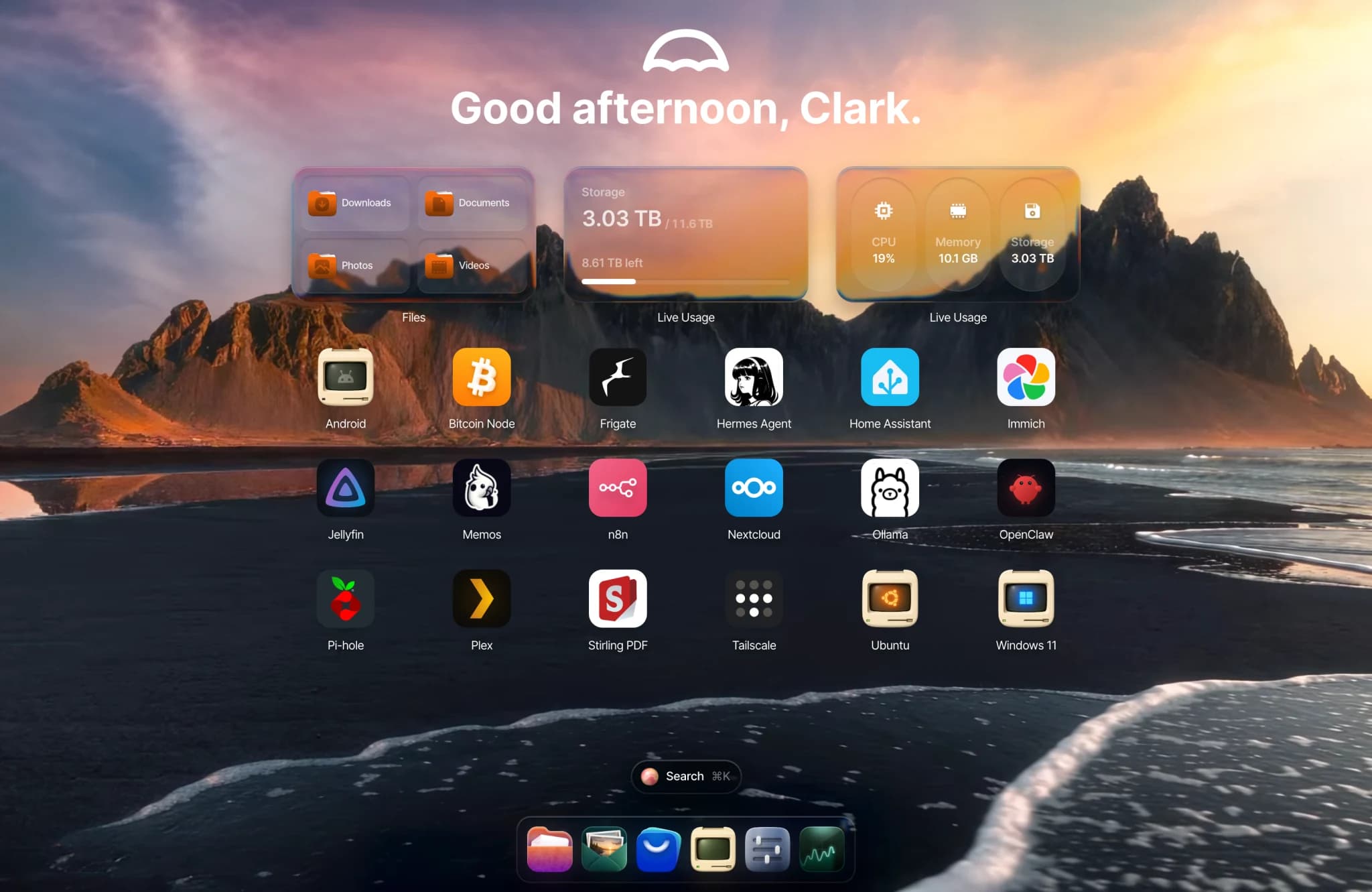
umbrelOS comes with these built-in apps and features:
- Files for storing your documents, with network sharing so you can open them from any device on your network.
- Photos, which shows every photo and video on your Umbrel in one timeline. It also receives photos from the Umbrel iPhone app.
- Cloud downloads, which bring your files home from Dropbox, OneDrive, iCloud Drive, and other cloud services.
- Machines, which runs Windows, Ubuntu, Debian, Android, and other operating systems right inside your Umbrel. You get the full desktop in a browser tab.
- Multiple users, so everyone in your home can have their own account, home screen, and private Home folder. You choose which apps and folders to share with each person.
- AI agents. umbrelOS has a built-in MCP server, so you can connect AI agents like Claude Code, Codex, OpenClaw, or Hermes and let them install apps, organize files, or troubleshoot for you. You decide what each agent can access.
- Backups to another Umbrel, a NAS, or an external drive, plus Rewind for bringing back earlier versions of your files.
On top of that, the Umbrel App Store has hundreds of self-hosted apps you can install in one click, from media servers and ad blockers to AI agents and home automation.
umbrelOS's source code is fully available on GitHub.
Umbrel apps for iPhone and Mac
- Umbrel for iPhone backs up your iPhone's camera roll to your Umbrel automatically. It also shows your Umbrel's status and opens your apps. There is no Android app yet.
- Umbrel for Mac finds your Umbrel automatically and adds your shared folders to Finder.
Umbrel Home and Umbrel Pro
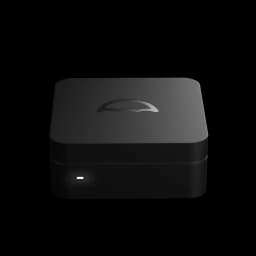
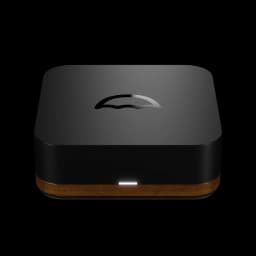
Umbrel Home and Umbrel Pro are purpose-built hardware that comes with umbrelOS pre-installed. You plug it into your router, power it up, and visit umbrel.local to get started.
- Umbrel Home is a palm-sized home server with up to 4TB of storage and everything you need to start self-hosting.
- Umbrel Pro has up to 32TB of storage across four SSD slots, a faster processor, and faster networking. FailSafe mode keeps your data safe even if a drive fails. The case is CNC-milled from a solid block of aluminum, accented with American walnut, with a magnetic lid for tool-free access to your drives.
You can also install umbrelOS on your own hardware, such as a mini PC, a Raspberry Pi, or a virtual machine. Storage Manager and FailSafe work on any device with more than one internal drive slot, and umbrelOS detects NVIDIA, AMD, and Intel GPUs automatically so apps like Ollama and Jellyfin can use them.
What can you do with Umbrel?
Here are some of the most popular use cases:
- File storage. Store and access your files from any device on your network, or remotely. No monthly subscriptions.
- Photo backup. Back up your iPhone's camera roll with the Umbrel iPhone app and browse everything in the built-in Photos app, as a private alternative to Google Photos or iCloud Photos. Apps like Immich are also available if you want features such as face recognition or a map view.
- Media streaming. Stream your movie and music libraries in 4K HDR to any device with apps like Plex and Jellyfin.
- AI agents. Install OpenClaw or Hermes Agent and let it clear your inbox, browse the web, and automate everyday tasks around the clock, or connect an agent you already use to manage your Umbrel.
- Bitcoin node. Run your own Bitcoin node and connect your wallet for full control over your transactions.
- Home automation. Control smart home devices with Home Assistant.
- Family server. Give everyone in your home their own account and share only the apps and folders you choose.
Browse the full list of apps at apps.umbrel.com.