

Support
AppsUpdated September 25, 2026
Uninstalling an app
Remove an app and its data from umbrelOS
Uninstalling an app permanently deletes all data associated with it. This action cannot be undone.
Uninstall an app
- Right-click the app icon on your home screen.
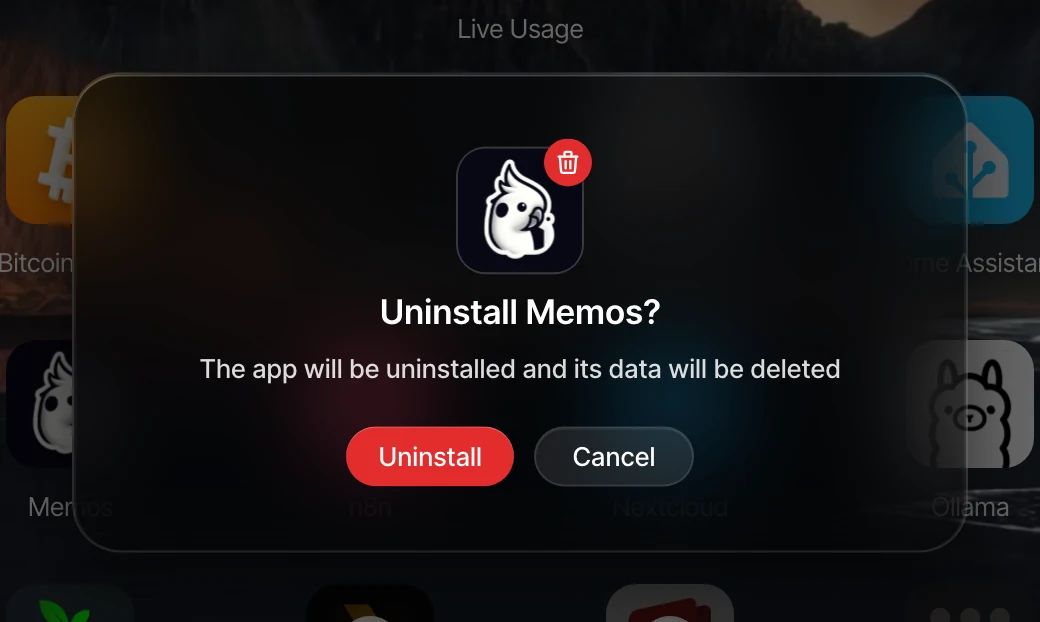
- Click Uninstall.
- Click Uninstall to confirm.
Apps used by other apps
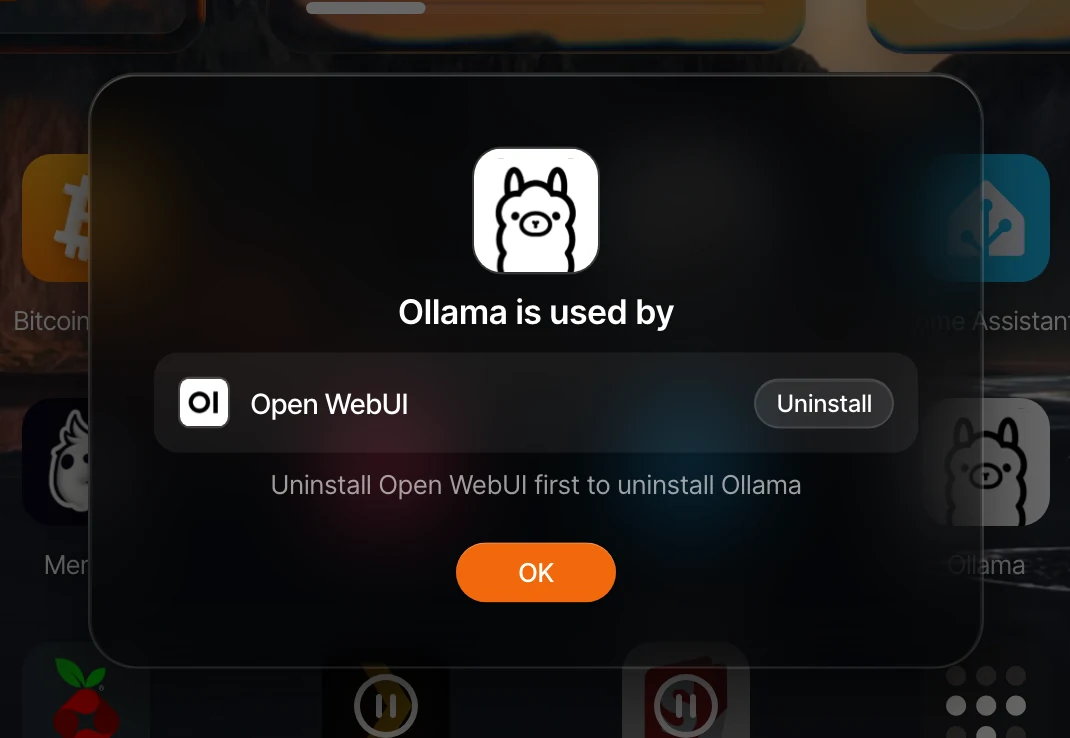
If other apps rely on the app you're trying to uninstall, umbrelOS will let you know and tell you which apps need to be uninstalled first. For example, Open WebUI uses Ollama, so you need to uninstall Open WebUI before you can uninstall Ollama.