Troubleshooting apps
Steps to fix apps that won't start, crash, or aren't working properly
The Umbrel App Store features hundreds of apps from a wide range of developers. While umbrelOS handles installing, running, and updating these apps, the apps themselves are built and maintained by their own developers, just like apps on your phone.
This means some issues may be specific to the app itself, rather than something on the umbrelOS side. Here's how to figure out what's going on and where to get help.
Is it an umbrelOS issue or an app issue?
Likely an umbrelOS issue:
- The app won't install
- The app won't start or immediately stops
- The app worked before but broke after an umbrelOS update
Likely an app issue:
- The app starts but has bugs, errors, or missing features
- Something inside the app isn't working as expected
- The app's UI or behavior seems off
For app-specific issues, the app's developer is in the best position to help. You can find who maintains the app on its detail page in the App Store. Look for the Developer and Submitted by fields.
Check app dependencies
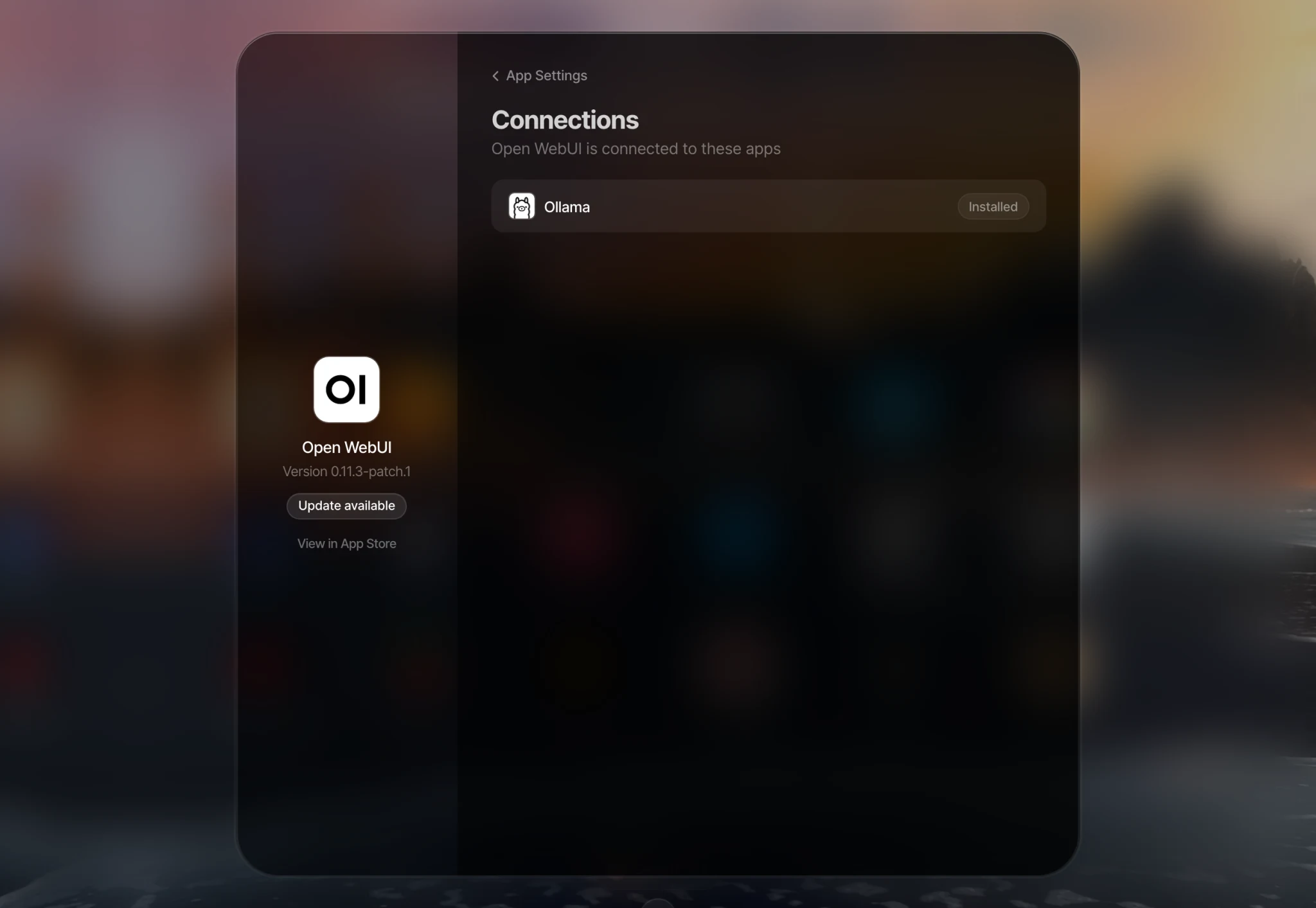
Some apps rely on other apps to work. For example, Open WebUI requires Ollama. If an app isn't working properly, the issue might actually be with one of the apps it depends on. If an app has dependencies, you can see them by right-clicking the app icon, selecting Settings, and opening Connections.
Basic troubleshooting
If an app won't start or keeps crashing, try these steps:
- Restart the app. Right-click the app icon on your home screen and select Restart.
- Check your storage. If your device is running low on storage, apps may fail to start.
- Update the app. Open the App Store and check if an update is available.
Get app logs
App logs are the most useful thing you can share when reporting an issue, whether to the app's developer or to Umbrel Support.
- Right-click the app icon on your home screen and select Troubleshoot.
- Review the logs for any error messages.
- Click the download button at the bottom (for example, Download Immich logs) if you need to share them with the app's developer or Umbrel Support.
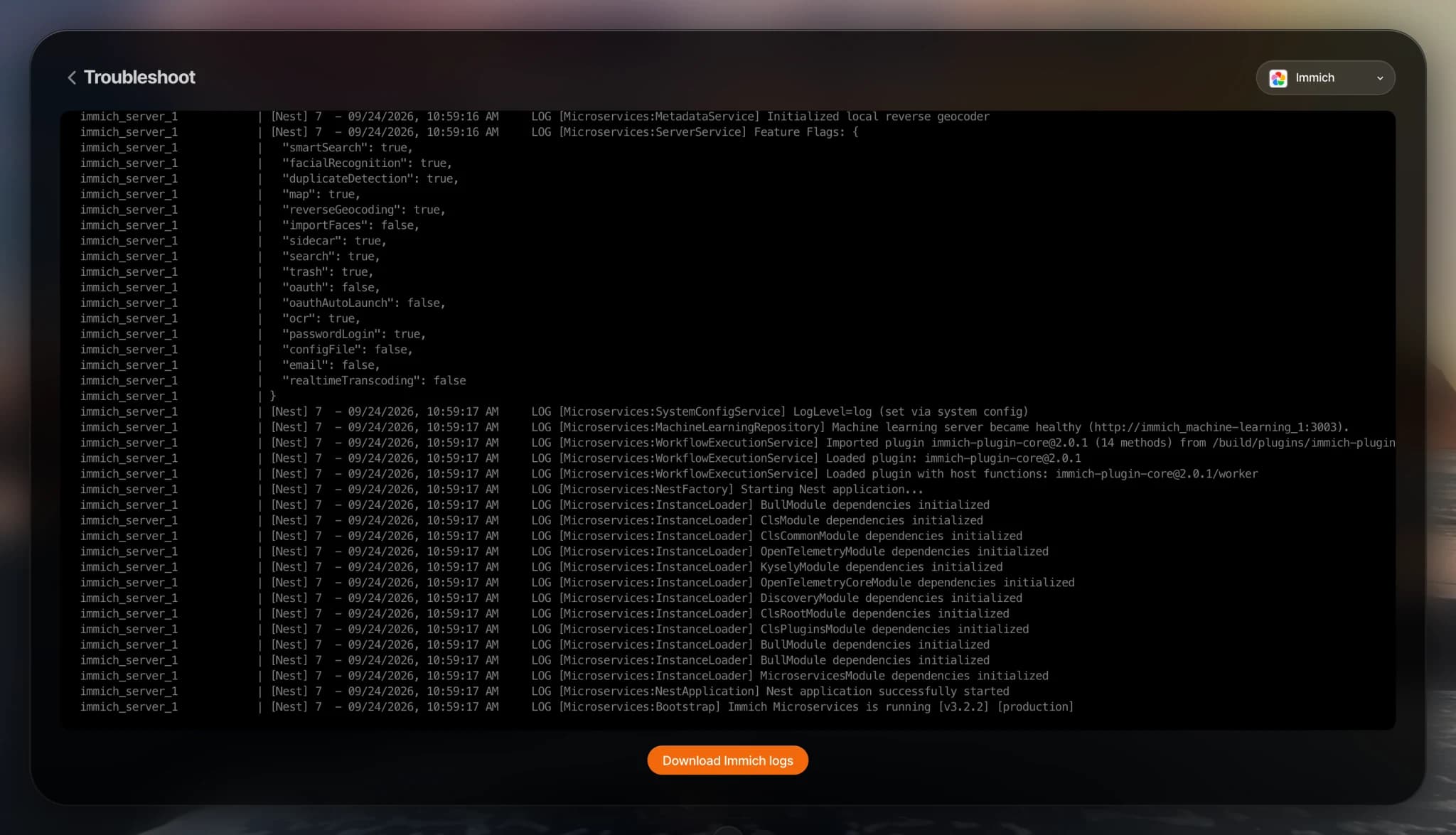
You can also find this under Settings > Troubleshoot > App.
Get help
- For app-specific issues, reach out to the app's developer with your app logs. You can usually find their contact info or GitHub from the app's detail page in the App Store.
- For umbrelOS issues, reach out to us. Include your app logs so we can diagnose the problem faster.