Factory reset
Erase all data and apps, restoring umbrelOS to its default settings
A factory reset erases your Umbrel and restores umbrelOS to its default settings. That includes every user account on the device, the owner's and all members', along with apps and data. This cannot be undone.
Only the owner account can factory reset an Umbrel.
Before you reset
- Back up anything you need. A factory reset permanently deletes all data on your Umbrel, including app data and every user's files. If you have anything important, back it up first.
- Connect via ethernet. Make sure your Umbrel is connected to your router via ethernet (not Wi-Fi) and that you're accessing it from your local network. Wi-Fi settings are erased during the reset, so your Umbrel needs a wired connection to stay reachable through the setup process.
How to factory reset
-
Go to Settings > Advanced settings.
-
Click Reset next to Factory Reset.
-
Review what will be removed and click Continue.
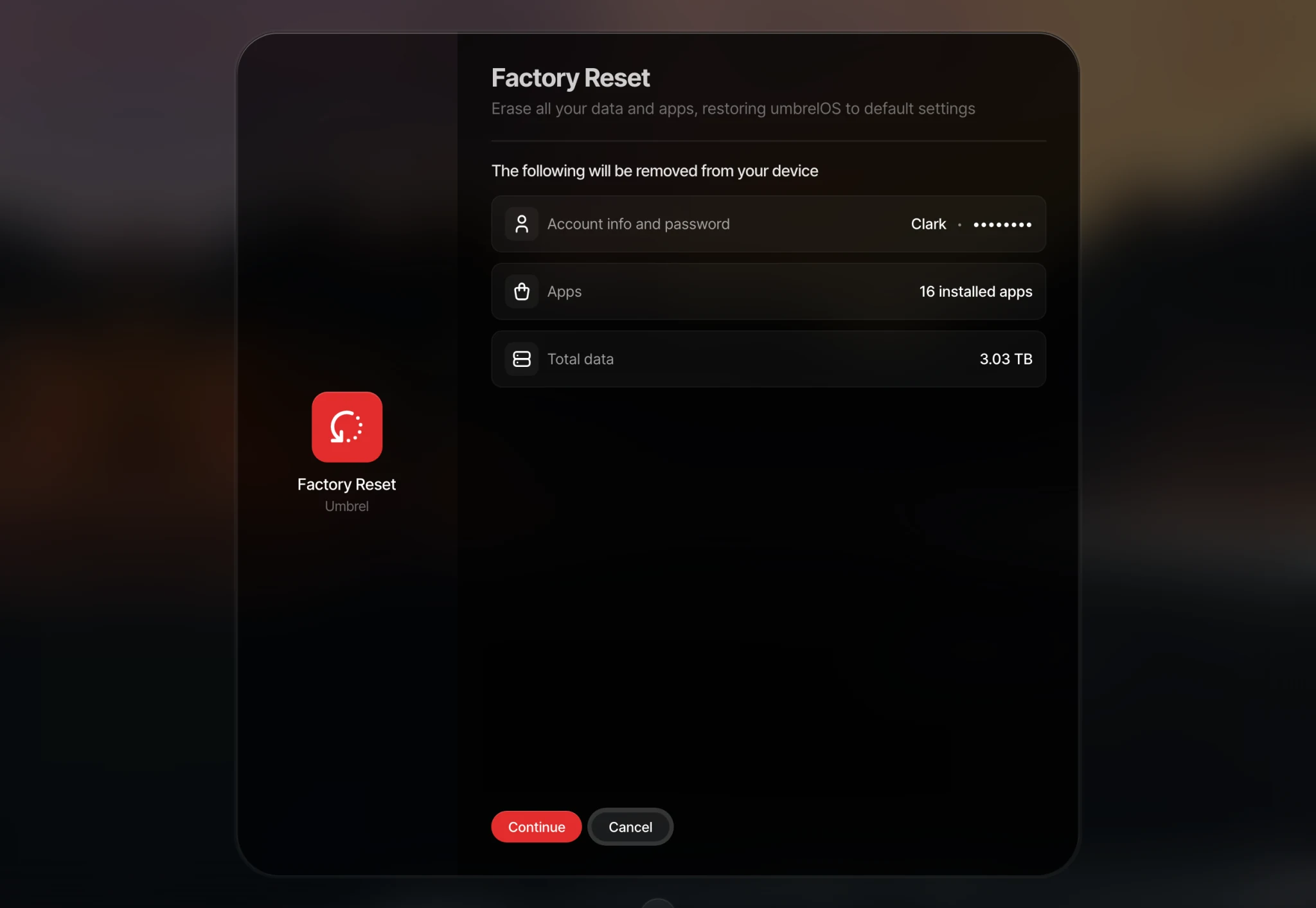
-
Enter your password and click Erase everything and reset.
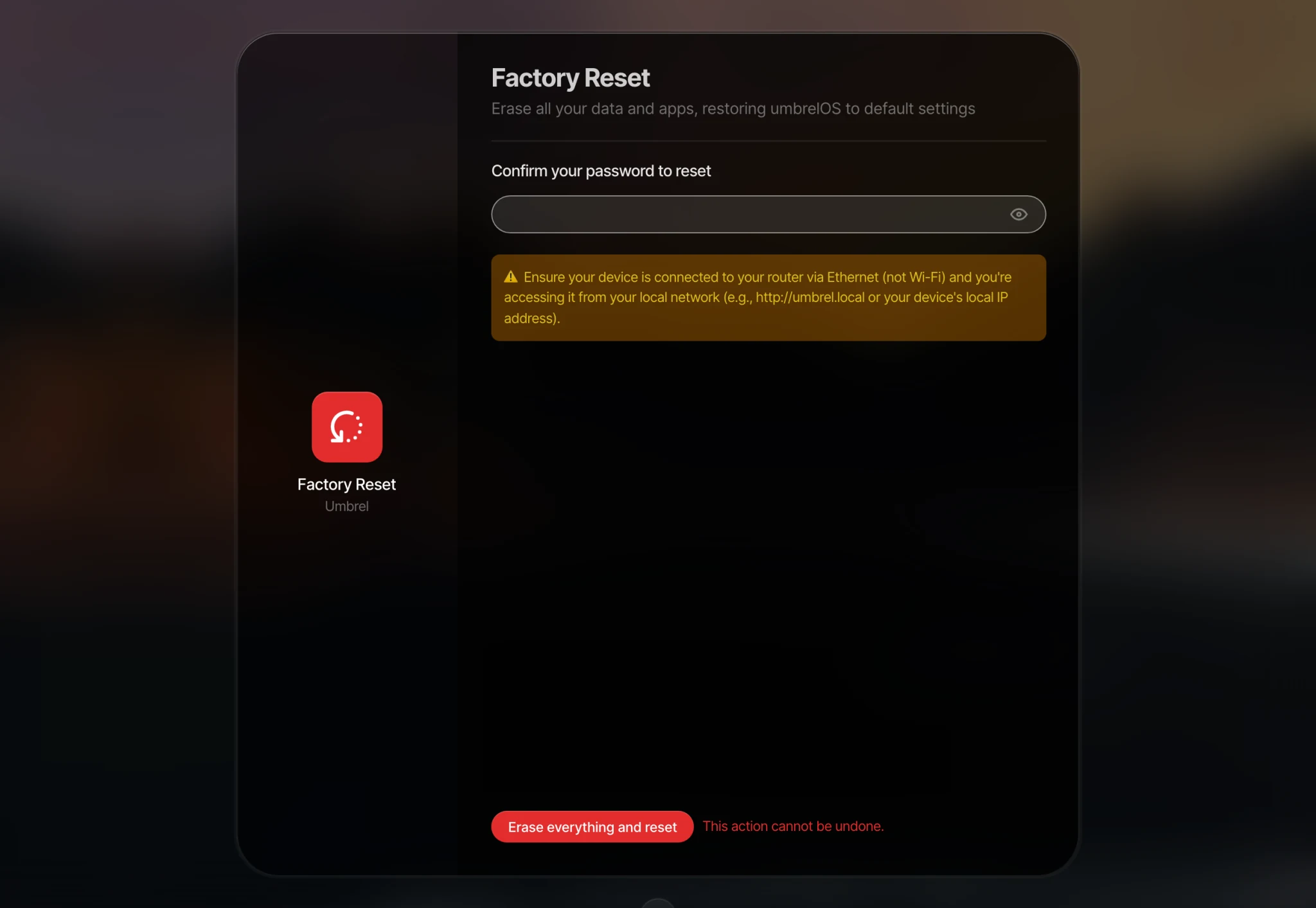
Your Umbrel will restart. Once it's back, you'll be taken through the setup process as if it were brand new.
Umbrel Pro and devices with a storage pool
On Umbrel Pro, and on your own hardware when your apps and data live on a storage pool made with Storage Manager, a factory reset works in two steps.
- The reset clears the system drive and settings, then restarts into setup. The drives in your storage pool are left untouched at this point.
- During setup, umbrelOS checks your drives and shows Existing umbrelOS data found. Choose one of these:
- Set up as new erases the existing installation and all data on those drives. You'll be asked to confirm with Erase and continue. Choose this if you want a clean start or you're giving the device to someone else.
- Restore existing Umbrel brings back your previous installation, including your apps, files, and accounts. You then log in with your existing password.
So if you reset by mistake, you can usually get everything back by choosing Restore existing Umbrel during setup.
If your Umbrel shows "Storage issue detected"
If umbrelOS can't start your storage pool, it shows a Storage issue detected screen with steps to try, such as restarting or checking that your drives are seated properly. As a last resort, this screen also offers Factory Reset without asking for your password. This resets the system drive and leaves your storage pool drives untouched, but setting up new storage afterwards will erase the drives you select. A factory reset won't repair a faulty drive or recover data that can't be read, so contact us before using it if you're unsure.
When to factory reset
A factory reset is a last resort. You should only need one if:
- You want to start completely fresh.
- You're troubleshooting an issue that can't be resolved any other way.