Updating umbrelOS
How to check for and install umbrelOS updates
We recommend keeping umbrelOS up to date for the latest features, improvements, and security fixes. Updates are delivered over-the-air and are never installed automatically. When a new version is available, you'll see a notification at the top of your home screen, and a badge on Settings in the dock.
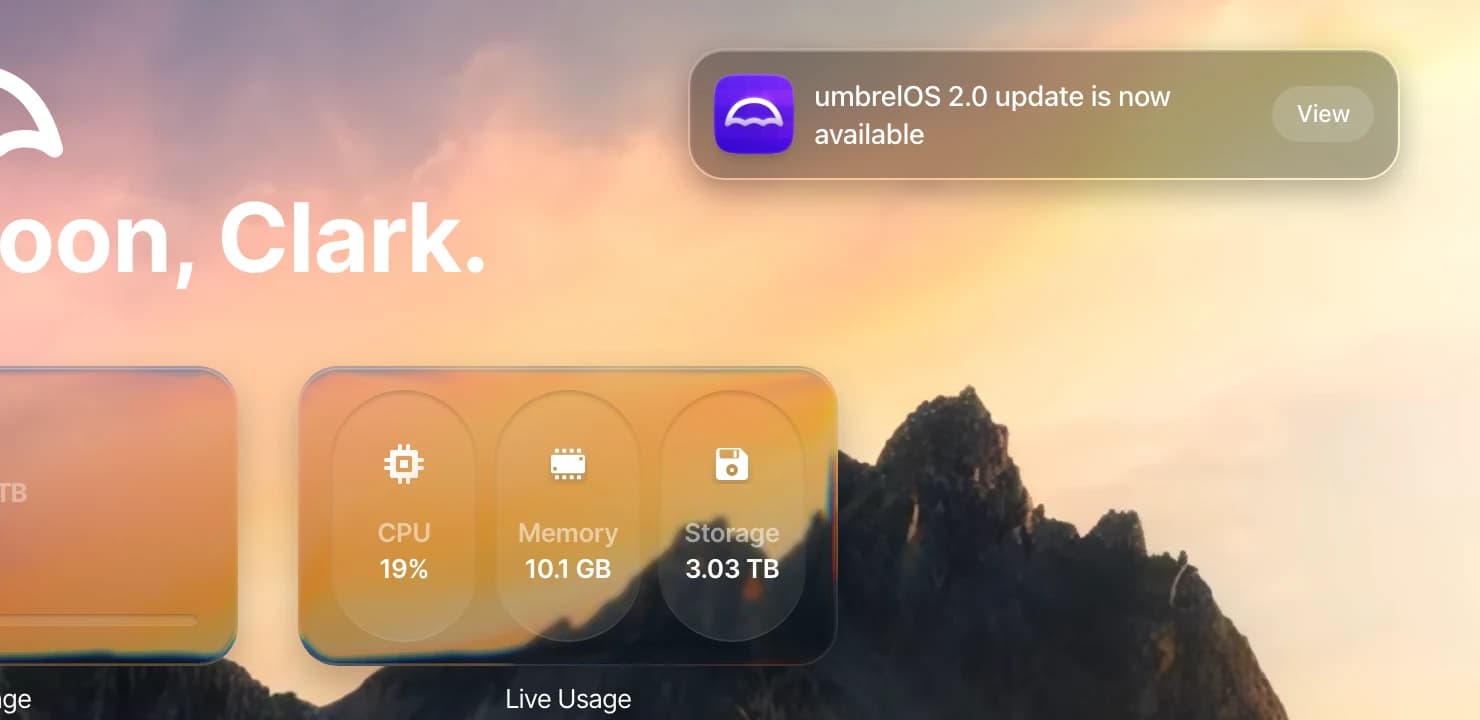
Install an update
- Click View on the update notification, or go to Settings and scroll to the bottom where you'll see your current umbrelOS version.
- Review what's new in the update, then click Install now.
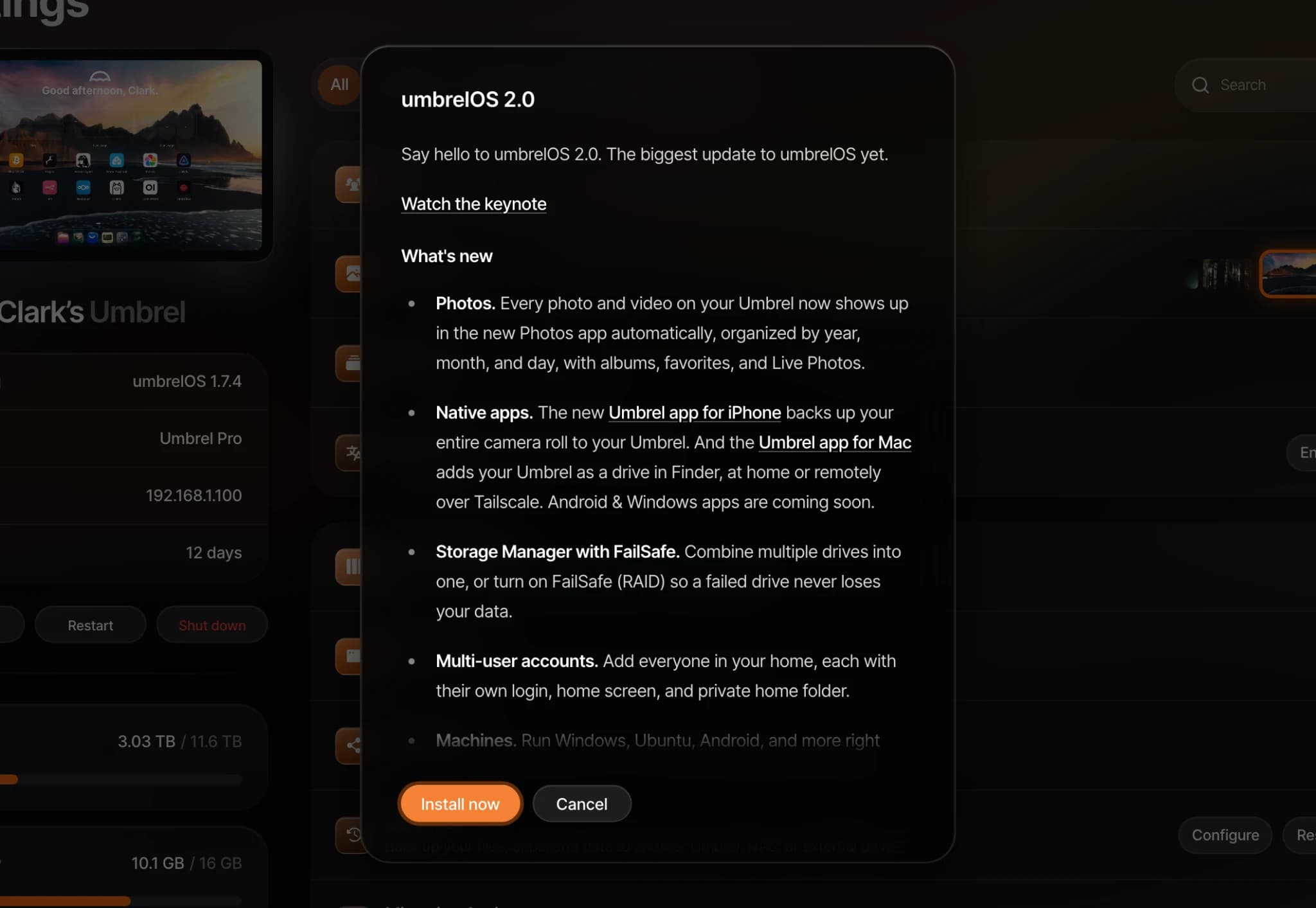
Do not refresh the page or turn off your Umbrel while it is updating. Your Umbrel will restart once the update is complete.
Check manually
You can also check for updates anytime from Settings > Software update by clicking Check for update.

If an update fails
umbrelOS uses a safe update system. If an update is unsuccessful for any reason, your Umbrel automatically rolls back to the previous version. You won't lose any data or settings. You'll know a rollback happened if your Umbrel comes back online still on the previous version with a notification to update.
If you're having trouble updating:
- Make sure your Umbrel is connected to the internet.
- Try again. Temporary network issues can sometimes interrupt the download.
If the issue persists, reach out to us and we'll help you troubleshoot.
Want to try new features early?
Join the beta program to get early access to upcoming umbrelOS features before they're released.
Can't reconnect after an update?
Sometimes your Umbrel's hostname can change after an update (for example, umbrel.local may become umbrel-2.local). Your Umbrel's IP address can also change if your router assigns a new one. If your Umbrel doesn't seem to come back online, see Connecting to your Umbrel for help finding it on your network.