
GPU acceleration
Use an NVIDIA, AMD, or Intel GPU to speed up apps like Ollama and Jellyfin
If your Umbrel has a graphics card (GPU), umbrelOS detects it automatically and lets apps that support it use it. Local AI apps like Ollama can run models much faster, and media servers like Jellyfin can use it for video transcoding.
umbrelOS supports NVIDIA, AMD, and Intel GPUs, including built-in graphics and Thunderbolt eGPUs. There are no drivers to install.
Which devices support GPUs
- Umbrel Home and Umbrel Pro use their built-in Intel graphics.
- Your own Intel or AMD computer can use a graphics card, built-in graphics, or a Thunderbolt eGPU.
- Raspberry Pi doesn't support GPU acceleration for apps.
For NVIDIA cards, umbrelOS uses NVIDIA's open GPU driver, which supports GeForce GTX 16 series, RTX 20 series, and newer cards. Older NVIDIA cards may not be accelerated.
Which apps use the GPU
Only apps that are built to use a GPU get access to it. When you install one of these apps, the install dialog shows GPU access as Required. There's nothing to turn on. Apps that don't use a GPU never get access to it.
If you add a GPU after installing an app, restart the app so it can start using it. See Starting, stopping, or restarting an app.
Check that your GPU is detected
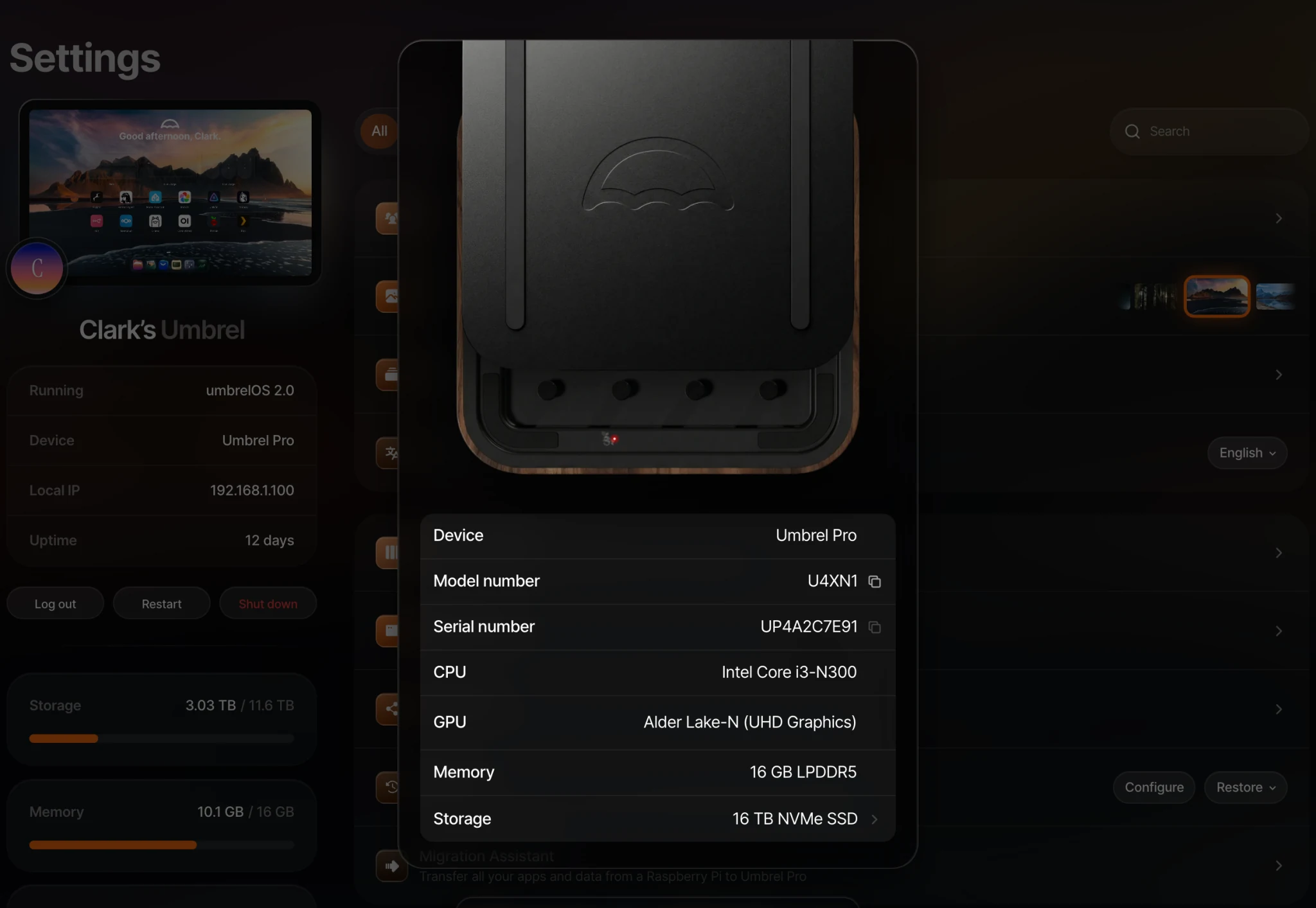
- Settings > Device info lists your GPU. If you have more than one, each is listed.
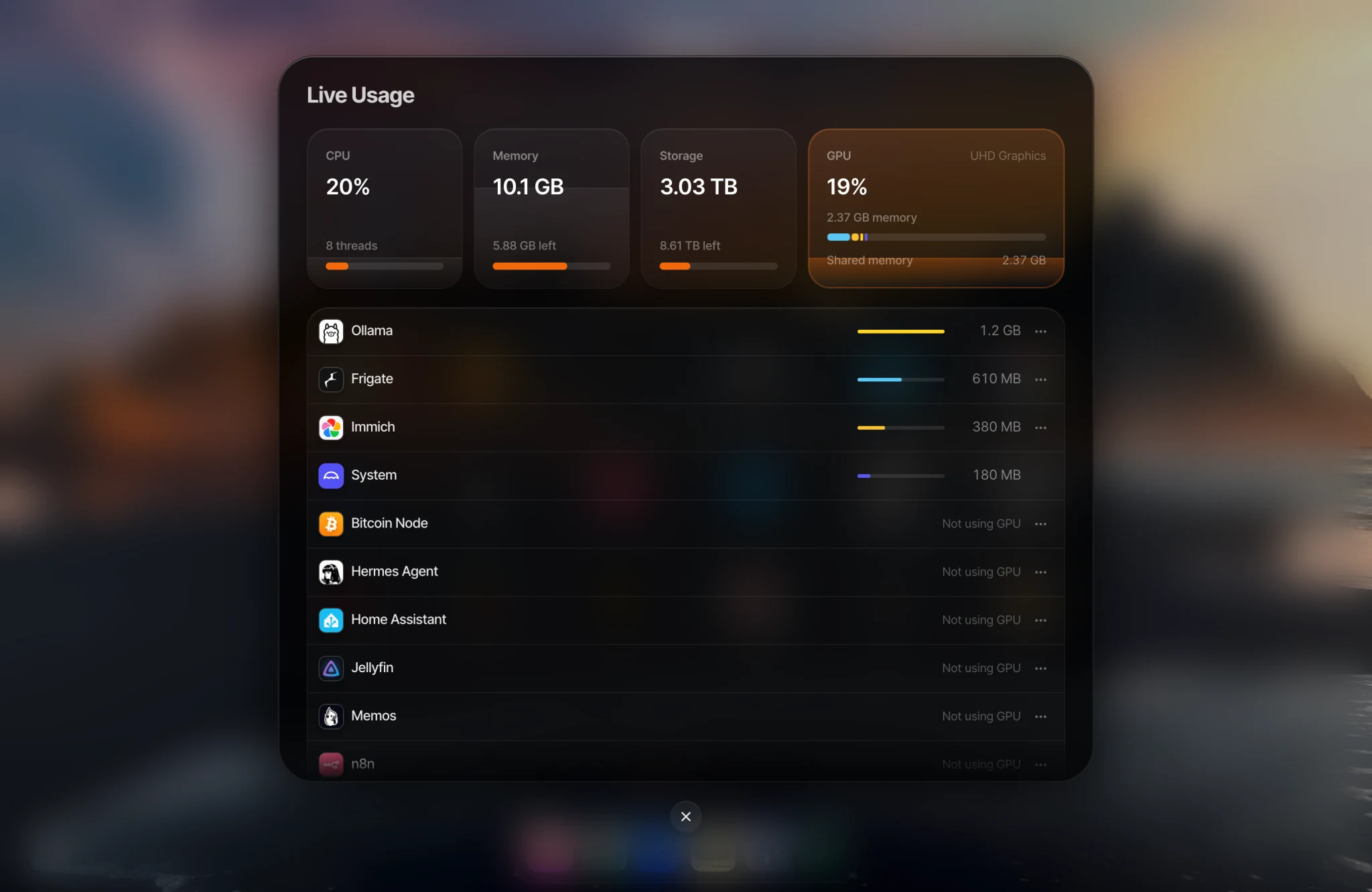
- Live Usage shows a GPU tab when a GPU is detected, with how much of the GPU and its memory (VRAM) each app is using. Open it from the dock. See Monitoring your Umbrel's performance.
Thunderbolt eGPUs
When you connect a Thunderbolt eGPU or other Thunderbolt accessory, umbrelOS asks Allow Thunderbolt accessory to connect?. Click Allow to use it. Only allow accessories you trust, because they can access your Umbrel directly.
Allowed accessories reconnect automatically after a restart. To see or remove them, go to Settings > Advanced settings > Thunderbolt. From there you can Disconnect an accessory, or Forget it so it asks for approval again next time.
Umbrel Home and Umbrel Pro don't have Thunderbolt ports, so this setting is only available on your own hardware.
Machines and GPUs
Machines can't use your GPU directly. Linux and Android machines can use it to draw their desktop more smoothly, but you can't pass a GPU through to a machine for things like gaming or AI.
Troubleshooting
- The app isn't using my GPU. Check that the app supports GPU acceleration (the install dialog shows GPU access), that your GPU appears in Settings > Device info, and restart the app.
- My eGPU isn't showing up. Check for the Thunderbolt approval prompt, or go to Settings > Advanced settings > Thunderbolt and allow it.
- My NVIDIA card isn't detected. Check that it's a GTX 16 series, RTX 20 series, or newer card.