Support
Getting StartedUpdated October 2, 2026
Setting up Umbrel Home
Unbox and set up your Umbrel Home in a few minutes
You can have your Umbrel Home up and running in just a few minutes.
What's in the box
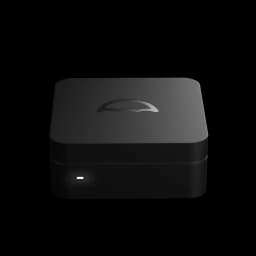
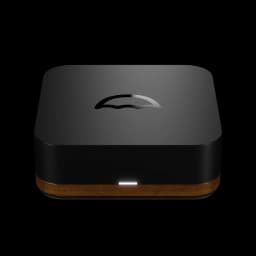
- Umbrel Home
- Ethernet cable
- Power supply (adapter may vary by shipping country)
- Getting started guide
Connect your Umbrel Home
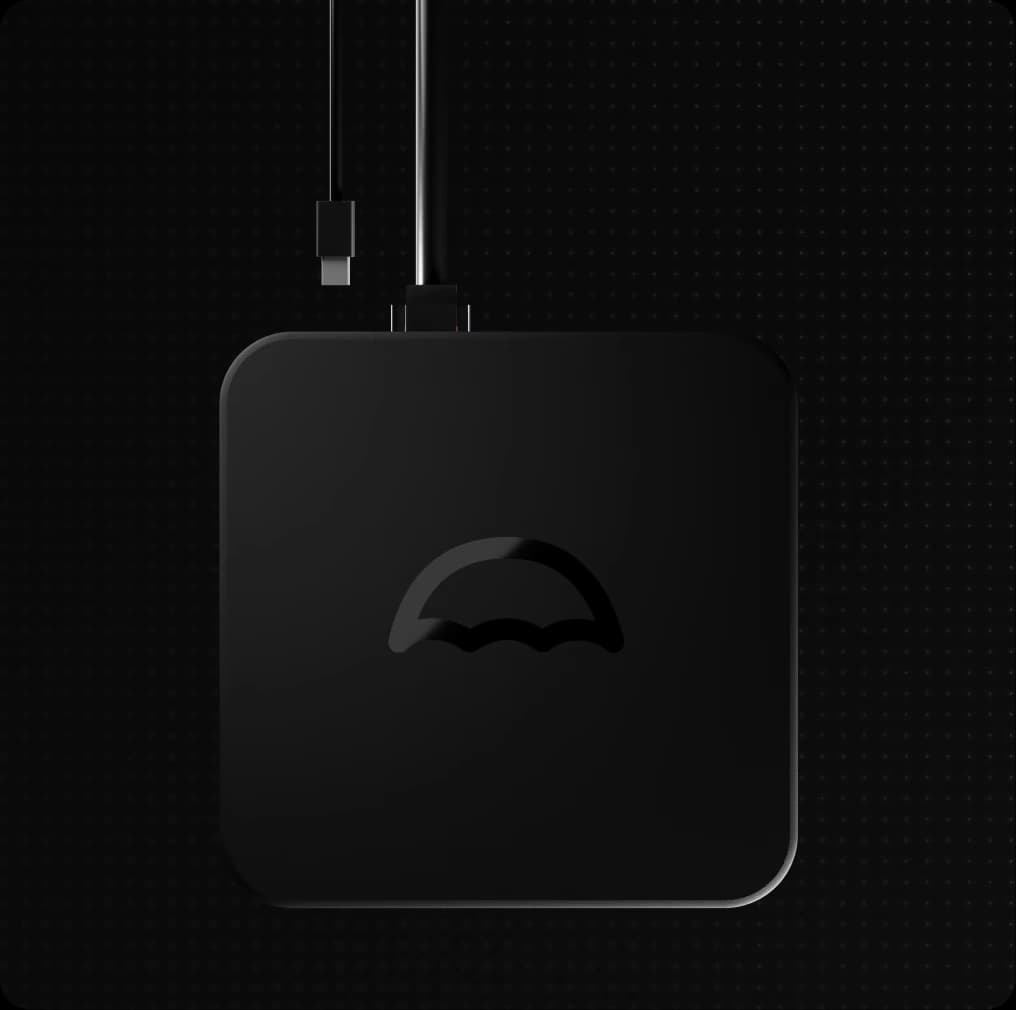
- First, connect the provided ethernet cable to your Umbrel Home and a vacant port on your internet router.
- Then, connect the power supply to your Umbrel Home. The device will power on automatically. There's no need to press the power button. You'll see the LED light up.
- Wait about 30 seconds for your Umbrel Home to boot up.
Create your account
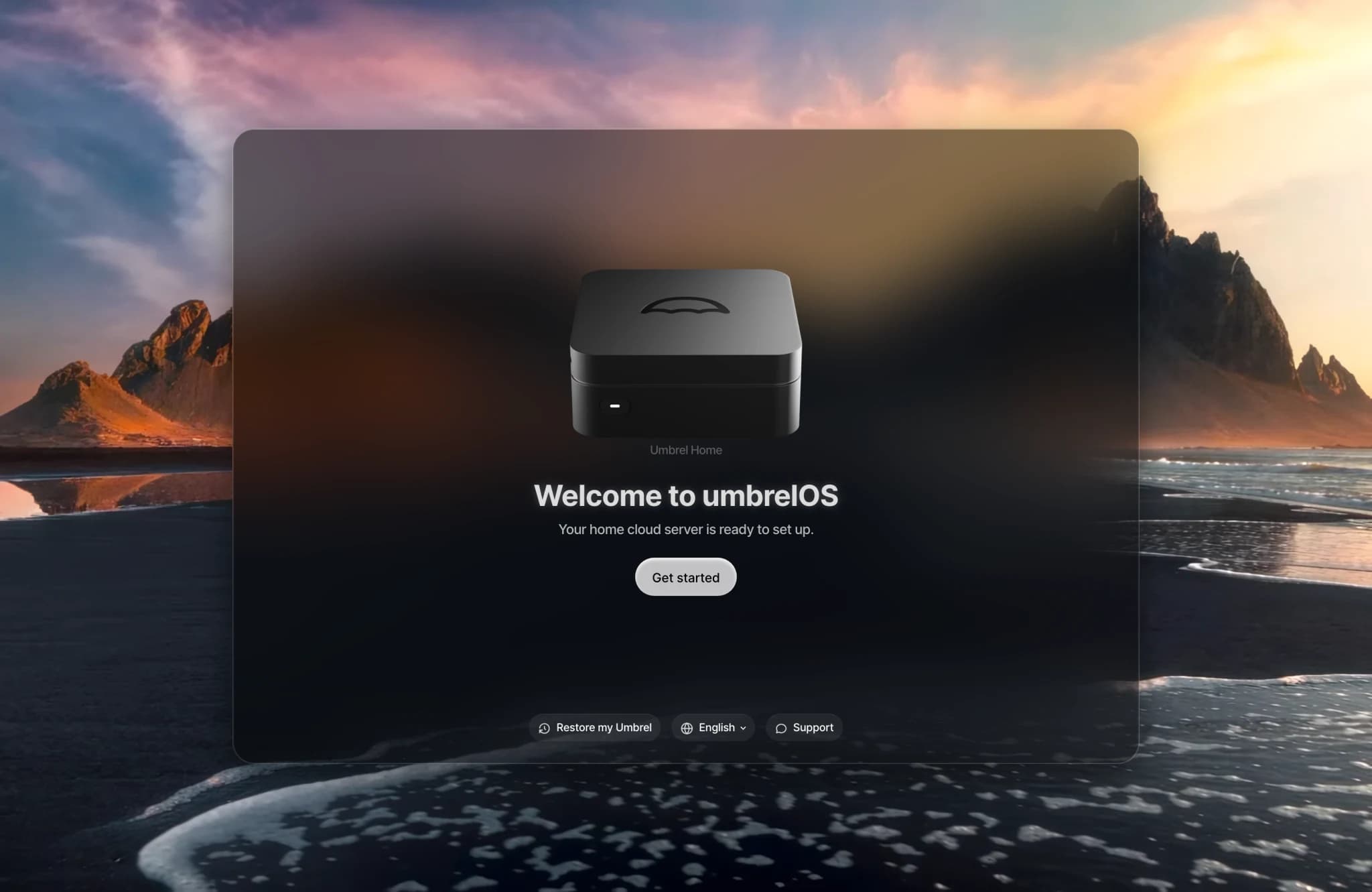
- On a computer or phone connected to the same network, open http://umbrel.local in your browser. You'll see the umbrelOS welcome screen with your Umbrel Home.
- Click Get started.
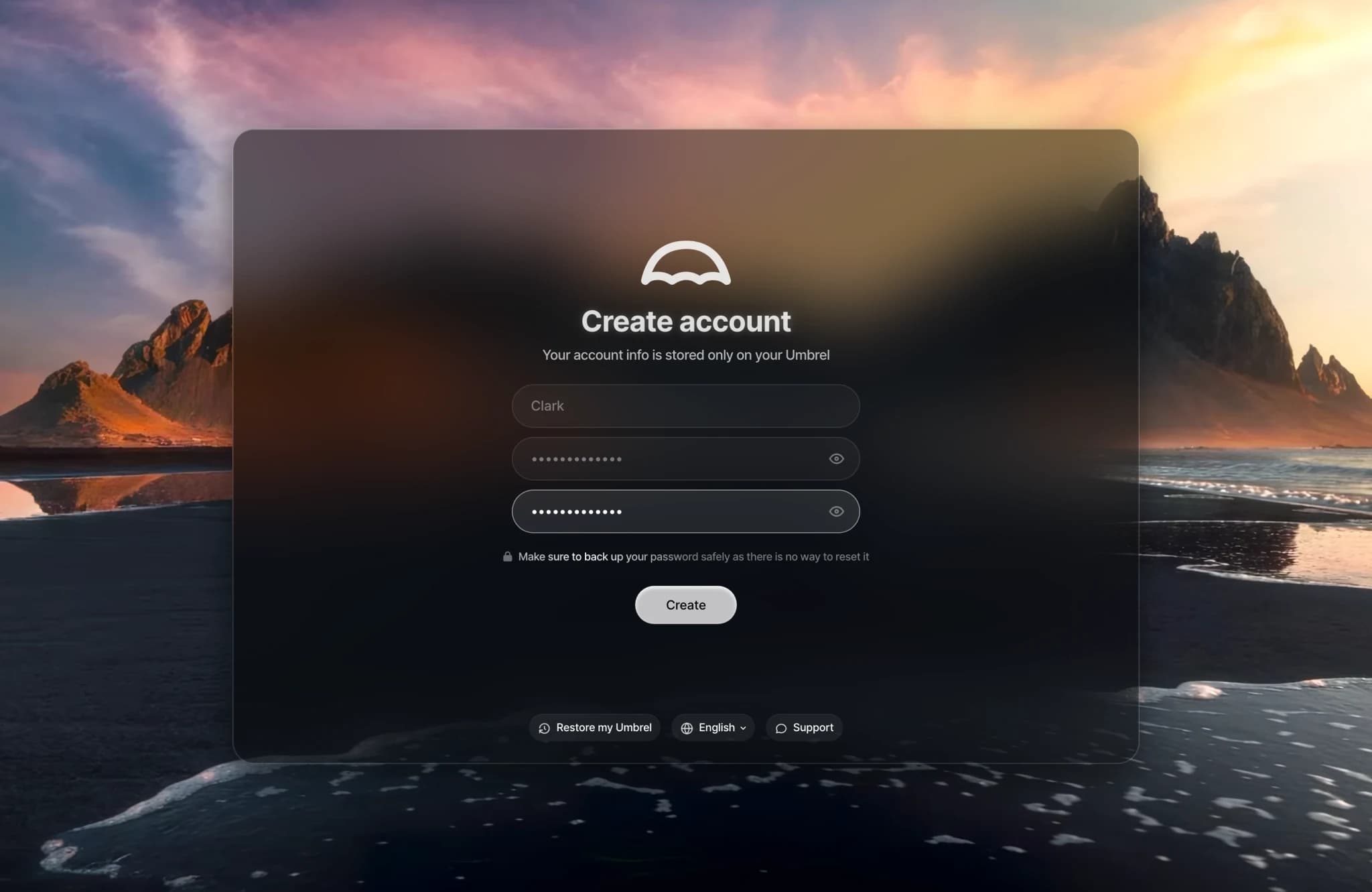
- Choose a name and password for your account, then click Create.
- That's it. You're in.
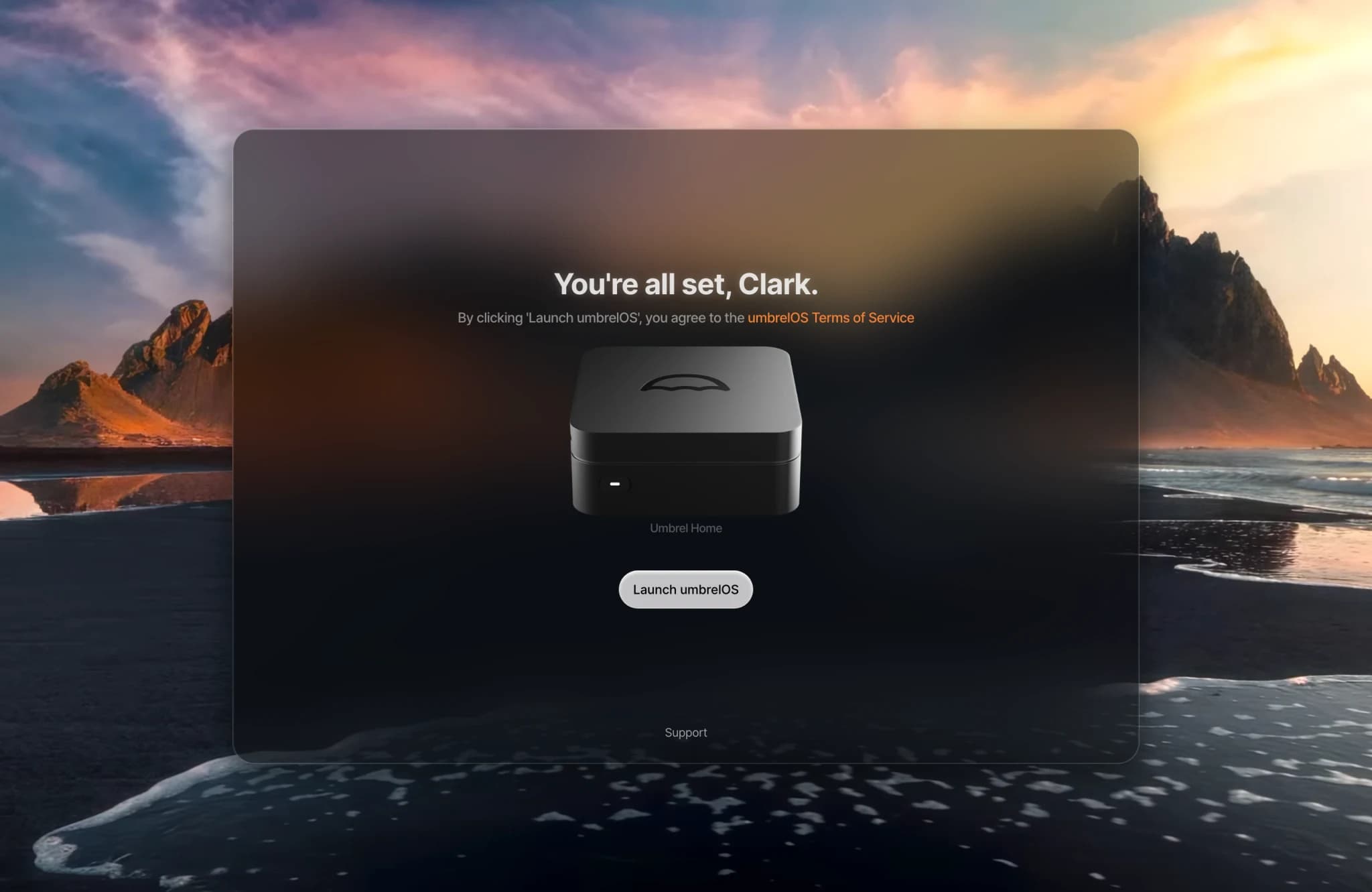
When you see You're all set, click Launch umbrelOS to open your home screen.
Your account is stored entirely on your Umbrel Home and never leaves your device. This means there's no way to recover your password if you lose it, so we recommend saving it in a password manager.
Need help?
If you can't reach umbrel.local, see Network troubleshooting.