

Support
BasicsUpdated October 2, 2026
Migrating to a new Umbrel
Transfer all your apps and data to a new Umbrel device
There are two ways to move your data to a new Umbrel device: using a backup and restore, or using Migration Assistant if you're coming from a Raspberry Pi.
Using backup and restore
This works for any Umbrel device. Back up your old Umbrel, then restore that backup on your new one.
- On your old Umbrel, create a backup to another Umbrel, a NAS, or an external drive.
- Set up your new Umbrel and choose to restore from a backup during onboarding, or restore later from Settings > Backups > Restore.
Using Migration Assistant (Raspberry Pi)
Migration Assistant transfers your apps, app data, and account details directly from a Raspberry Pi to an Umbrel Home or Umbrel Pro. Support for migrating between other devices is coming soon.
- Shut down your Raspberry Pi.
- Connect its external drive to any USB port on your Umbrel Home or Umbrel Pro.
- Go to Settings > Migration Assistant on your Umbrel Home or Umbrel Pro.
- Follow the on-screen steps, then click Continue to start the migration.
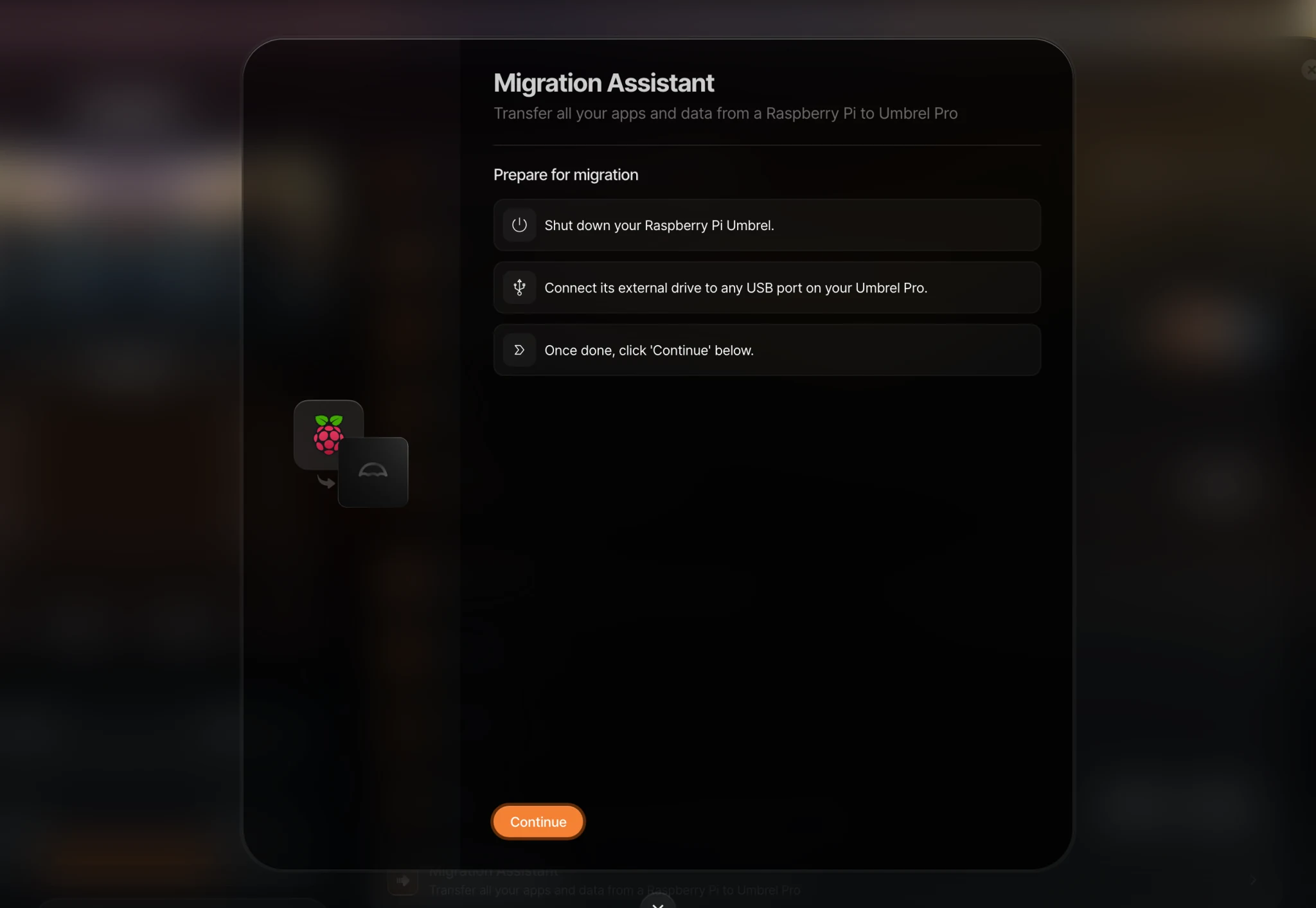
Do not turn off your Umbrel until the migration is complete. Any existing data on your Umbrel Home or Umbrel Pro will be permanently deleted during the migration.
After migrating
- Use the same password. Your account is transferred from your old Umbrel, so log in with the same password you used before.
- A note on apps that manage funds. After migrating, your old device has outdated data. If an app like Lightning Node runs from that outdated data, it can result in loss of funds. Only run these apps on your new device.