

Restarting or shutting down
How to safely restart or shut down your Umbrel
From Settings (recommended)
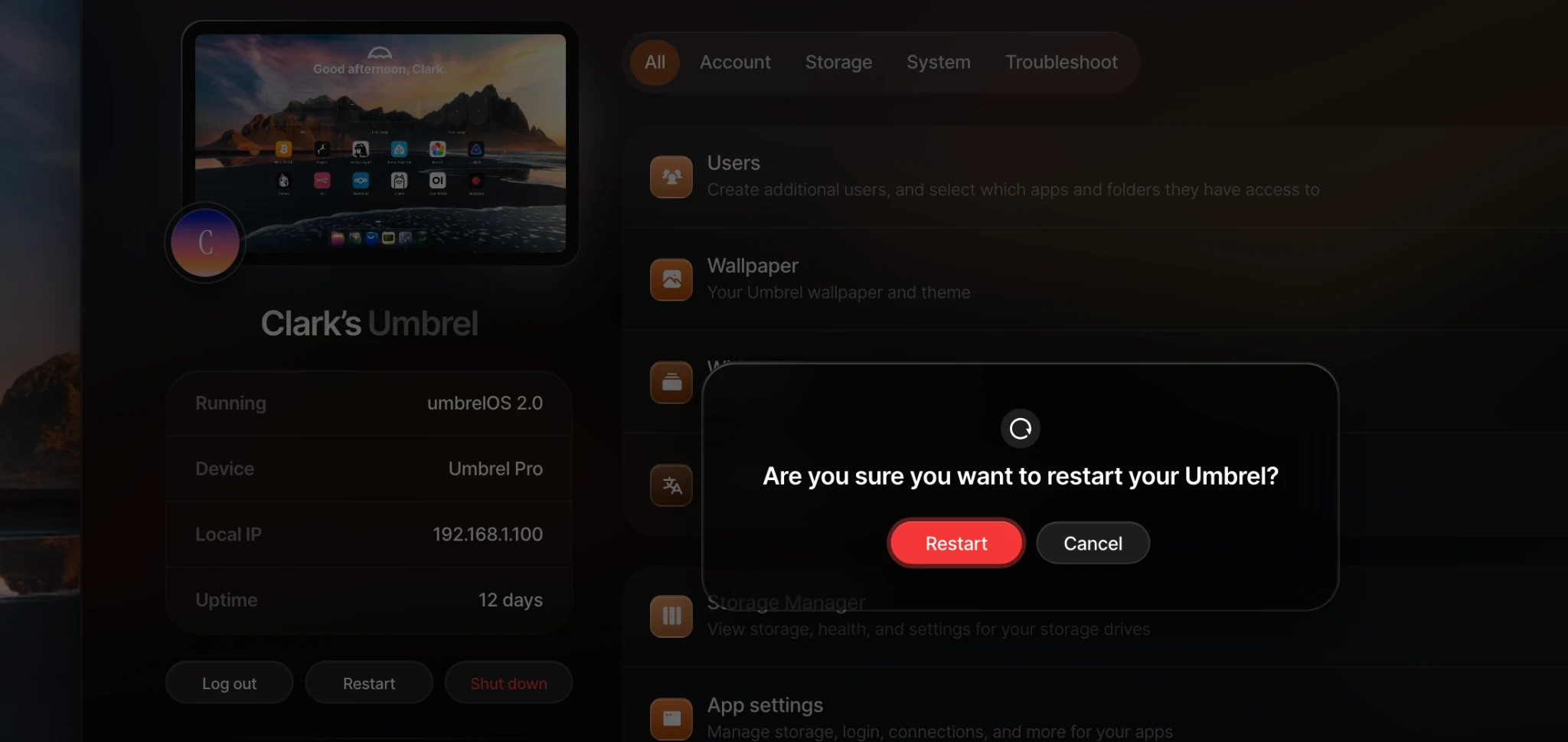
Go to Settings and click Restart or Shut down. This is the recommended way to restart or shut down your Umbrel. When shutting down, you'll see a message letting you know when it's safe to unplug your device from power. On Umbrel Home and Umbrel Pro, the LED turning off also confirms the device has fully shut down.
Using the power button
Umbrel Home and Umbrel Pro both have a physical power button. Press it to safely shut down, and press it again to power back on.
Never unplug directly
Do not unplug your Umbrel to shut it down or restart it. Cutting power without a proper shutdown can corrupt your data. Always use Settings or the power button instead.
Can't reconnect after a restart?
Sometimes your Umbrel's hostname can change after a restart (for example, umbrel.local may become umbrel-2.local). Your Umbrel's IP address can also change if your router assigns a new one. If your Umbrel doesn't seem to come back online, see Connecting to your Umbrel for help finding it on your network.