umbrelOS 2.0

Your hardware. Your cloud.

umbrelOS 2.0 runs free and complete on the machine you already own. Flash it, boot it, open umbrel.local. Your personal cloud, in minutes.

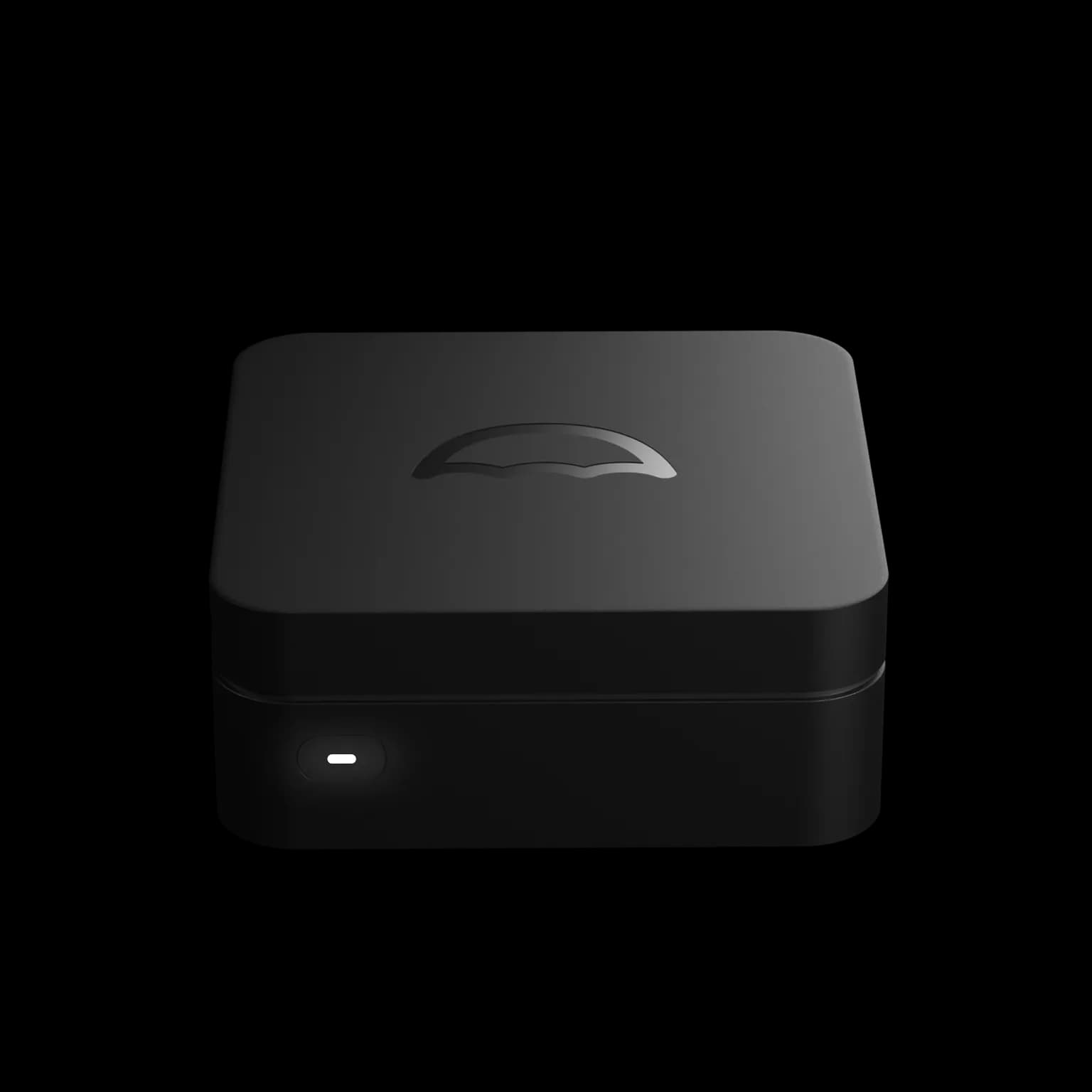
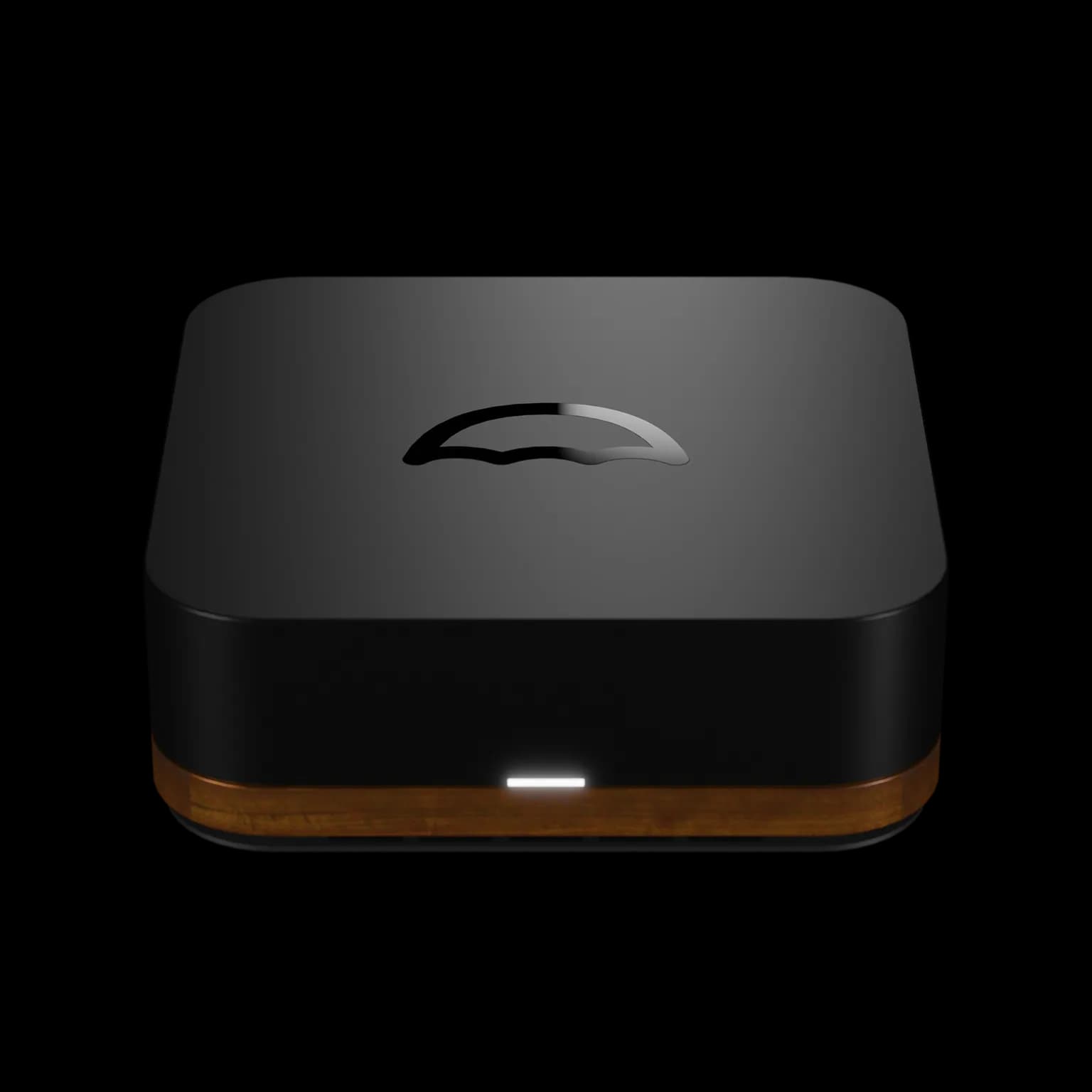
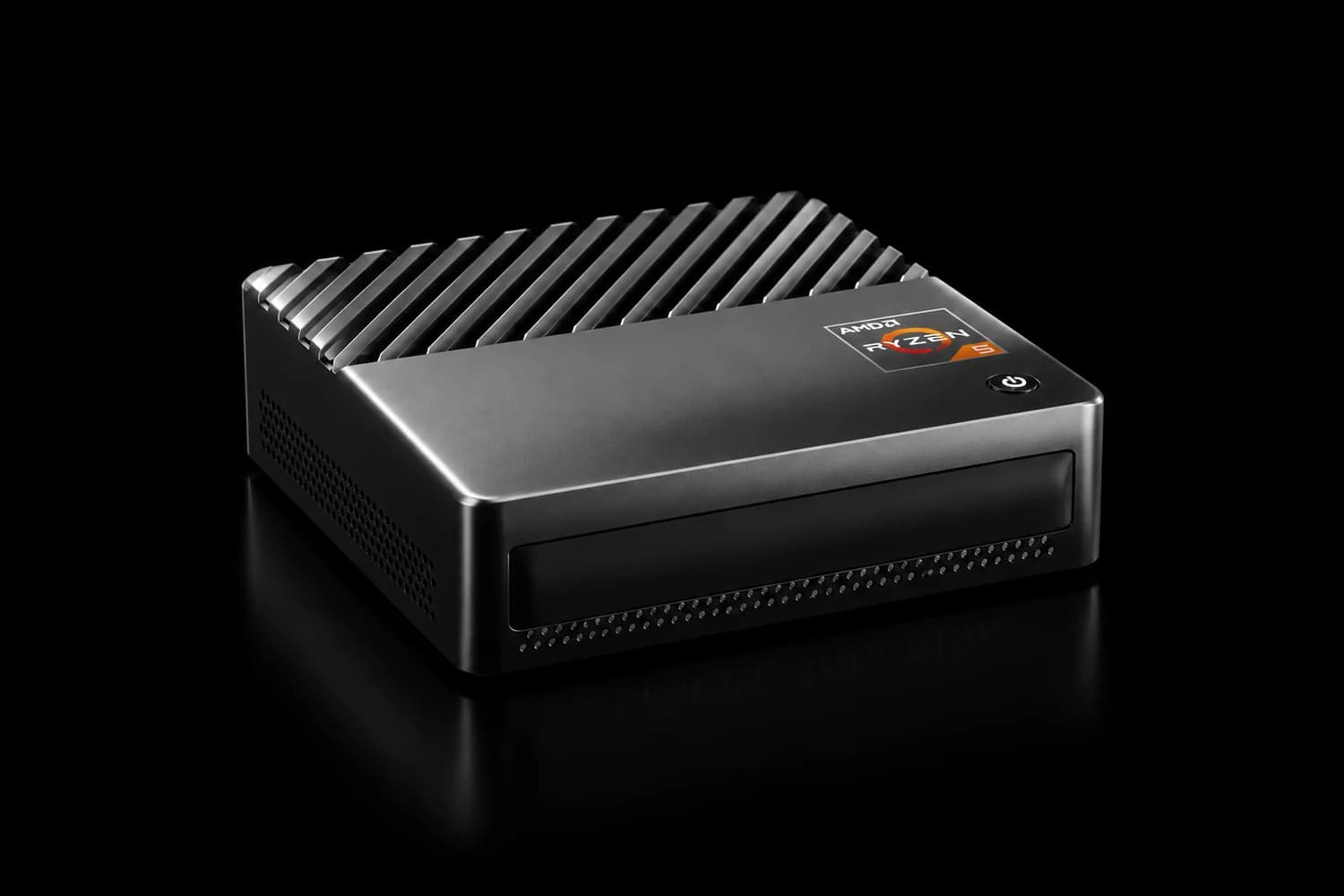
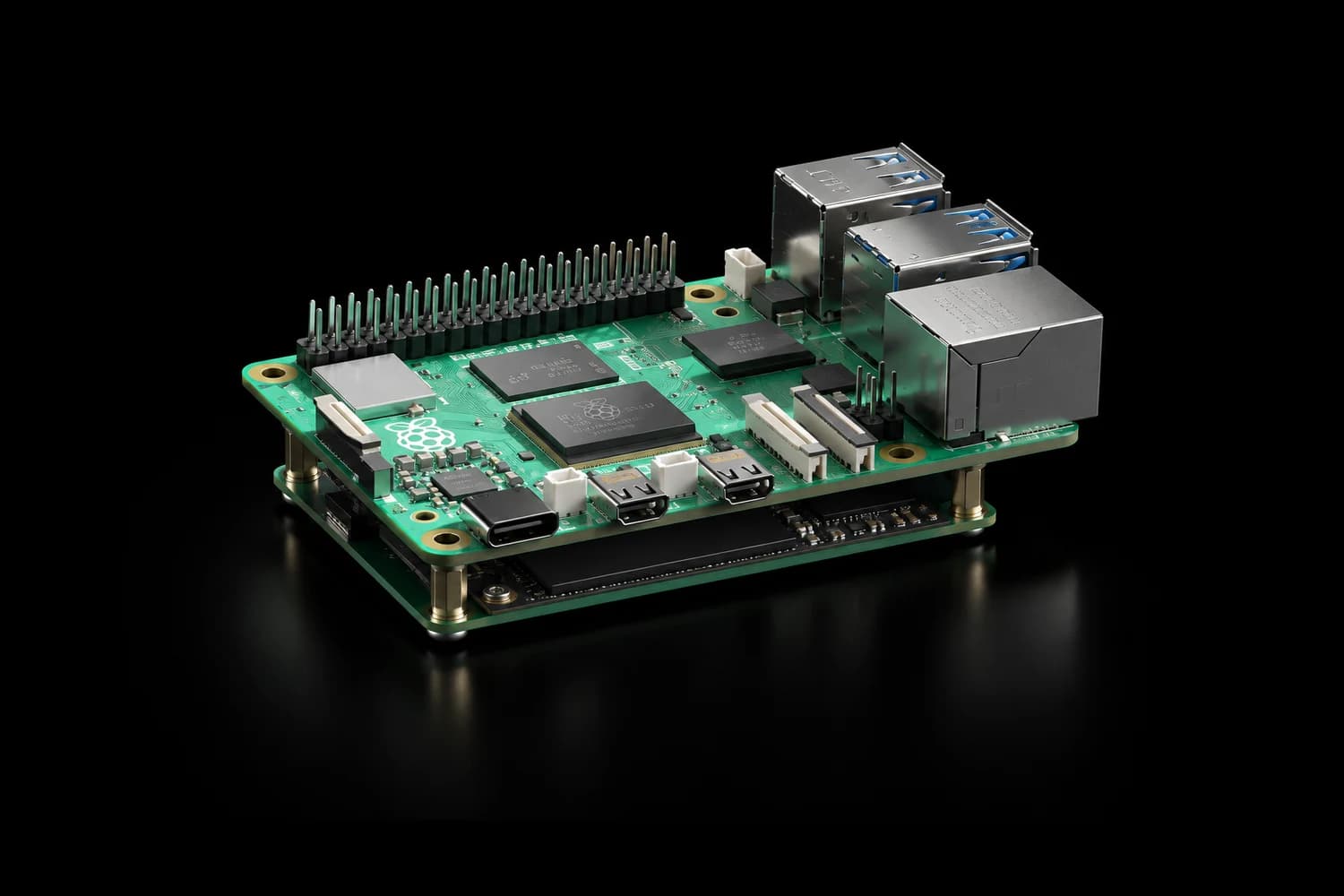
A Raspberry Pi 5, an Intel NAS, and an AMD mini PC, all ready for umbrelOS

Free for personal use. umbrelOS is released under the PolyForm Noncommercial License, so running it at home costs nothing. Building a product on umbrelOS? For OEM licensing and partnerships, we'd love to hear from you at partner@umbrel.com.

Intel & AMD

Most 64-bit machines: mini PCs, old laptops, desktops, NAS boxes, servers. umbrelOS boots from one drive and keeps your apps and files on the rest.

Where umbrelOS lives

Download umbrelOS image

Processor
64-bit Intel or AMD, dual-core or better
Memory
4 GB, 8 GB or more recommended
Storage
A 32 GB drive for umbrelOS, plus your drives for apps and files

Flash

  1. 1Download the umbrelOS image.
  2. 2Flash it to a USB drive of 32 GB or more with Balena Etcher. A USB SSD is ideal, and a good-quality USB stick works too. The drive gets erased.

Boot

  1. 3Plug the drive into your machine, connect an ethernet cable to your router, and power on.
  2. 4If it starts from an internal drive instead, make USB the first boot option in your BIOS and leave it that way. umbrelOS boots from this drive every time.
  3. 5Give it about five minutes, then open umbrel.local in your browser. If your machine has internal drives, umbrelOS asks how you want to use them.

Good to know

  • Leave the USB drive plugged in. It's where umbrelOS lives. Your apps and files live on your internal drives.
  • Storage Manager and FailSafe appear once you have two or more internal drives.
Full guide

Stuck? Ask the community forum or hop into Discord.

Questions, answered.

What's new

The biggest umbrelOS update yet.

Accounts for the whole household, entire operating systems in a browser tab, AI agents over MCP, automatic photo backup, a rebuilt App Store, and more.

umbrelOS 2.0
Back up photos instantly. The Photos app, with a library backed up from an iPhone.
Run any OS within Umbrel. Ubuntu, Windows, Fedora, and Android on retro computers.
https on
GPU acceleration
Multiple accounts
Manage Umbrel with AI agents over MCP. Ask an agent to install Plex, and it is done.
FailSafe (RAID) wherever you run umbrelOS: a NAS and a row of mini PCs.
Cloud imports from Google Drive, iCloud, and Dropbox into Umbrel.
Move apps to external drives.
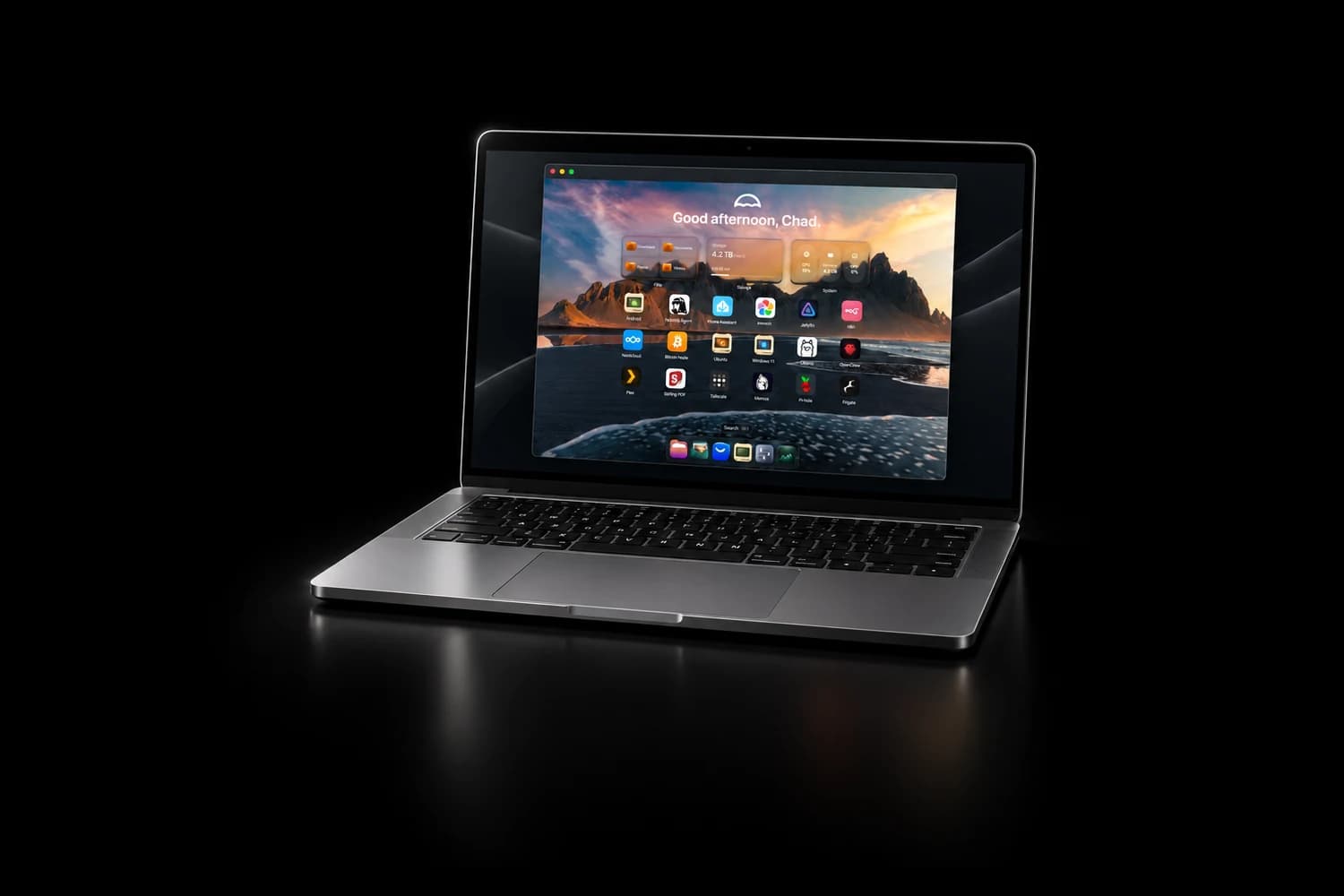
A completely redesigned experience.

Already running umbrelOS?

Skip the download.

Updates arrive over the air, and umbrelOS never installs one without asking. When one is ready, a notification appears on your home screen. Or check right now:

  1. 1Open Settings and scroll to the bottom.
  2. 2Click Check for update.
  3. 3Click Install. Your Umbrel restarts on the new version, and rolls back on its own if anything goes wrong.
How updates work

Want it before everyone else? Join the beta program.

umbrelOS 2.0 Settings, showing the running version

The Umbrel appNEW

Your cloud, in your pocket.

The Umbrel app for iPhone and Mac connects to your Umbrel over your local network, and automatically over Tailscale when you're away from home.

The Umbrel app on iPhone backing up a photo library, next to the Mac app connected to an Umbrel Pro
Photos back themselves up
Every photo and video from your camera roll lands on your Umbrel automatically. No subscription.
Your files, along for the ride
Browse, open, and share anything on your Umbrel from your phone or Mac.
Download for iPhoneDownload for MacWindows (Coming soon)Android (Coming soon)