 umbrelOS


 Browse the Umbrel App Store
Browser-based OS
No monitor, no keyboard, no manual. Open umbrel.local from any device on your network.

10% off Umbrel Home & Pro until Sep 29Celebrate umbrelOS 2.0 with 10% off Umbrel Home and Umbrel Pro until Sep 29.
umbrelOS 2.0NEW
Run your own cloud for photos, files, streaming, AI agents, a Bitcoin node, and 300+ more apps. Install it free on your own hardware, or get it ready to go on an Umbrel.
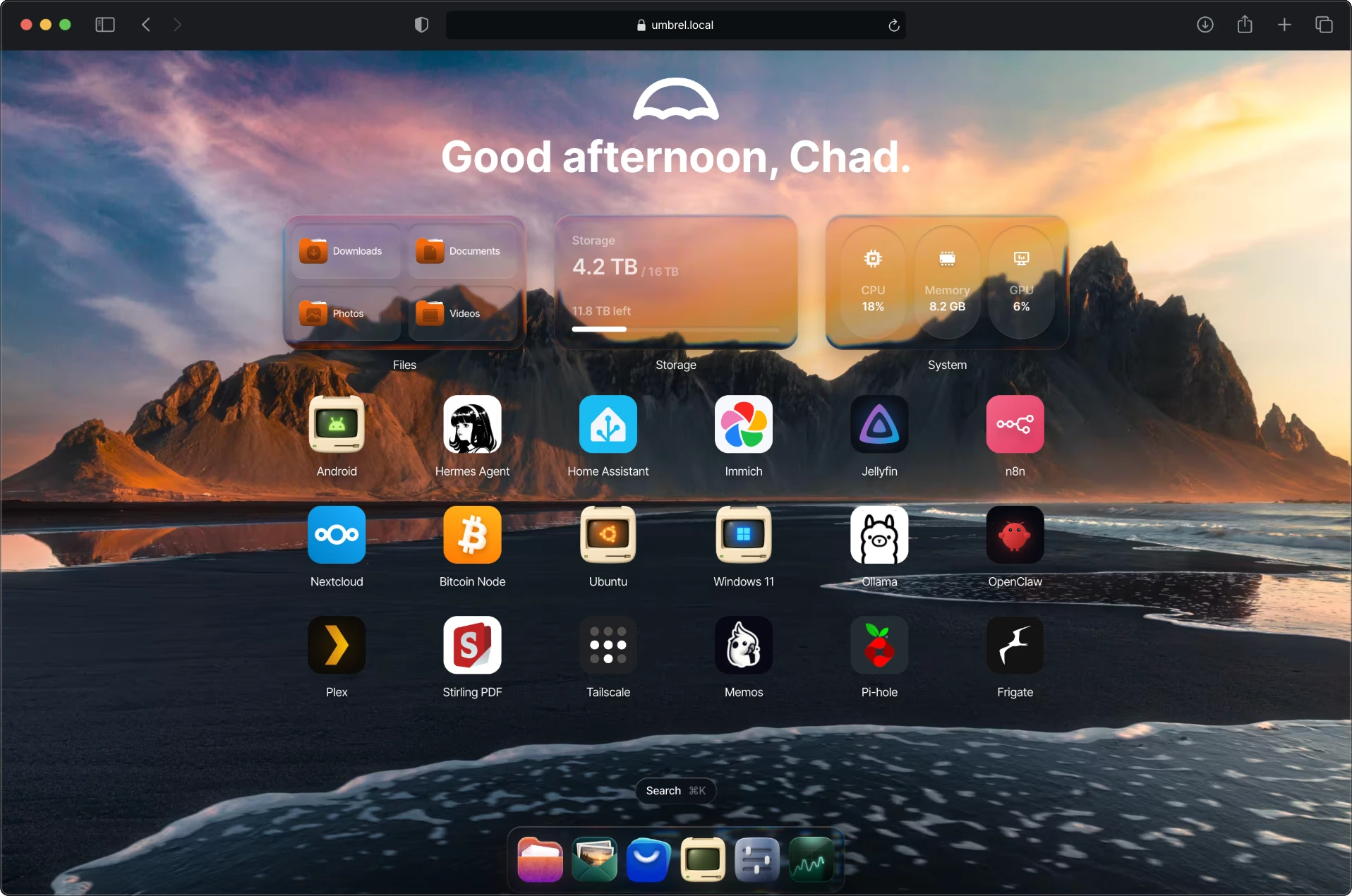
Your own cloud, right in your web browser on any device.
Photos from your phone back up to your Umbrel, on their own.
Ask an AI agent to set it all up for you.Beta
Run Windows, Linux and Android virtual machines, right in a browser tab.
Everyone at home gets an Umbrel of their own.

If a drive fails, FailSafe keeps your data safe.
Bring everything home from Google Drive, Dropbox, OneDrive and iCloud.

Speed up local AI and apps like Jellyfin. umbrelOS finds your GPU automatically.

Point any app at any folder, even one on your NAS.

Open your Umbrel right on your Mac or PC, in Finder and File Explorer.

Umbrel App Store
Photos, passwords, movies, money, AI. If you rent it as a subscription today, there's probably an app here that ends that.
Files
Files, photos, calendars, and shared folders on a cloud that lives with you.
Local AI
Run models, agents, and AI tools right next to your files. Nothing gets sent away.
Bitcoin
Run your node, inspect blocks, connect wallets, and verify everything yourself.
Media
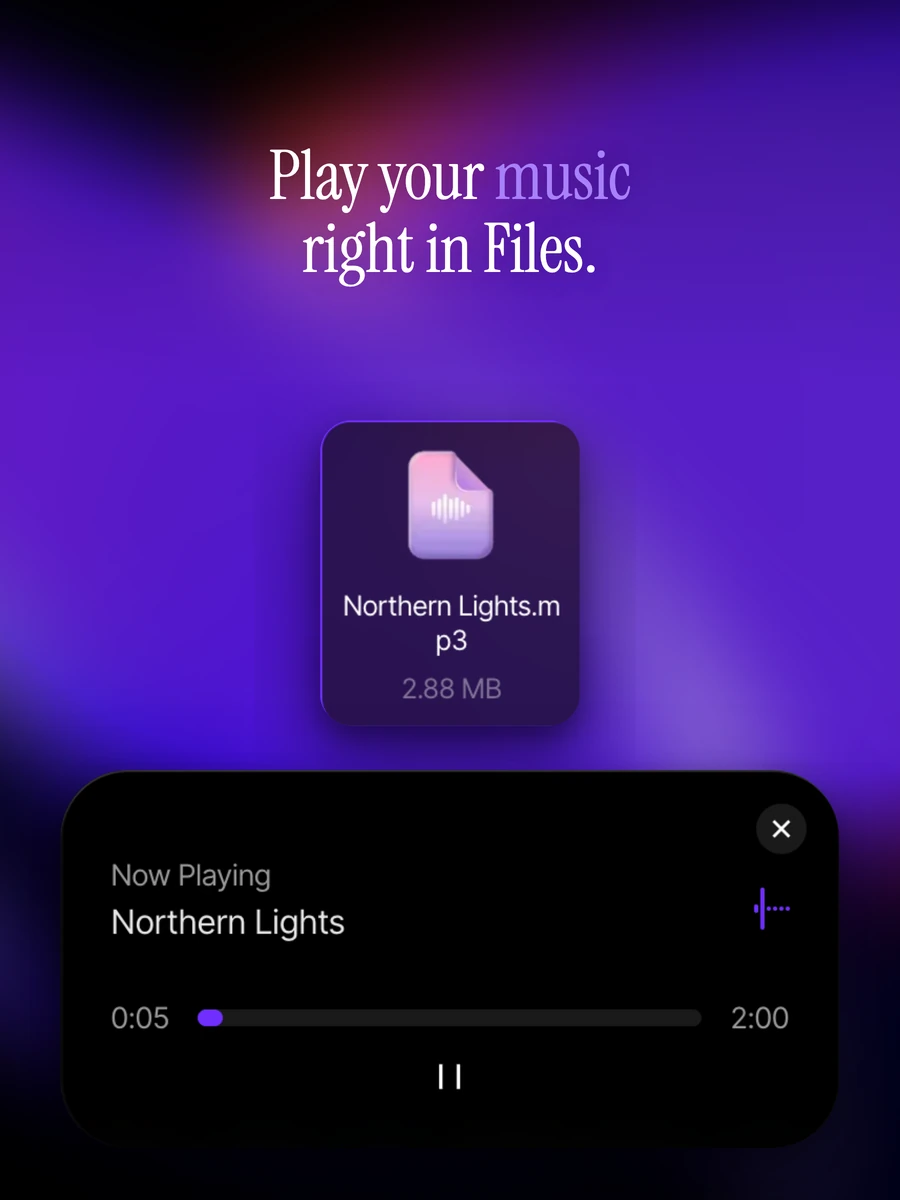
Movies, shows, music, and audiobooks, streamed from your own server, forever.
Network
Block ads on every device. Yes, the entire network, not just your browser.
Automation
Local automations and smart-home control, no distant server required.
Running your own cloud used to mean becoming your own IT department. With umbrelOS, installs, files, backups, and recovery become things you click, not things you configure.
Browser-based OS
No monitor, no keyboard, no manual. Open umbrel.local from any device on your network.
One-click apps
Apps install like it's a phone. One tap. No terminal, ever.

Files: drag, drop, preview, organize.
The way files should have always worked.
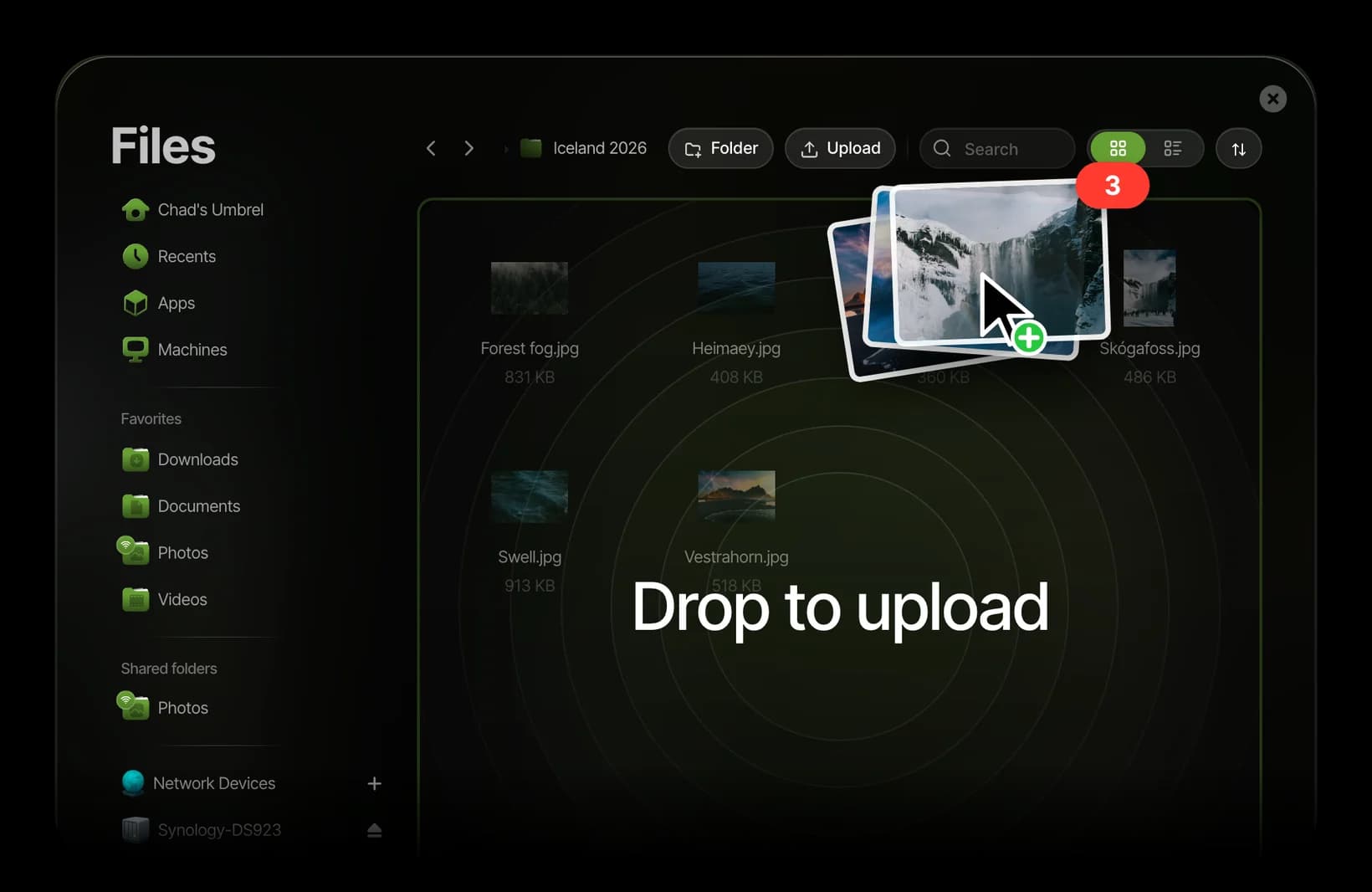
Rewind
Deleted it Tuesday? Get Tuesday back. Scroll back in time and recover exactly what you need.
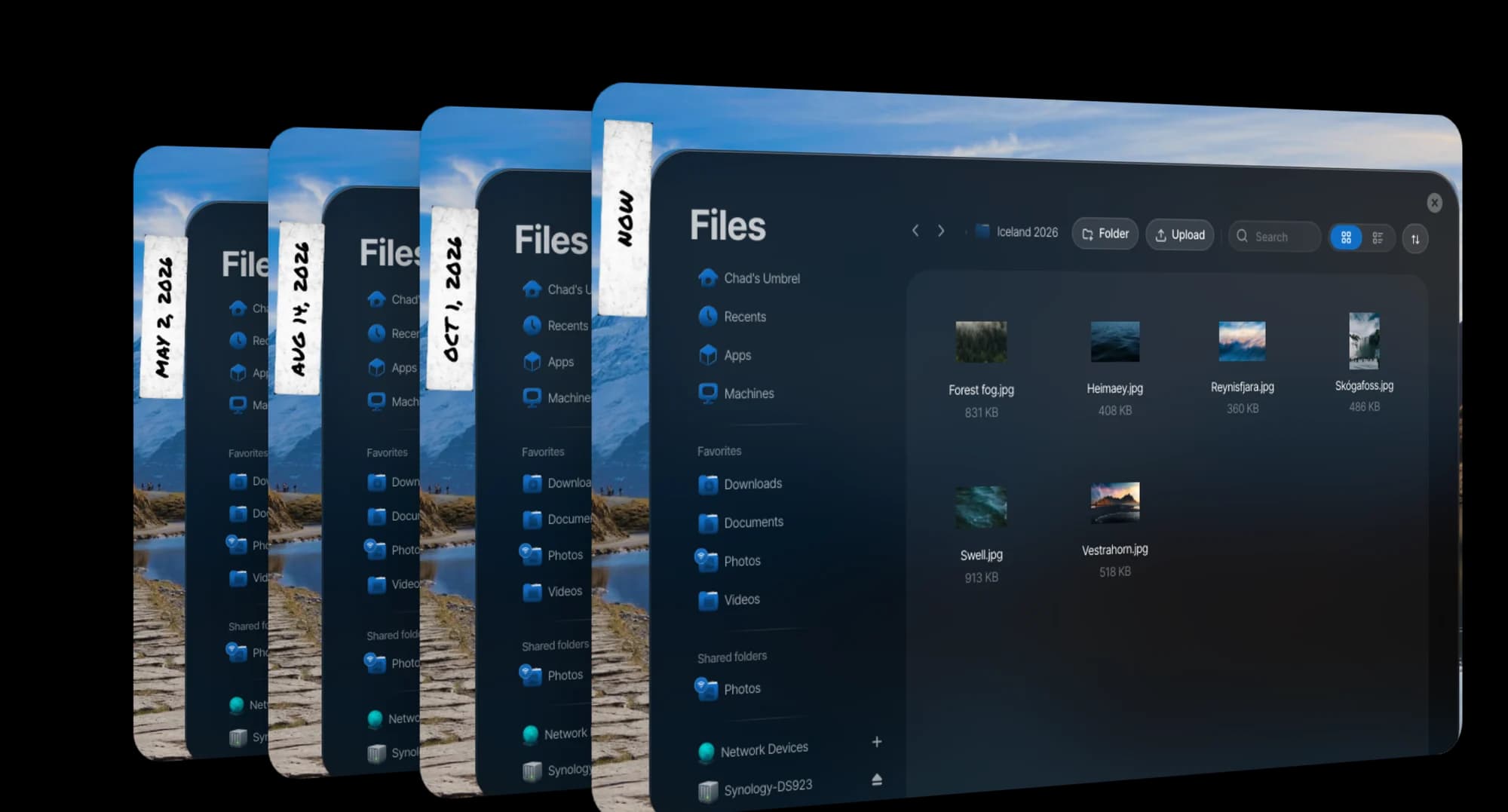
Backups
Backups that actually come back. External drive, NAS, or another Umbrel. Restore in minutes.

Live Usage
Know what your server's up to. Every app's appetite, at a glance.

From your phone to your Umbrel. Take a photo and it shows up in Photos on your Umbrel on its own, with the date and place it was taken.

Find any shot. Search by file name or camera, then narrow by month, album or source. Photos shows just the shots that match.

Albums for the moments that matter. Gather a trip or a year in one place, choose its cover and rename it any time. Live Photos, panoramas and screenshots get collections of their own.

Every place you’ve been. Photos with a location land on a map of the world, worked out on your Umbrel, so it works even offline.

Backed up in the background. The Umbrel app on your phone keeps uploading new photos and videos at home or away, even when it’s closed. Edits are backed up again.
Add a drive, get the space. Add another SSD and FailSafe grows onto it while you keep working, with its progress always in view. When it finishes, the new space is ready to use.

Hard drives, in pairs. With FailSafe on, hard drives pair up as mirrors. If one fails, its twin still has every file, and swapping in a new drive rebuilds the pair.

SSD acceleration. Add an SSD to a hard drive setup and umbrelOS uses it to speed everything up, so apps open faster and heavy tasks finish sooner. Even a small one helps.

A checkup for every drive. See each SSD’s health, temperature and estimated life remaining, with its warning and critical temperatures right beside them.

Apps like Ollama and Jellyfin find your NVIDIA, AMD or Intel graphics and use it automatically.
Keep an app, or just its folders, on a USB drive or a NAS.
Mount shared folders from a NAS or another Umbrel and open them right in Files.
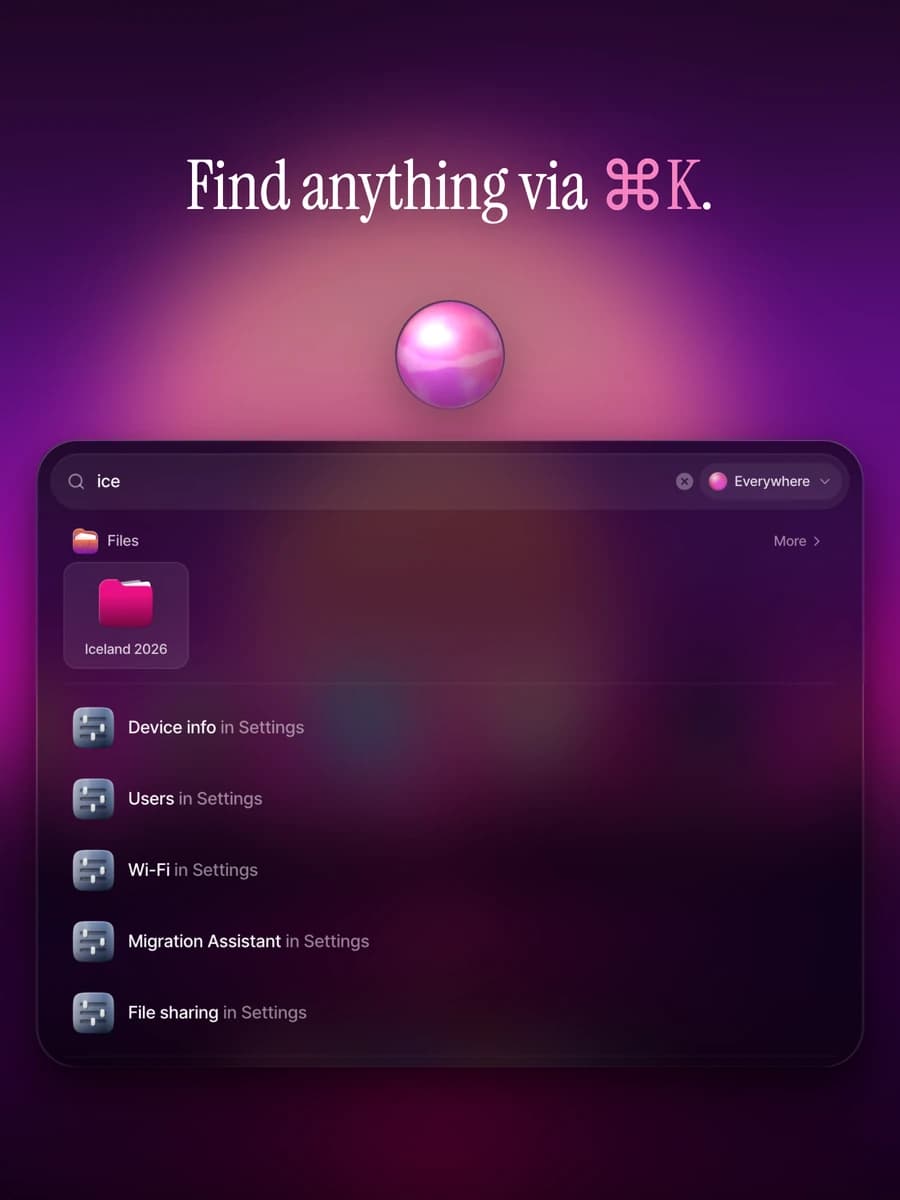
Press ⌘K or Ctrl+K to find any app, file, photo or setting.

See the CPU, memory, storage and GPU each app is using, as it happens.

Add Tailscale and reach your Umbrel securely from anywhere.

A local certificate puts umbrelOS and your apps on HTTPS, right on your network.

Add a second step at sign-in, and see every device that’s signed in.
Everyone in your home can use umbrelOS in their own language.
Most home cloud software stops at "it works." umbrelOS keeps going, until every click, keystroke, and right-click feels considered.


Your photos, files and apps live on a device in your home, not on someone else's servers. Here's how umbrelOS keeps it that way.

umbrelOS source code is available publicly on GitHub.
Your Umbrel lives on your network and answers only to you. There's no company website to sign into just to reach your own server. Open umbrel.local and you're in.

Apps run in isolated containers, each with its own data. One app can touch another's files only when you grant it permission.

Every app in the Umbrel App Store is packaged in the open and reviewed before it ships, with source code a click away. Built something worth self-hosting? Put it on thousands of Umbrels.
Best for people who enjoy the DIY setup as much as the result, along with the tinkering and learning process.
Best for first-timers and anyone who wants a private cloud for files, photos, media, backups, or a Bitcoin node, without a weekend project.
Best for power users who want serious storage, local AI, and headroom for years of growth.
Real posts from people who moved their digital life home.
 Oliur@UltraLinx · Mar 3, 2026It's wild how smooth the OS is
 vryfokkenou@vryfokkenou · May 27, 2026Three weeks ago I bought an @umbrel for $500.
I plugged it in and installed OpenClaw. Connected it to Claude. And started building.
I didn't know what I was building. I just started.
I've never written a line of code in my entire life.
Three weeks later I have an AI agent
vryfokkenou@vryfokkenou · May 27, 2026Three weeks ago I bought an @umbrel for $500.
I plugged it in and installed OpenClaw. Connected it to Claude. And started building.
I didn't know what I was building. I just started.
I've never written a line of code in my entire life.
Three weeks later I have an AI agent BTC Sessions 😎@BTCsessions · May 22, 2026I just automated Hermes Agent on @umbrel. I used it to install and set up a bunch of apps, then asked it to download a movie "Batman Begins" (a classic) which automatically appears in my Jellyfin library. I can now view it and stream it from my phone with the help of tailscale.

 kitze 🛠️ tinkerer.club@thekitze · Mar 13, 2026i love pressing the "update all" button in umbrel os lol
self hosting fucking rocks
kitze 🛠️ tinkerer.club@thekitze · Mar 13, 2026i love pressing the "update all" button in umbrel os lol
self hosting fucking rocks
 GranLibertador@gran_libertador · Mar 19, 2024God damn, @umbrel This some serious gourmet shit...
 PurgeReady@MikeOnBTC · Apr 21, 2026Been using @umbrel forever. Its legit.Oliur@UltraLinx · Feb 20, 2026Seriously impressed with the Umbrel Pro. The OS is by far the nicest NAS OS I've used. It actually lives up to the marketing hype and website.

 Stellie 🟠@stelliogd · May 31, 2026🤝 love my @umbrel - powering my entire ai agent system…always on, always reliable.
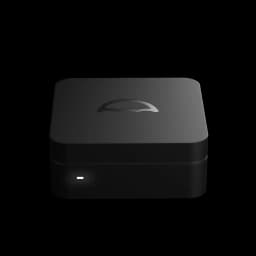
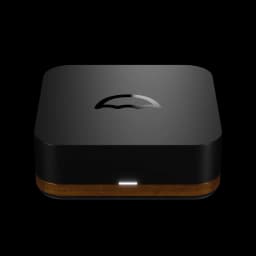
Download umbrelOS for hardware you already have, or get an Umbrel that's ready the moment you plug it in.


